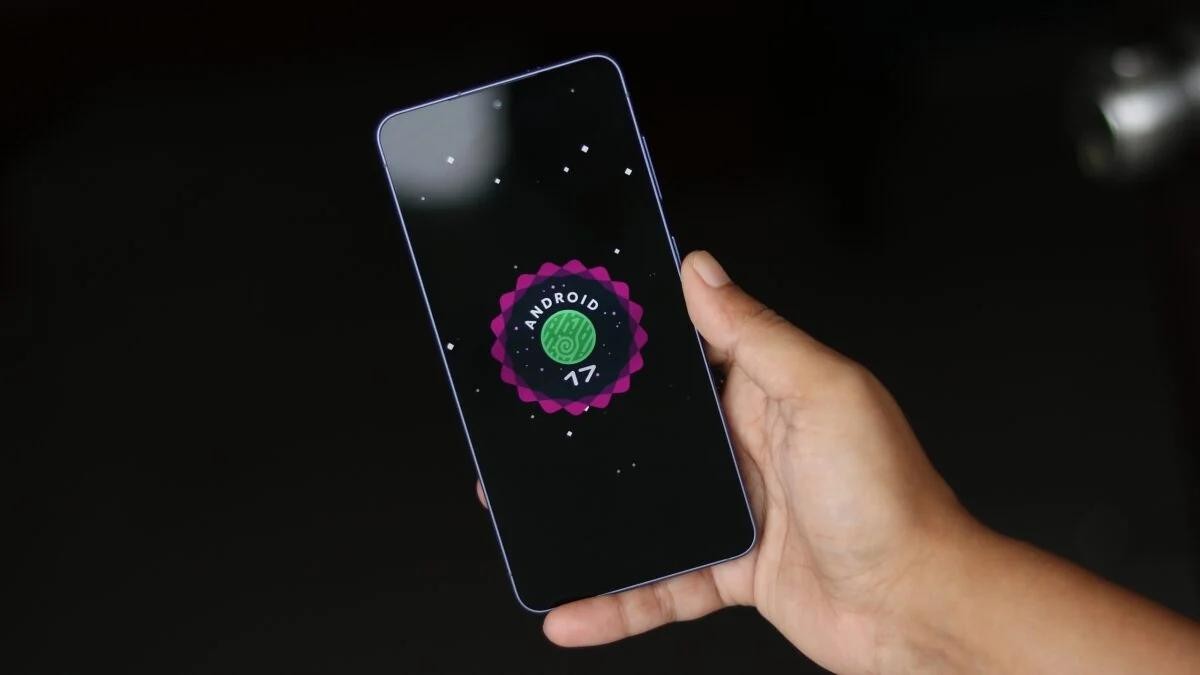
Android phone running slow: 10 practical ways to speed it up
Phone freezing and apps opening slowly? Simple, free steps to speed up Android without buying a new phone.

Over time, almost every Android phone slows down: apps open with a delay, the interface stutters, the battery drains fast. In most cases the problem isn’t the phone itself but a full storage and unnecessary apps. Here are free steps that give quick results.
1. Restart the phone
The simplest but effective step. If a phone isn’t turned off for a long time, its memory fills up and it slows down. A weekly restart solves many problems.
2. Free up storage
If internal storage is full, the phone slows down sharply. In Settings → Storage, see what takes up the most space. Clear the Telegram cache, old videos and photos. Keep at least 10–15% of space free.
Read alsoPhone battery draining fast: the 10 main causes and how to fix them3. Uninstall apps you don’t need
Remove anything you haven’t opened in a month. Every app uses memory and battery in the background. In particular, so-called “cleaner” and “booster” apps often slow the phone down instead — remove them.
4. Limit background apps
Some apps run in the background even when you don’t use them. Settings → Apps → choose an app → battery → restrict background activity. This saves speed and battery.
5. Clear app cache
Instagram, the browser and games build up hundreds of megabytes of cache. Settings → Apps → app → Storage → Clear cache. This doesn’t delete your data, only temporary files.
6. Reduce home-screen widgets and animations
Many widgets, live wallpapers and extra animations slow the phone down. Simple wallpaper and fewer widgets make the interface smoother.
7. Speed up animation (advanced)
By enabling “developer mode” (Settings → About phone → tap “Build number” 7 times), set the animation scale to 0.5x. The phone will feel visually faster.
8. Install system updates
Settings → System → Update. Updates often improve speed and security. Keep apps updated through the Play Store too.
9. Check for viruses and adware
Apps installed from outside the official store can bring ads and malware. Scan with Google Play Protect (Play Store → profile → Play Protect).
10. Last resort — factory reset
If nothing helped, back up your important data and reset the phone to factory state (Settings → System → Reset). This speeds the phone up “like new”.
The bottom line
Three steps give the fastest results: restart, free up storage and remove unnecessary apps. Don’t spend money or trust on “cleaner” apps — they usually don’t help. With these simple habits your phone will be fast again.