Domicile: How to Build Your Own Linux Desktop with HTML and CSS
Explore Domicile, an experimental project that turns a Linux desktop into a web page powered by Chromium, Wayland, and CSS customization.
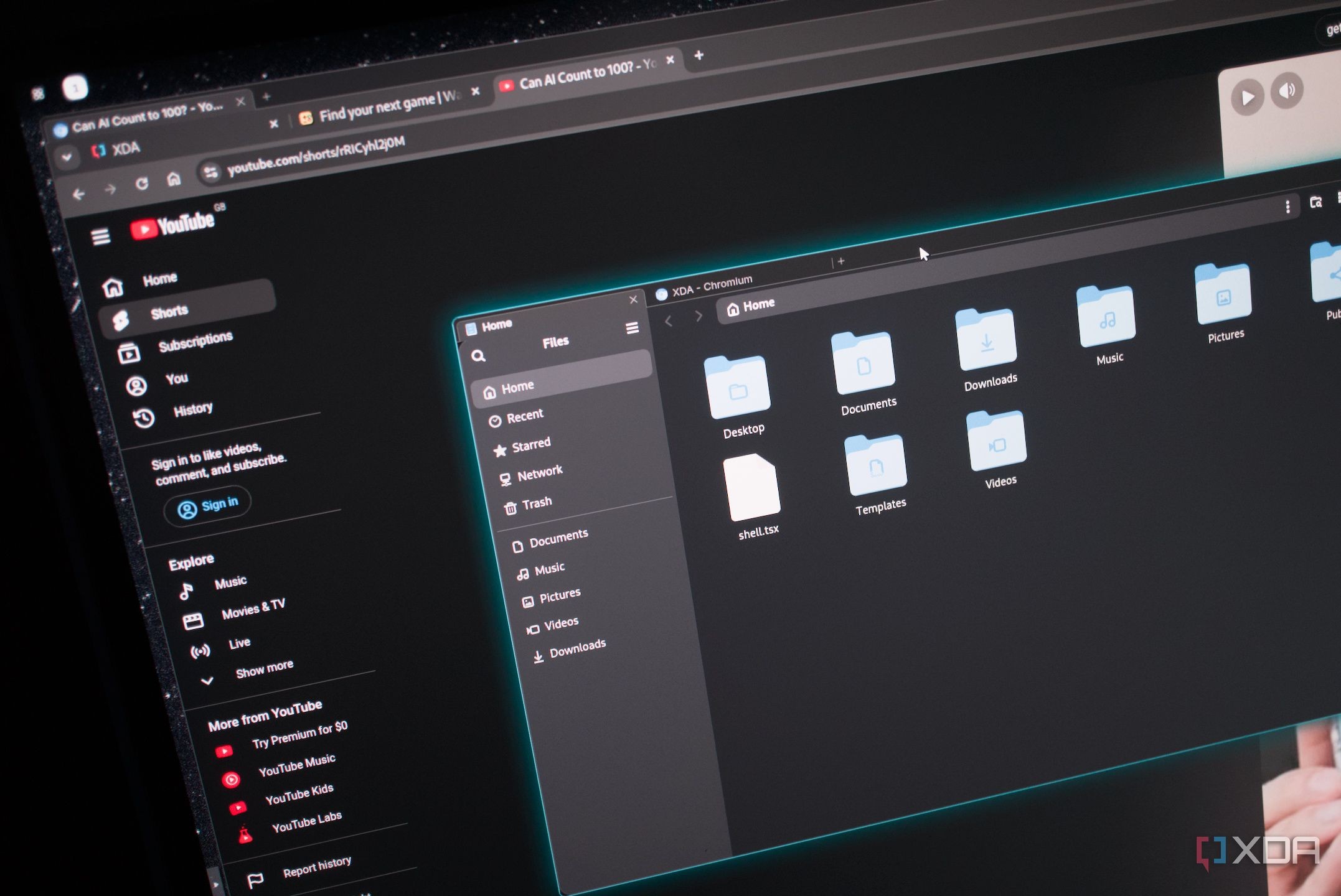
The Linux ecosystem is vast and full of unique distributions, but experimental setups like Domicile truly push boundaries. This project allows tech enthusiasts to design and assemble their very own Linux desktop environment using standard web technologies like HTML and CSS.
Key highlights: - Modified Chromium acts as the Wayland compositor. - Native apps and websites are rendered as DOM elements. - Desktop styling is fully managed via CSS properties.
How Domicile Works in Practice
Instead of a traditional desktop environment, Domicile treats the entire operating system interface as a single web page. After installing it on a reliable Linux base like Debian, users can launch a dedicated session that heavily resembles the web-first philosophy of ChromeOS.
During testing, minor quirks arose—such as Firefox refusing to respond to mouse inputs, which led to using Chromium natively within the setup. RAM consumption sits around 3GB baseline and hits approximately 3.5GB with a few browser tabs open, reflecting the heavy web-tech foundation.
Read alsoTurning an Android TV Box into a Linux Mini ServerLimitless Customization via CSS
What makes Domicile stand out is the sheer level of control over the desktop's appearance. By leveraging CSS Flexbox, Grid, border-radius, and box-shadow properties, you can arrange windows and build custom layouts without needing to write a traditional Wayland compositor from scratch.
The default Manganese shell provides a solid starting point, but developers can build custom shells using React, HTML, and CSS. Whether you want a minimalist tiling layout or a futuristic control panel look, the possibilities are vast for web developers.
What This Means for Users and Developers
While Domicile remains experimental software with some rough edges and noticeable resource consumption, it brilliantly demonstrates the extreme flexibility of Linux. It serves as a fascinating entry point for anyone wanting to experiment with alternative desktop paradigms.
Source: XDA