How to clean your messy contacts list using Gemini in Google Sheets
Discover how to use Gemini integration in Google Sheets to quickly organize and purge duplicates from your cluttered address book.
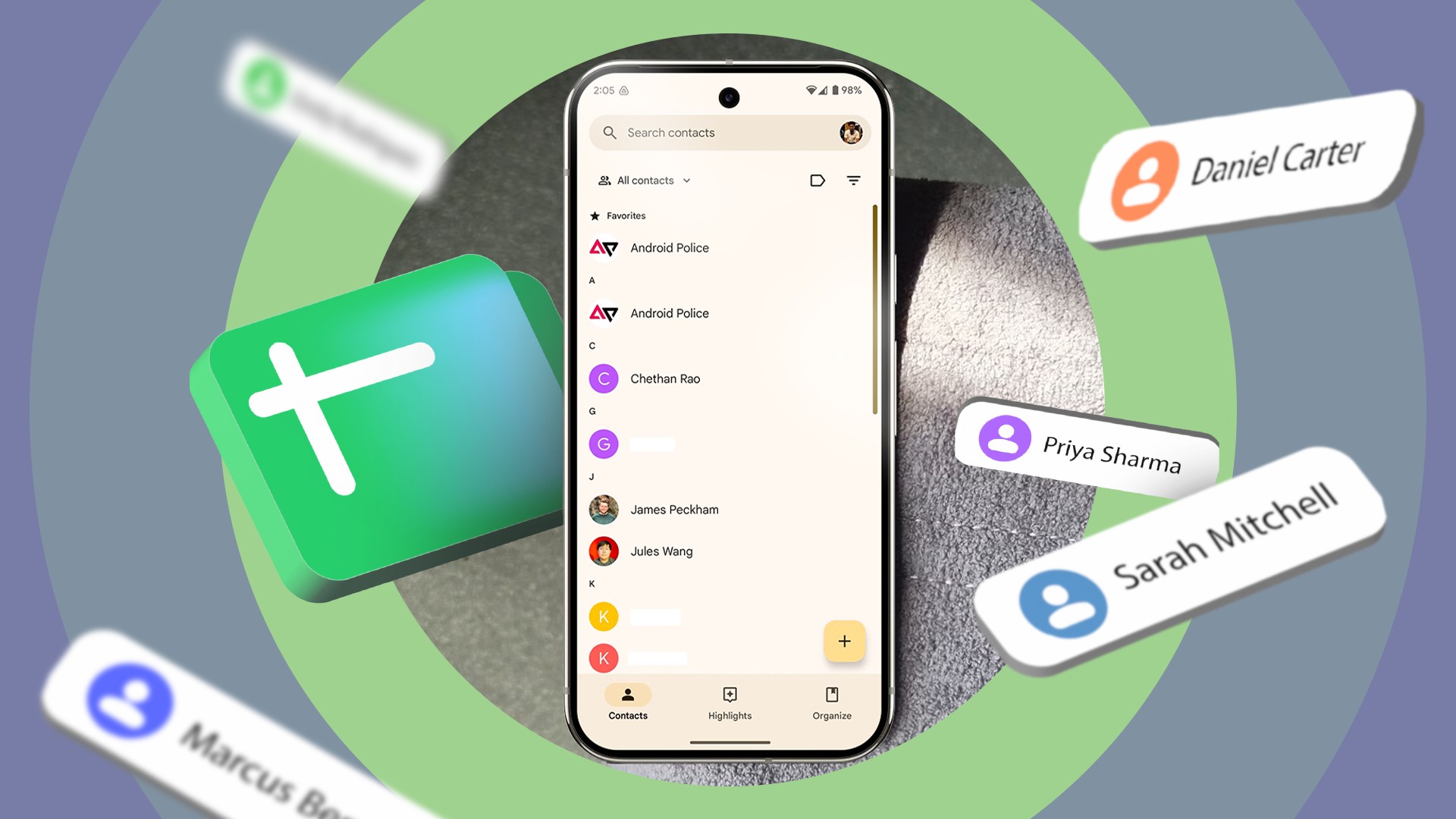
Over the course of a decade, an address book can easily accumulate over a thousand disorganized contacts. Manually sorting through outdated entries and duplicates is tedious, which is why many people avoid it for years. Fortunately, the integration of Gemini into Google Sheets provides a powerful AI-driven solution to clean up digital clutter in minutes.
- Export your contacts from Google Contacts as a CSV file using the web version.
- Upload the file to Google Sheets and open the Gemini side panel.
- Prompt Gemini to organize entries following the standard Google Contacts layout.
- Delete old entries, import the cleaned CSV file, and sync across devices.
Why standard merging tools fall short
The built-in merge and fix feature in Google Contacts is helpful, but it only checks for exact duplicates. It cannot filter out inactive entries, junk contacts, or fix formatting inconsistencies. When dealing with hundreds or thousands of contacts, reviewing each one manually requires hours of tedious work that most users prefer to avoid.
Step-by-step process using Google Sheets
Read alsoGoogle Gemini in Gmail: How AI Reads Your Emails and How to Turn It OffTo begin, navigate to contacts.google.com on a desktop browser and export your address book as a CSV file. Using the desktop version of Google Sheets is strongly recommended because the mobile app lacks proper file support and full Gemini capabilities. Once imported into the spreadsheet, you can leverage Gemini to restructure and clean the data efficiently.
Crafting the right prompt for Gemini
Success depends heavily on how you instruct the AI. You should ask Gemini to act like a professional organizer, flagging duplicates, inactive entries, and fixing proper capitalization while strictly following the default Google Contacts column layout. Maintaining exact header tags ensures the cleaned file imports smoothly without errors.
Benefits for users and professionals
Using Gemini in Google Sheets saves considerable time for anyone dealing with a bloated, neglected address book. Instead of spending an entire weekend manually deleting forgotten numbers, automated spreadsheet processing lets you restore order quickly and sync a pristine contact list across all your devices.
Source: Android Police