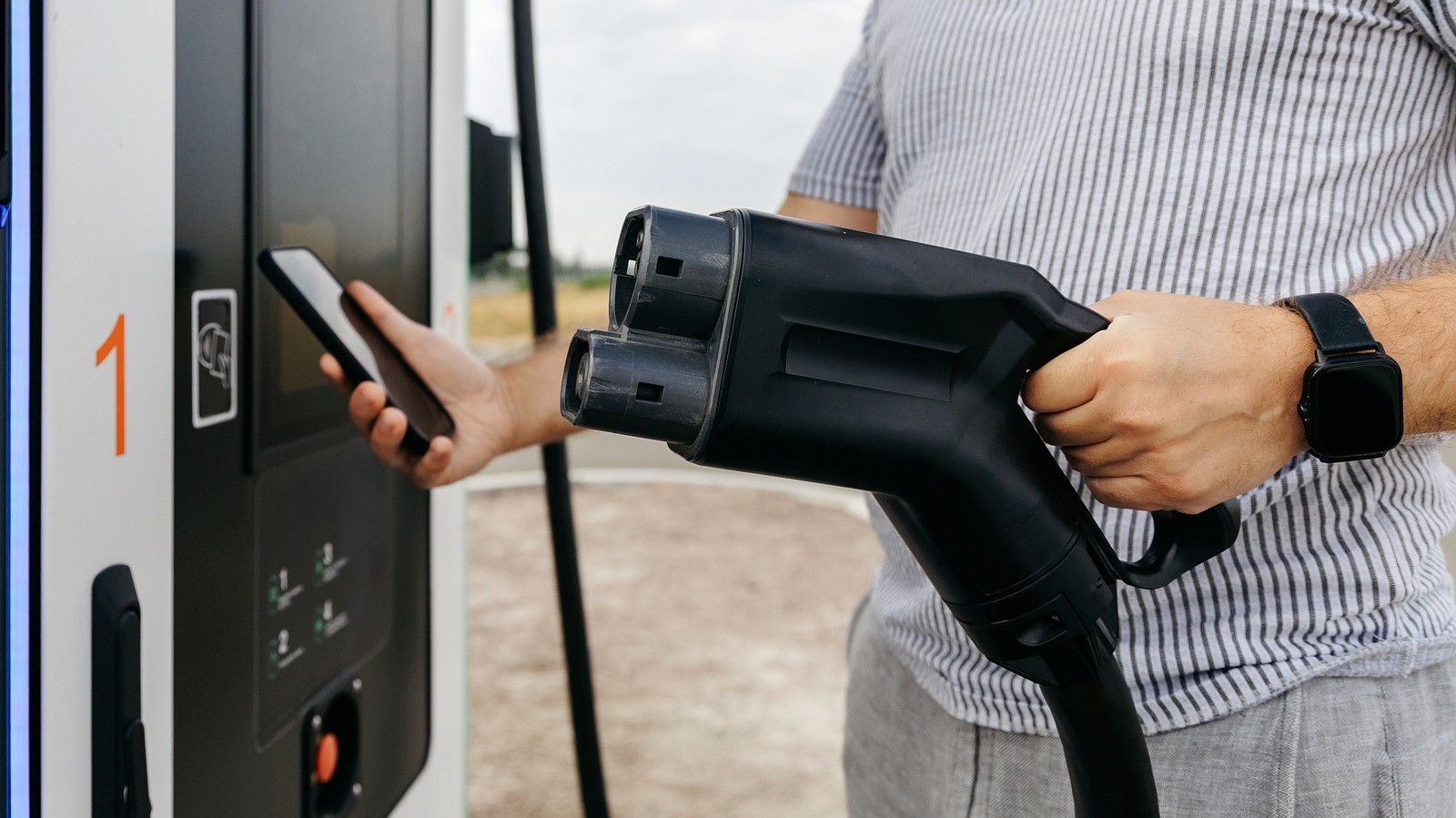
Planning long road trips in an electric vehicle requires careful attention to charging stops and battery levels. Modern navigation apps like Google Maps and Apple Maps offer built-in EV routing to help you find compatible chargers along your route. However, whether these features work depends on your specific car model, smartphone, and app versions.
- Smart trip planning: apps automatically suggest charging stops based on your remaining battery;
- Compatibility checks: not all vehicles support direct EV integration and require setup;
- Extra software: some automotive brands require manufacturer apps or fast-charging adapters.
Checking your car compatibility for CarPlay and Android Auto
Having CarPlay or Android Auto does not automatically guarantee support for EV-specific routing features. Vehicles like Ford Mustang Mach-E, F-150 Lightning, and Toyota's 2023 and newer electric models support Apple Maps EV routing. Google also expanded Android Auto charging recommendations to more than 350 US EV models.
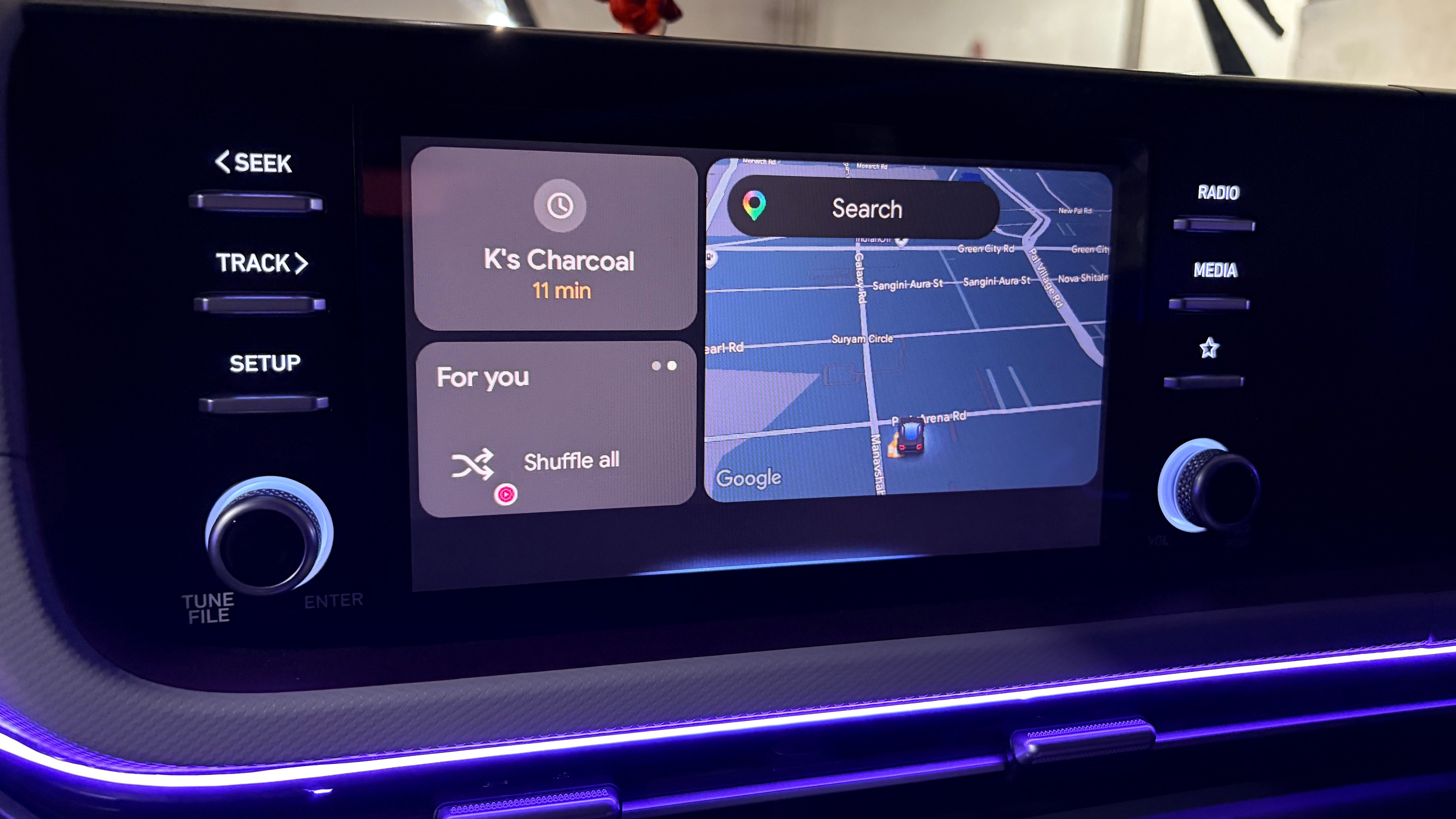
Keep in mind that Android Auto is different from having Google Maps built directly into your car's infotainment system. Built-in navigation systems have direct access to your car battery telemetry, while phone projection depends on correct app permissions and vehicle setup.
Setting up Apple Maps EV routing through CarPlay
There are multiple ways to connect your EV to Apple Maps. For vehicles that do not require a separate manufacturer app, connect your iPhone to CarPlay, search for your destination, and tap Connect above the route options. If your car requires a companion app, download it from the App Store and link your vehicle via the profile settings in Apple Maps.
During setup, you can configure preferred charging networks such as Tesla Superchargers for certain Ford models, provided you have the correct charging adapter. Once connected, Apple Maps tracks your battery levels and recommends optimal charging stops along your journey.
Configuring EV profiles and routes in Google Maps
To ensure battery estimates work properly, verify that Google Maps is updated to version 25.44 or later. Go to your profile settings, select Your vehicles, and choose Electric as your engine type. Enter your vehicle make, model, year, and plug types before saving the changes.
When connected to Android Auto, confirm your vehicle details when prompted. When planning a trip, enter your starting battery percentage, and Google Maps will automatically add charging stops and predict your arrival battery level. Always monitor live driving conditions and weather, as they impact battery consumption.
What this means for electric vehicle drivers
Automated EV routing significantly reduces the stress of long-distance travel by eliminating the guesswork of finding compatible chargers. While third-party alternatives like A Better Routeplanner offer advanced features, native support in Apple and Google maps covers daily needs. Properly setting up your vehicle profile ensures a smoother and safer driving experience.
Source: Engadget - Technology News & Expert Reviews