iPadOS 27.3 Beta brings Siri camera upgrade and Apple Pencil support
Discover how to access the new Siri tab and Visual Intelligence features in the iPad Camera app ahead of the official December release.
Apple users willing to install early beta versions can now experience upcoming software features ahead of their public launch. The latest iPadOS 27.3 beta introduces the Siri camera mode to compatible iPads, bringing advanced AI capabilities straight to the tablet's viewfinder.
- Visual Intelligence is accessible from a brand-new tab in the iPad Camera app.
- iPads feature exclusive Apple Pencil support for circling objects like Google's Circle to Search.
- The public release of iPadOS 27.3 is officially expected in December.
- Users can install the beta through the standard software update settings menu.
Exploring Visual Intelligence on iPads
First unveiled during the Worldwide Developers Conference in June, Siri AI is expanding its reach across Apple's ecosystem. The tool brings visual search capabilities directly into the camera application, allowing users to ask questions about items in their environment.
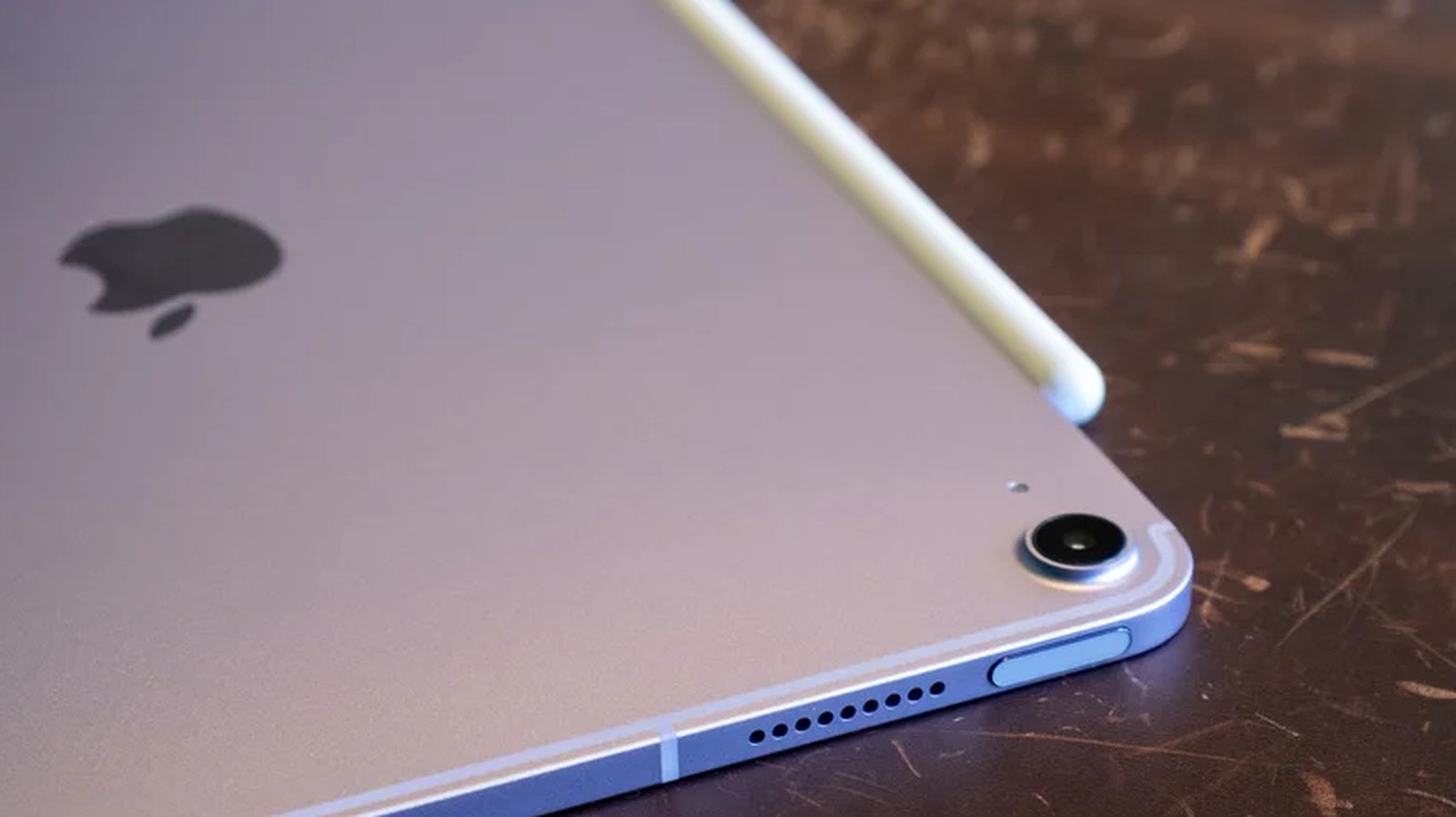
However, iPads receive a unique capability that is currently unavailable on iPhones. Thanks to Apple Pencil integration, users can capture a photo and draw a circle around any item to query Siri AI, functioning very similarly to Google's popular Circle to Search feature.
Read alsoiPhone Duo 2 could get Face ID, but Apple is running out of timeInterface Updates and Beta Availability
In iPadOS 27.3, Apple is introducing a streamlined navigation method within the camera app. Instead of relying solely on physical buttons, users can simply swipe through viewfinder options like photo, video, and portrait modes to reach the dedicated Siri tab.
While the public launch is anticipated for December, the initial beta build became available in early November. Users can enable developer or public betas directly within the device settings under General and Software Update.
Preparation and Safety Precautions
Before installing any beta operating system, it is crucial to back up your iPad using iCloud, a Mac, or a Windows PC. Because pre-release software may contain bugs or unstable elements, safeguarding your personal data ensures a secure transition.
Users who prefer absolute system stability can safely wait for the official public rollout. The Siri camera integration will automatically be included in the stable update once Apple releases it to all compatible tablets.