
Mozilla Firefox as a PDF reader: how it replaced Adobe Acrobat
Discover how Mozilla Firefox's built-in PDF tools and PDF.js engine can replace dedicated desktop apps for everyday document workflows.
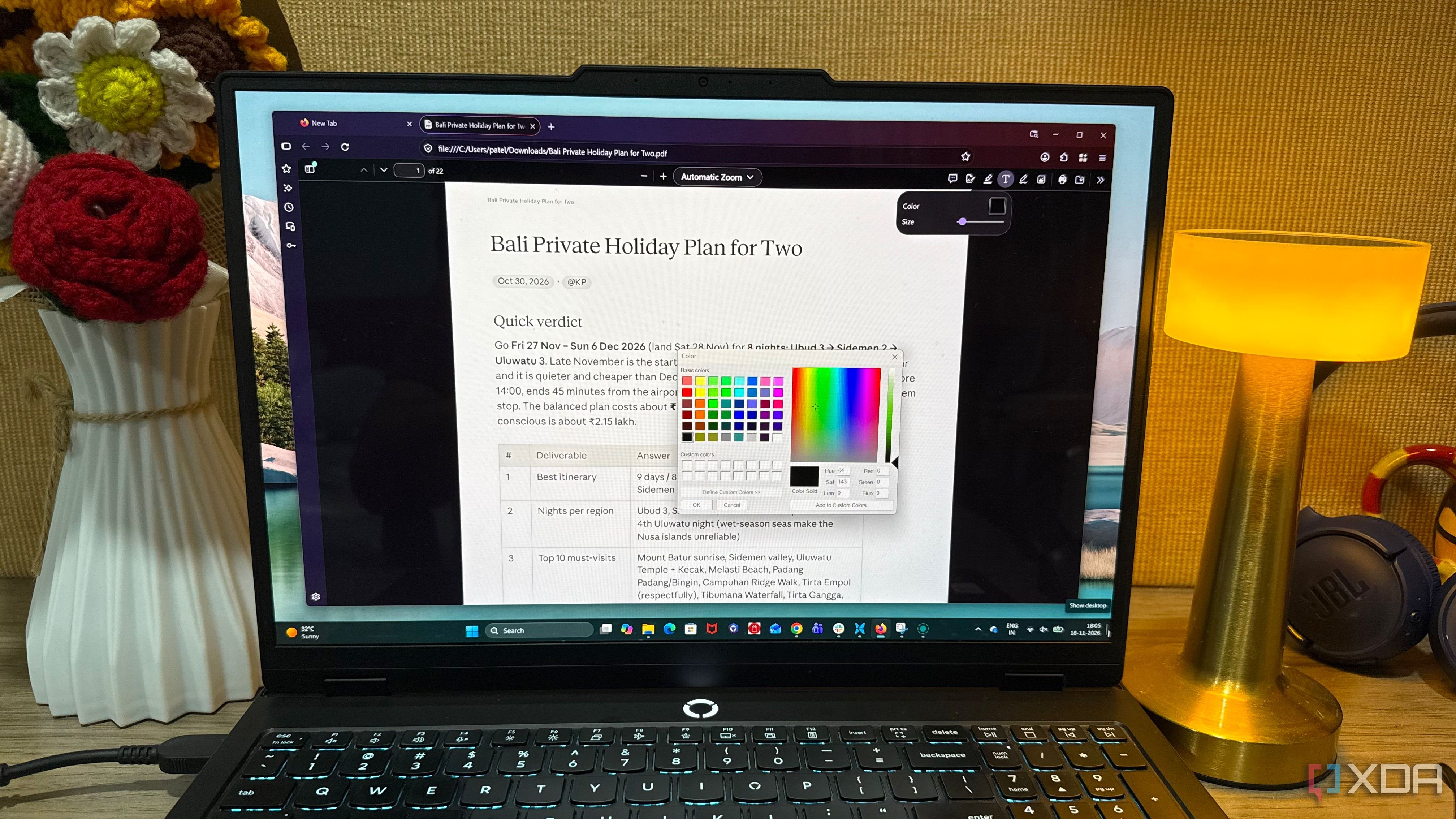
Many users think of Mozilla Firefox strictly as a web browser, overlooking its surprisingly powerful built-in PDF capabilities. For routine document handling, reviewing, and editing, Firefox can easily replace heavy standalone applications like Adobe Acrobat. By keeping research and PDFs inside browser tabs, it creates a much more streamlined desktop workflow.
- Firefox features a robust built-in PDF.js open-source rendering engine.
- Users can merge documents, rearrange pages, and add annotations or signatures directly.
- AI-assisted integrations help summarize lengthy reports quickly and efficiently.
The Power of PDF.js and Navigation
The secret behind Firefox's PDF prowess is PDF.js, an open-source JavaScript-based rendering technology developed by Mozilla. Setting Firefox as the default PDF viewer in Windows opens documents instantly inside a browser tab with a double-click. A comprehensive sidebar displays page thumbnails, outlines, and a search box to help users navigate extensive reports without friction.
Editing, Merging, and Signing Documents
Read alsoTrump Proposes Ban on US Data Centers Abroad: Tax or ProhibitionBeyond basic viewing, the editing toolbar allows users to add text, highlight passages, draw notes, and insert images without switching apps. Combining multiple PDFs, extracting specific pages, and rearranging document layouts is straightforward. Additionally, users can save and apply signatures by typing, drawing, or uploading an image for routine paperwork.
AI Features and Limitations
Firefox goes further by integrating AI chatbot features to summarize or proofread selected PDF content. However, it is not a complete replacement for specialized software: it lacks advanced OCR for scanned pages, batch processing, file compression, and secure redaction that permanently removes underlying data.
Conclusion for Desktop Efficiency
For standard tasks like reviewing files, adding annotations, and signing quick paperwork, Firefox delivers a seamless experience. It reminds users that familiar software often holds untapped potential, reducing desktop clutter and eliminating the need for dedicated PDF applications during regular workflows.
Source: XDA