nv-uefi-unlocker USB tool removes Nvidia GPU tensor limits on Windows
An open-source UEFI tool, nv-uefi-unlocker, lifts Nvidia tensor rate caps on RTX 20, 30, and 40-series desktop and laptop GPUs running on Windows.
·3 min read
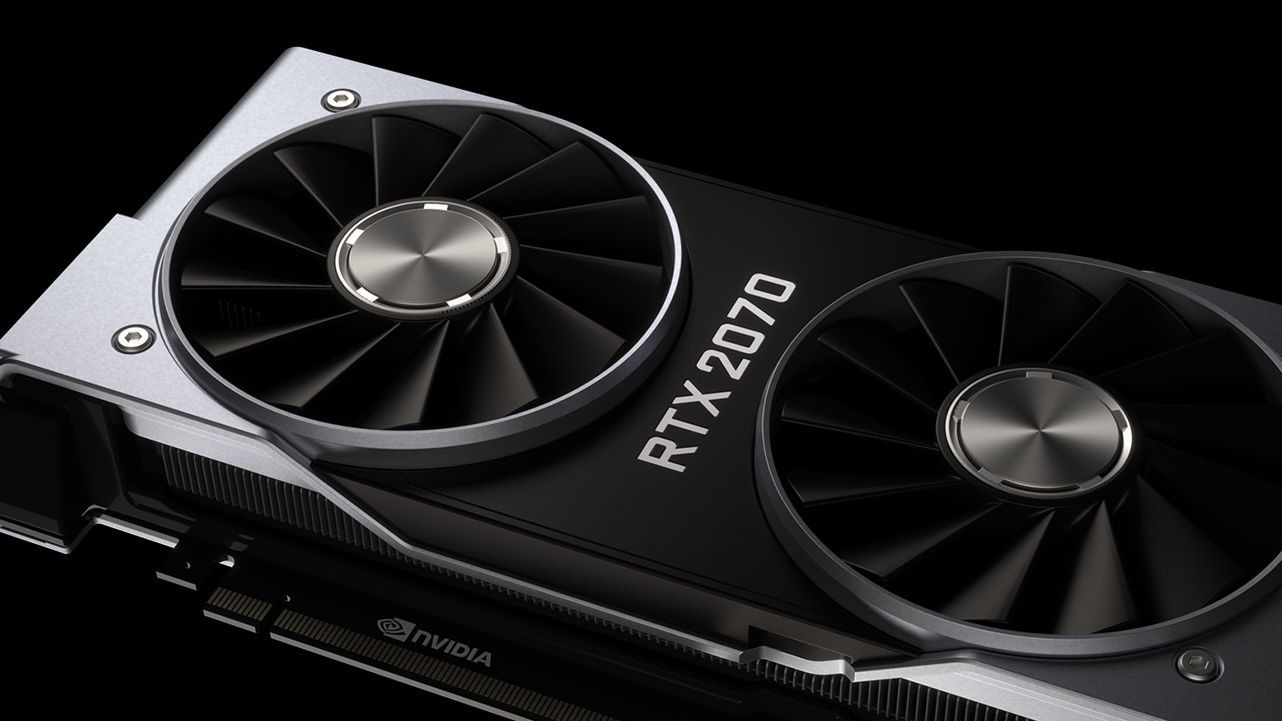
A new open-source project named nv-uefi-unlocker allows Windows users to bypass Nvidia's tensor core performance limits using a bootable USB drive. The tool targets RTX 20, 30, and 40-series desktop and laptop GPUs, making the half-speed AI math performance throttle bypass much easier to test without altering the system VBIOS or patching drivers directly.
- The nv-uefi-unlocker tool runs from a FAT32 USB stick during the UEFI boot phase before Nvidia drivers load.
- It requires no VBIOS flashing or permanent driver modifications, achieving up to a 65% boost in FP16 math.
- Support covers the majority of RTX 20, 30, and 40-series desktop and laptop graphics cards under Windows and Linux.
- The unlock is non-persistent and must be re-applied on every system reboot due to power-loss reset behavior.
How the UEFI Unlocker Works The utility utilizes the community V67 payload with read-back verification to safely trick Nvidia's signed Booter firmware into opening write locks on two speed-selector registers. This enables the tensor units to operate at full rate rather than being throttled to half-speed. Developers noted that a personal laptop equipped with an RTX 4060 achieved up to 65 percent higher FP16 math performance after applying the fix. Rather than distributing proprietary Nvidia files, the release package includes scripts that download public driver packages version 610.43.03, verify their contents, and rebuild the necessary firmware locally. This builds upon community foundations like Zagitta's gpu-unlock and earlier experimental Windows EFI projects, streamlining the process into a single user-friendly utility.
Installation Steps and System Prerequisites Users must download the release files, run the build script, and copy the generated binaries along with BOOTX64.EFI to a FAT32-formatted USB stick. The tool is then executed by triggering a one-time boot menu and pressing the spacebar within a 30-second window to confirm. Control is subsequently handed over to the standard operating system loader. The host system must operate in UEFI mode, and Secure Boot must either be disabled or configured to trust self-signed EFI binaries. RTX 20-series owners must execute a bundled script once to switch their Windows Nvidia driver into GSP firmware mode prior to restarting. Laptop users should ensure their discrete GPU is set to a dedicated dGPU-only mode to prevent runtime power management from resetting the unlock.
Compatibility and Hardware Limitations Compatibility spans fully across RTX 30-series and RTX 40-series desktop and laptop GPUs. RTX 20-series support is mostly complete, though specific models like the RTX 2080, 2080 Ti, and 2080 Super currently fail at boot and remain under review. GTX 16 cards are deemed theoretically compatible pending verification, while older pre-Turing architectures, GA100 chips, and upcoming RTX 50-series cards are unsupported due to advanced security measures.
Implications for AI Developers and PC Enthusiasts The availability of a straightforward USB boot unlocker makes high-performance tensor computing accessible to a wider audience of developers running local machine learning workflows on consumer hardware. While professional-grade AI features can now be unlocked on mainstream GeForce hardware, users must remain mindful of increased power consumption, thermal limits, and the temporary nature of the fix requiring execution at every system startup.
Source: Latest from Tom's Hardware