Quick Android Auto setup for road trips without internet
How to set up Google Maps and Spotify for offline road trips. Easy tips to save battery and mobile data while using Android Auto.
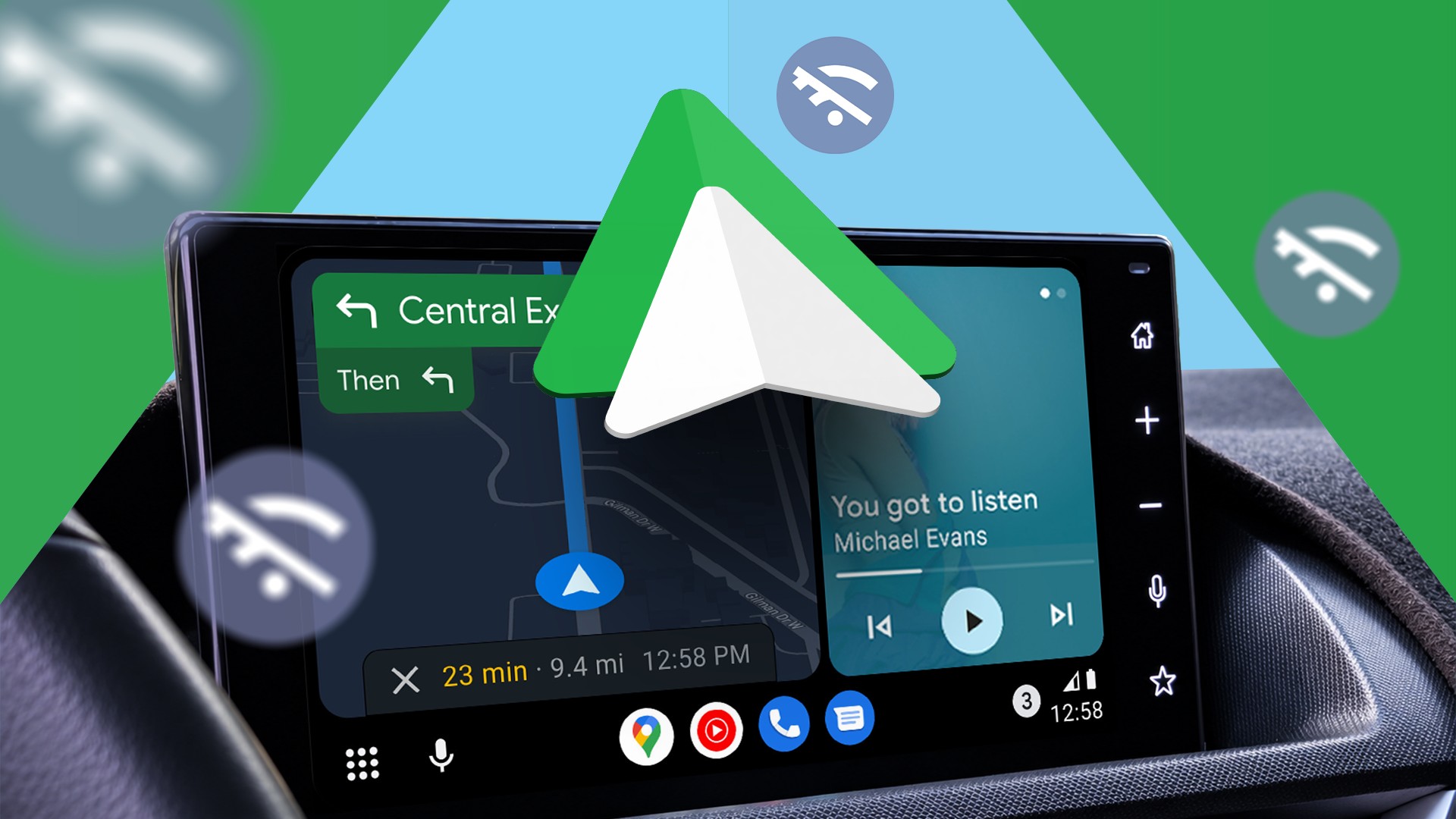
Road trips are far more enjoyable when you do not have to worry about your phone battery draining or losing mobile connection. Running navigation and music streaming simultaneously on Android Auto can quickly consume battery power.
- Downloading Google Maps areas in advance for offline navigation.
- Saving music playlists locally in Spotify for road trips.
- Reducing background activity and lowering smartphone battery drain.
- Preventing device overheating during long drives without a charging cable.
Preparing offline maps in Google Maps
One of the most important preparation steps is downloading map regions in Google Maps before heading out. By opening the app profile and selecting offline maps, you can download the specific geographic area covering your planned route.
Making sure the downloaded area includes your starting point, destination, and surrounding roads ensures backup navigation if mobile coverage drops. While offline maps lack live traffic updates, having basic turn-by-turn directions is much better than losing guidance completely.
Read alsoXiaomi 18 charging capabilities and release timeline revealedDownloading offline music for the drive
Streaming music over patchy mobile networks during a road trip often leads to annoying buffering issues. Using Spotify or YouTube Music to download tracks beforehand ensures uninterrupted entertainment.
Once music is stored locally on the phone, you can access and control playback through the Android Auto interface without consuming mobile data. This prevents constant app switching and keeps your eyes safely on the road.
Benefits of offline preparation for drivers
Relying on downloaded content significantly reduces background processing and data fetching tasks on your smartphone. This prevents the phone from working overtime to maintain network connections in poor reception areas.
When you forget your charging cable or travel without a power source, this simple routine helps stretch your phone battery further. Keeping the screen off and minimizing data transfers also prevents excessive heat buildup inside the car.
Source: Android Police