How to continue a GitHub Copilot app session in VS Code
Learn how to move an agent session from the GitHub Copilot app into VS Code without losing the conversation, code changes, or working context.
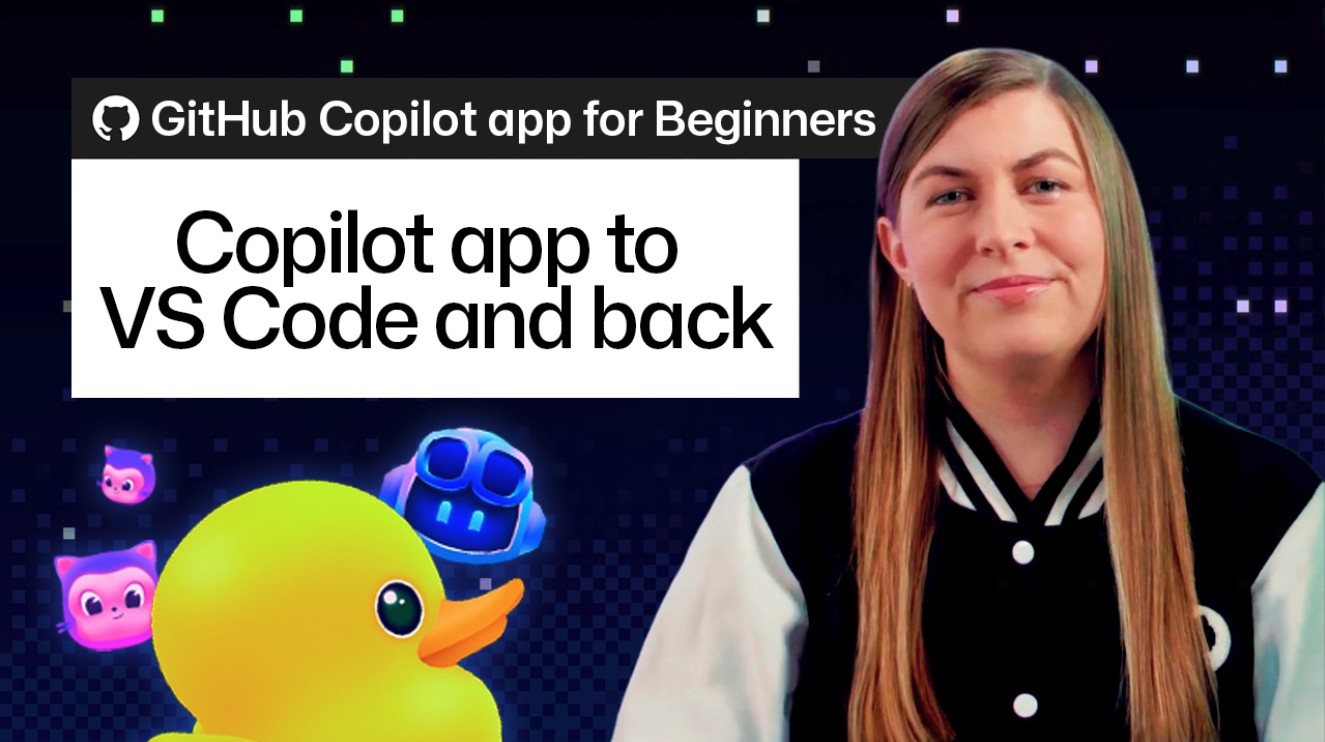
Developer workflows often span multiple applications and environments, making seamless transitions between tools essential for productivity. Addressing this need, GitHub has introduced a feature to bridge the gap between its dedicated app and popular code editors.
Users can now seamlessly transfer an active agent session from the GitHub Copilot app directly into VS Code. Crucially, this transfer ensures that the entire conversation history, recent code changes, and working context remain fully intact.
This capability eliminates the friction of switching environments, allowing developers to start a troubleshooting or brainstorming session in the app and effortlessly pick up right where they left off in their primary development editor.
For software engineers and tech teams looking to maximize their daily efficiency, this integration streamlines workflows involving AI assistants. It removes the need to re-prompt or re-explain context when moving from application-level tasks to deep coding.
As GitHub continues to enhance the Copilot ecosystem, features like session continuity highlight a strong focus on developer experience and fluid, multi-platform coding workflows.