Vivo X300, X300 Pro and X300 FE receive OriginOS 7 update
Vivo has started rolling out the major Android 17-based OriginOS 7 update for the Vivo X300, X300 Pro, and Vivo X300 FE smartphones.
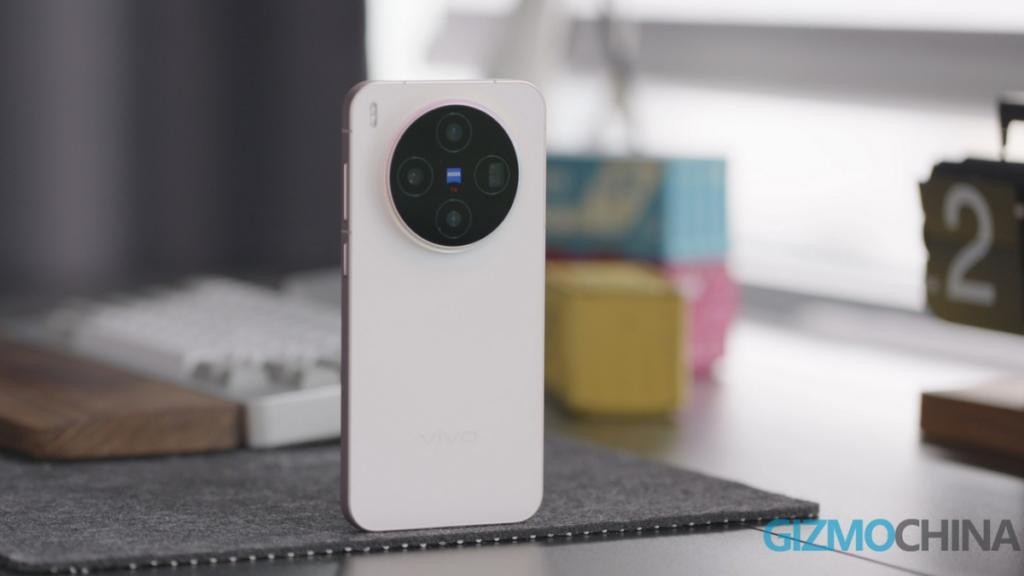
Vivo has officially begun distributing the major OriginOS 7 software update based on Android 17 for its flagship smartphone lineup. The initial rollout covers the Vivo X300, Vivo X300 Pro, and the more affordable Vivo X300 FE models.
- The firmware file size exceeds 5 GB, requiring a stable Wi-Fi connection and battery.
- Introduced Origin Workbench for multitasking with up to five apps simultaneously.
- Added AI-powered features for answering calls and analyzing meeting notes.
- Enhanced PC integration, security tools, and markdown support.
Performance and system improvements
Since the firmware package weighs in at over 5 gigabytes, users are strongly advised to free up internal storage, connect to a reliable Wi-Fi network, and charge the battery to at least 40 percent before initiating the installation process. The update brings extensive visual redesigns, significant performance boosts, and expanded system capabilities.
One of the standout additions is the new Origin Workbench feature, which transforms multitasking by allowing users to work with up to five applications concurrently. Developers have also optimized system animations, reduced app launch times, and made switching between running programs remarkably smoother.
Read alsovivo X500 FE and V80 FE pick up more certificationsArtificial intelligence and smart tools
Artificial intelligence plays a central role in OriginOS 7. The upgraded AI assistant can now answer incoming phone calls, generate concise conversation summaries, analyze meeting recordings, and highlight key takeaways. Additionally, the system features ticket recognition with prompt suggestions to add reminders straight to Google Calendar.
Other notable AI additions include drag-and-drop image text translation, editable text extraction, and advanced handwriting recognition that converts handwritten notes into editable digital documents. The update also brings fresh theme choices, lock screen customization options, dark icons, and new interface transition effects.
Security, integration, and user impact
Ecosystem connectivity has been substantially upgraded. Users can now utilize their smartphone camera directly from desktop applications and answer phone calls straight from a PC. New security instruments, spam call blocking, adaptive battery management, and Markdown note import/export functions have also been integrated.
The notification center, gallery app, and overall system settings have received visual and functional refreshes. For owners of these devices, the update significantly elevates productivity, modernizes daily workflows through advanced AI integrations, and strengthens cross-device ecosystem continuity.
Source: iXBT.com