Windows 11 gets Cloud rebuild feature to reinstall over the internet
Microsoft has introduced Cloud rebuild for Windows 11, enabling full system reinstallation over the internet without a USB flash drive.
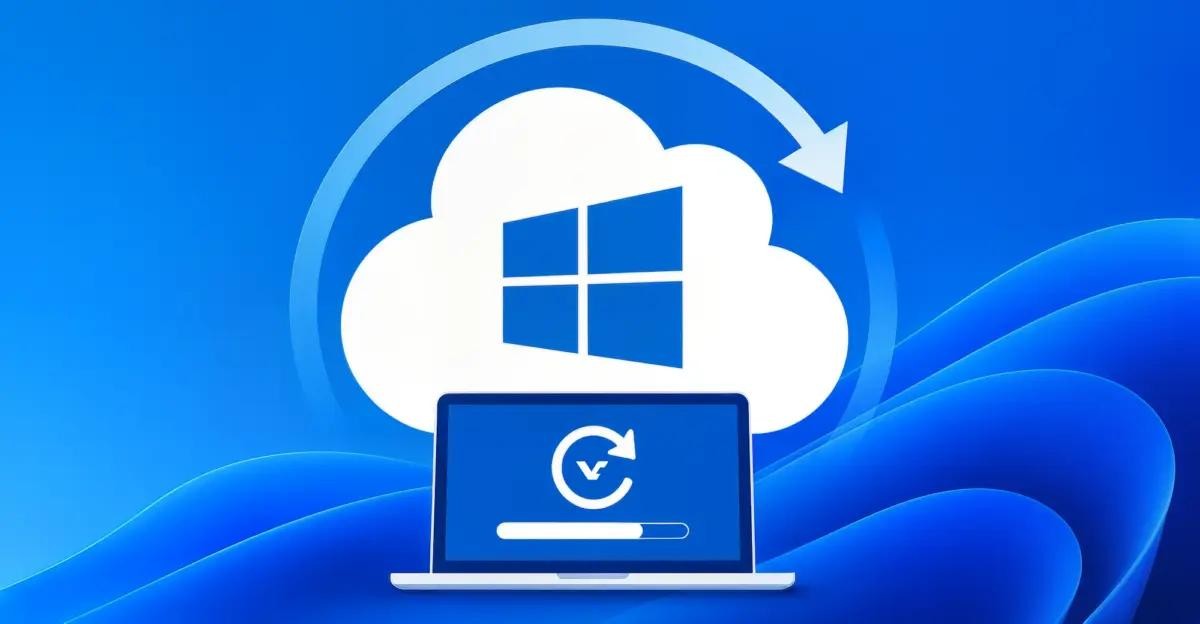
Microsoft has begun rolling out the Cloud rebuild feature for Windows 11, allowing users to completely reinstall the operating system directly over the internet without needing a bootable USB drive. This new capability significantly simplifies the process of restoring a computer's functionality during severe system crashes.
- The Cloud rebuild feature is part of the optional update KB5127936 for Windows 11 versions 25H2 and 26H2.
- The system image and necessary drivers are downloaded automatically via Windows Update.
- The process performs a clean installation, completely erasing files, apps, and settings from the system drive.
How Cloud rebuild works and requirements
The new capability relies on the Windows Recovery Environment (WinRE). You can use this recovery method even if the operating system itself fails to boot, as long as the WinRE environment remains accessible. To download the required installation files, an active internet connection via Ethernet or a supported Wi-Fi network is required.
Users can manually trigger the recovery process through the standard settings menu by navigating to "Settings" — "System" — "Recovery". Additionally, if Windows fails to boot successfully several times in a row, the computer can automatically switch to the WinRE environment where this cloud reinstallation option is also available.
Read alsoWindows 11: Microsoft releases KB5128977 and KB5130881 setup and recovery updatesData deletion details and enterprise use
It is important to note that Cloud rebuild performs a complete clean installation of the system. This means that all files, installed applications, user accounts, and personal settings on the system drive will be permanently deleted. Before starting the process, Windows will issue a data loss warning and ask for confirmation.
Enterprise applications are also supported: system administrators will be able to remotely trigger device reinstalls using Recovery CSP, choosing either the current or a target Windows build. A functional WinRE environment, internet access, and compatible drivers via Windows Update are required for proper operation.
What this means for users and IT administrators
The introduction of the built-in Cloud rebuild tool makes maintaining Windows 11 computers much more convenient. Regular users no longer need to find a second PC and a clean flash drive to create bootable media in case of a critical failure. Having a stable internet connection and access to WinRE is enough.
For corporate IT administrators, this provides a reliable way to service devices remotely without physical presence. However, Microsoft strongly recommends backing up important data beforehand, as the cleanup process is irreversible and deletes all personal information on the drive.
Source: iXBT.com