4 Settings One UI 9 Changes Automatically After Updates
Did you just update to One UI 9? Check these 4 settings that might have been reset without your permission, affecting your daily device usage.
·2 min read
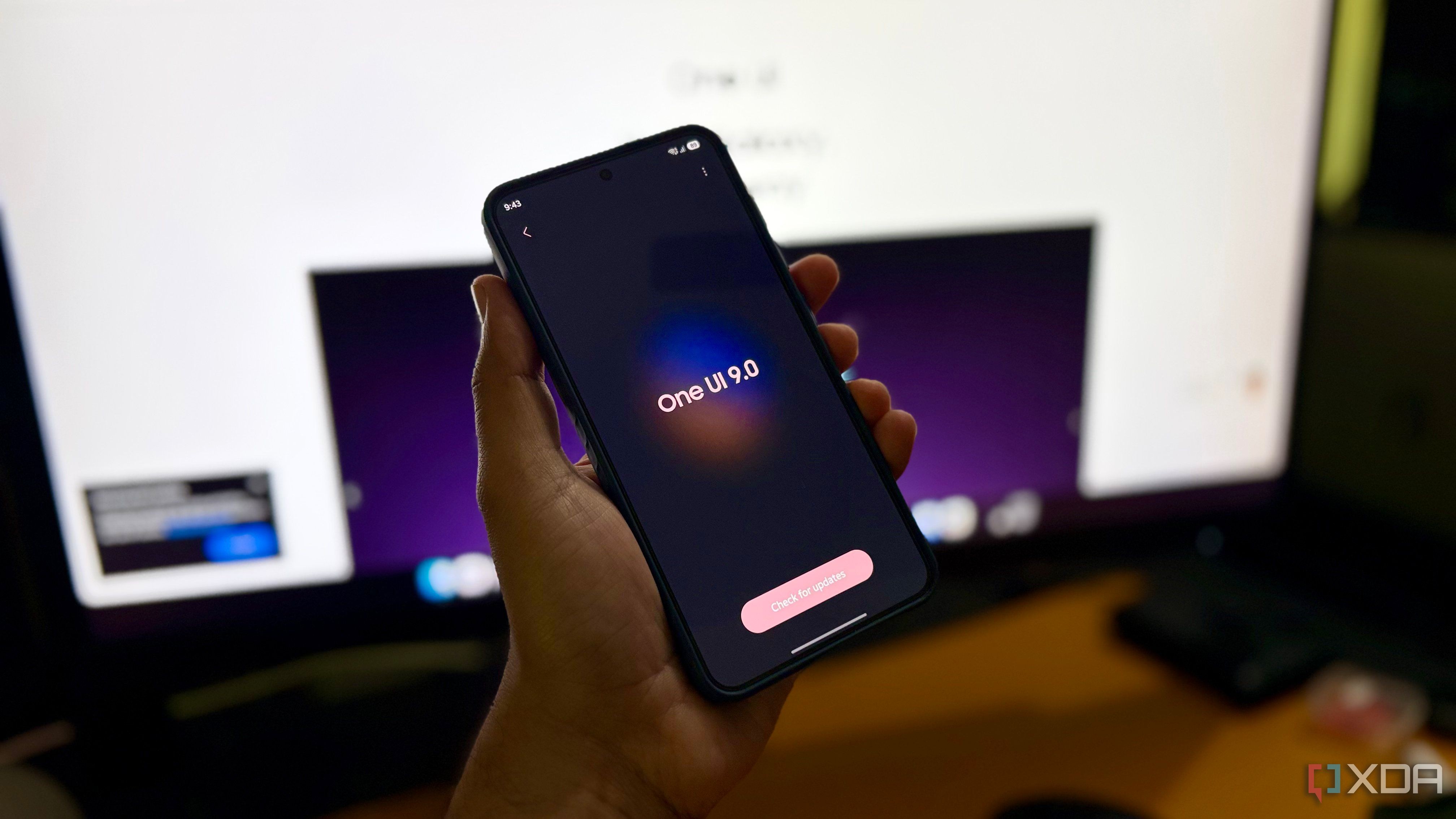
Major OS updates often bring new features, but they can also quietly reset user preferences to default values. Samsung's One UI 9 update is no exception, as it tends to overwrite several key settings that power users typically customize for their specific workflows.
- Resetting the default keyboard back to Samsung Keyboard.
- Reverting battery protection settings from Maximum to Basic.
- Enabling Auto Blocker, which restricts side-loading and USB commands.
- Turning back on the Super HDR feature for video playback.
Keyboard and Battery Protection Tweaks Long-time users who prefer third-party keyboards like Gboard often find themselves forced back to the native Samsung keyboard after an update. Similarly, if you rely on the "Maximum Battery Protection" feature—which limits charging to 80-95% to preserve battery health—the update may revert this to "Basic Protection," allowing the device to charge to 100% once again, which might not align with your charging habits.
Auto Blocker and Super HDR Challenges For developers and power users, the "Auto Blocker" feature is a major point of friction. After the update, it may be enabled by default, blocking APK installations from untrusted sources and limiting USB debugging commands. Furthermore, the "Super HDR" display feature, while impressive, can cause jarring brightness spikes in social media apps. If you previously disabled it to avoid this, the update might have toggled it back on.
Why Regular Audits Are Necessary These minor but significant changes underscore the importance of auditing your device settings after every major software release. For tech-savvy users, the convenience of a system update is often offset by the time spent re-configuring the device. Keeping an eye on these specific toggles ensures that your phone remains a tool tailored to your needs rather than the manufacturer's default vision.
Source: XDA