GitHub Copilot for Beginners: How to Build Custom Workflows with Canvases
Learn how GitHub Copilot's new capabilities allow you to build custom workflows and live interfaces using plain English descriptions.
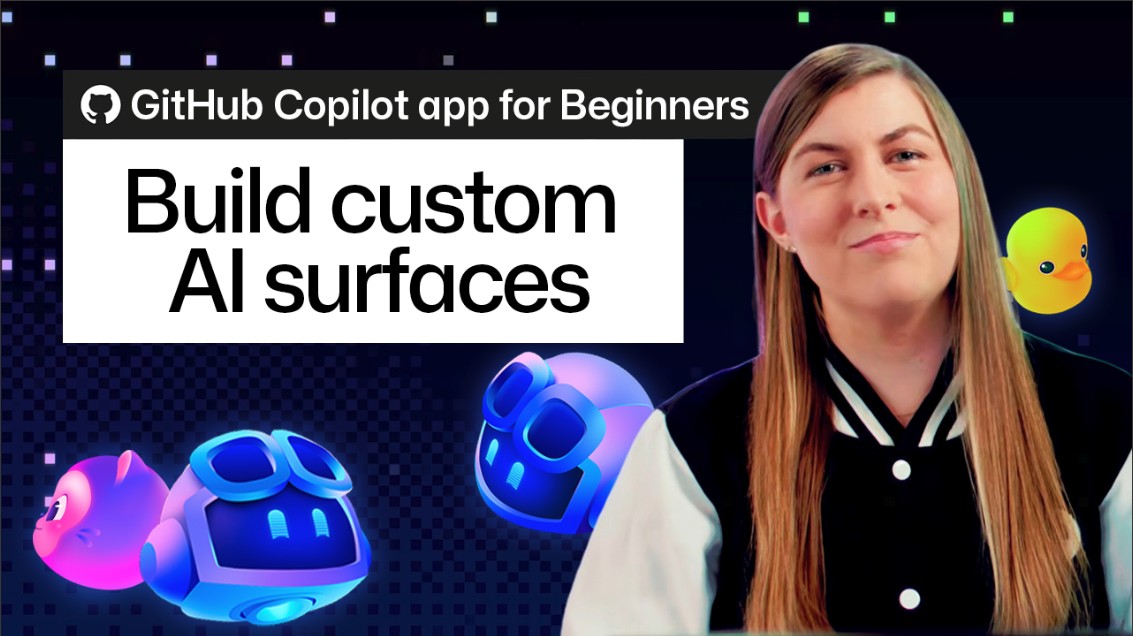
The landscape of software development continues to evolve rapidly with the integration of AI-powered tools. GitHub has introduced a new approach designed to make custom workflows accessible even to beginners. By simply describing the interface you need in plain English, you can streamline the entire development process.
The core concept relies on an AI agent that builds a live, interactive surface based on your exact specifications. You can both use and update this surface dynamically, shifting your focus away from tool adaptation and toward actual productivity. This reduces friction and bridges the gap between conceptual ideas and working environments.
Utilizing canvases for custom workflows transforms how developers manage projects and daily tasks. Instead of configuring complex setups manually, users can leverage natural language to shape their digital workspace. This level of customization ensures that tools adapt to the human, rather than the other way around.
For developers and tech enthusiasts alike, adopting these cutting-edge features is essential for staying ahead in a fast-paced industry. As AI tools become more intuitive, they empower a broader audience to build sophisticated solutions without getting bogged down in technical overhead, fostering greater innovation across global markets.