Google's new Windows app brings Gemini closer with a keyboard shortcut
A new Windows application for Google Gemini allows users to invoke the AI assistant instantly using a simple keyboard shortcut.
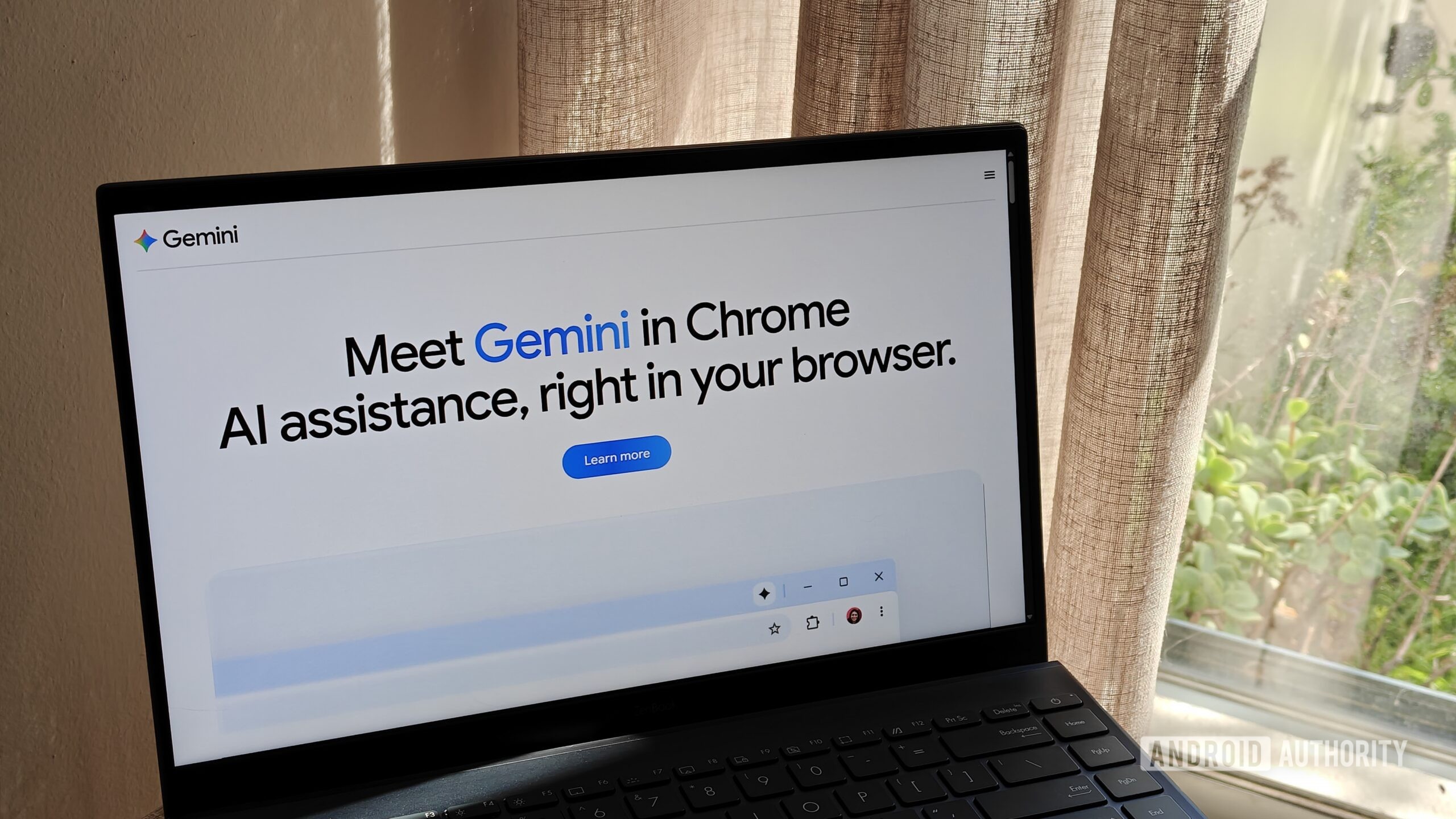
Google is making its artificial intelligence assistant even more accessible for desktop users by introducing a dedicated Windows app for Gemini. This development aims to bridge the gap between web-based AI tools and native desktop workflows.
According to Android Authority, the standout feature of this release is convenience. Instead of navigating to the Gemini website through a browser, users can simply press the alt + space shortcut to bring up the AI interface immediately.
This quick-access functionality drastically reduces friction when multitasking, writing, or searching for information. Being able to summon the assistant instantly helps streamline daily tasks and maintains user focus.
For tech-savvy users and professionals in Uzbekistan and beyond, such desktop integrations represent a significant upgrade in productivity, making AI tools an organic part of the daily computing experience.
Google's move highlights the broader industry trend of integrating generative AI directly into operating systems, ensuring that powerful assistants are always just a keystroke away.