Automate Windows Setup with Claude Code PowerShell Scripts
Learn how to use Claude Code to build a customized PowerShell script that automates Windows setup, from app installation to registry tweaks.
·2 min read
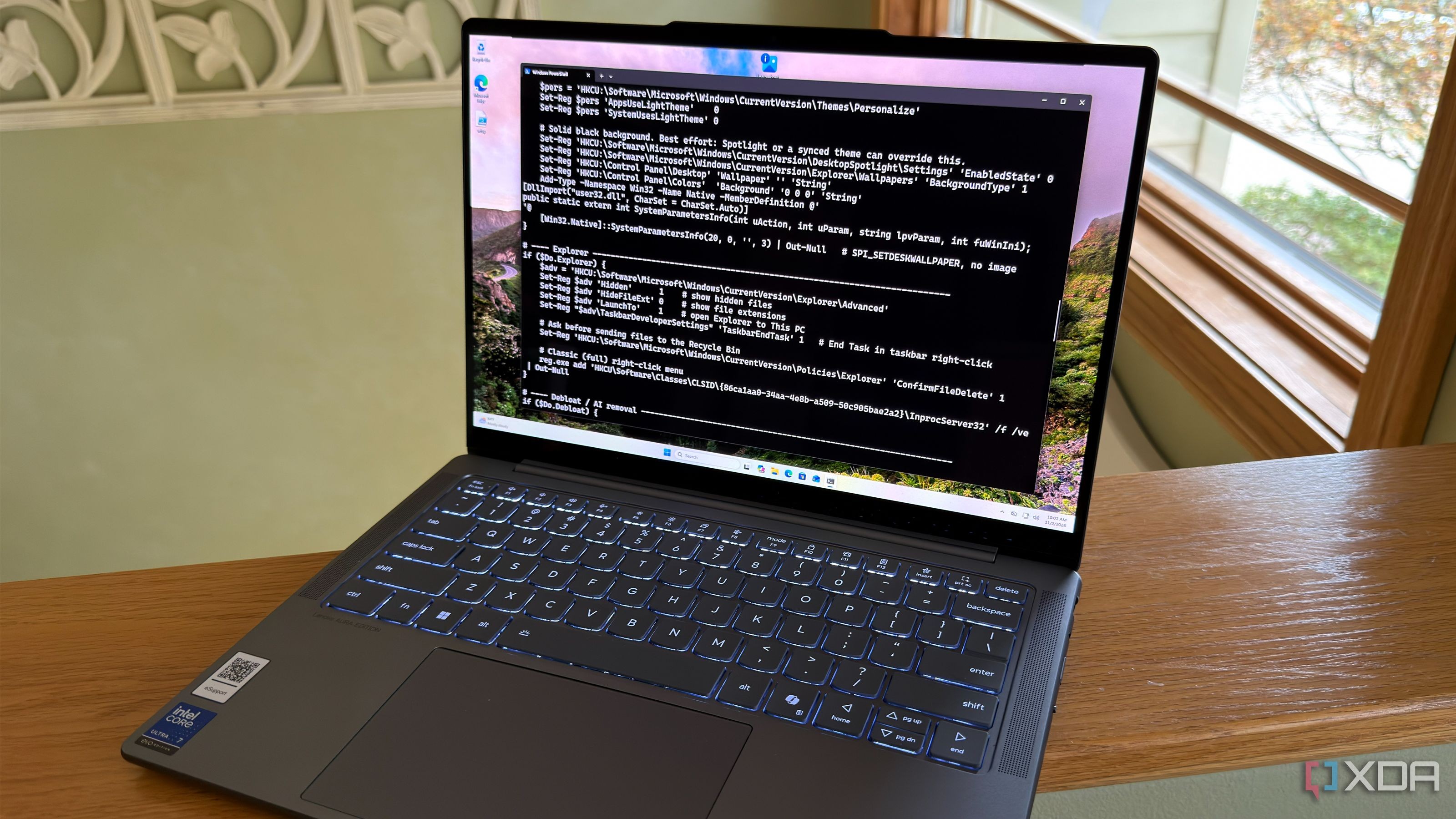
Every fresh Windows install comes with a ritual of downloading favorite apps, tweaking settings, and removing bloatware. Instead of performing these tasks manually, developers can leverage Claude Code to write a PowerShell script that automates the entire setup process. This approach transforms a tedious hours-long chore into a quick, automated task that runs while you grab a coffee.
- Automatically installs everyday applications via winget with precise version control.
- Cleans up system bloatware including Copilot and Start menu recommendations.
- Uses registry edits to enforce preferred UI settings like Dark Mode and Explorer tweaks.
- Incorporates complex workflows like WSL installation with automatic reboot handling.
Building the Automation Script To get started, the user provides a prompt listing preferred software, Explorer tweaks, and features to disable. Claude Code compiles this into a clean, modular PowerShell script. Each section is organized, allowing the user to comment out parts as needed. The script is designed to check the system state before making changes, ensuring that running it multiple times does not result in errors or unwanted side effects.
Streamlining with Winget and Registry The script uses winget with the -e flag to ensure that exact official versions of applications like Brave, 7-Zip, and VS Code are installed without unnecessary prompts. The registry editing portion handles system-wide preferences, such as enabling hidden file extensions, confirming deletions to the Recycle Bin, and disabling telemetry-heavy features like Recall. This creates a more streamlined, privacy-focused operating system environment.
Safety and Verification While AI-generated code is powerful, it is crucial to handle PowerShell scripts with caution. Users should verify the registry keys against Microsoft documentation. Testing in a Windows Sandbox environment before running the script on a primary system is a recommended best practice. Additionally, requesting that the AI cites its sources makes it significantly easier to audit the script for reliability.
Why This Matters for Professionals For developers and IT pros, especially in regions like Central Asia where efficient workflow management is key, this method provides a scalable way to standardize workstation setups. By handing off the grunt work of researching command-line arguments and registry paths to Claude Code, professionals can maintain consistent, high-performance environments with minimal effort.
Source: XDA