Claude can now run Home Assistant with a simple one-click setup
Home Assistant introduces a one-click MCP integration for Claude. Learn how to connect your smart home securely and use AI commands.
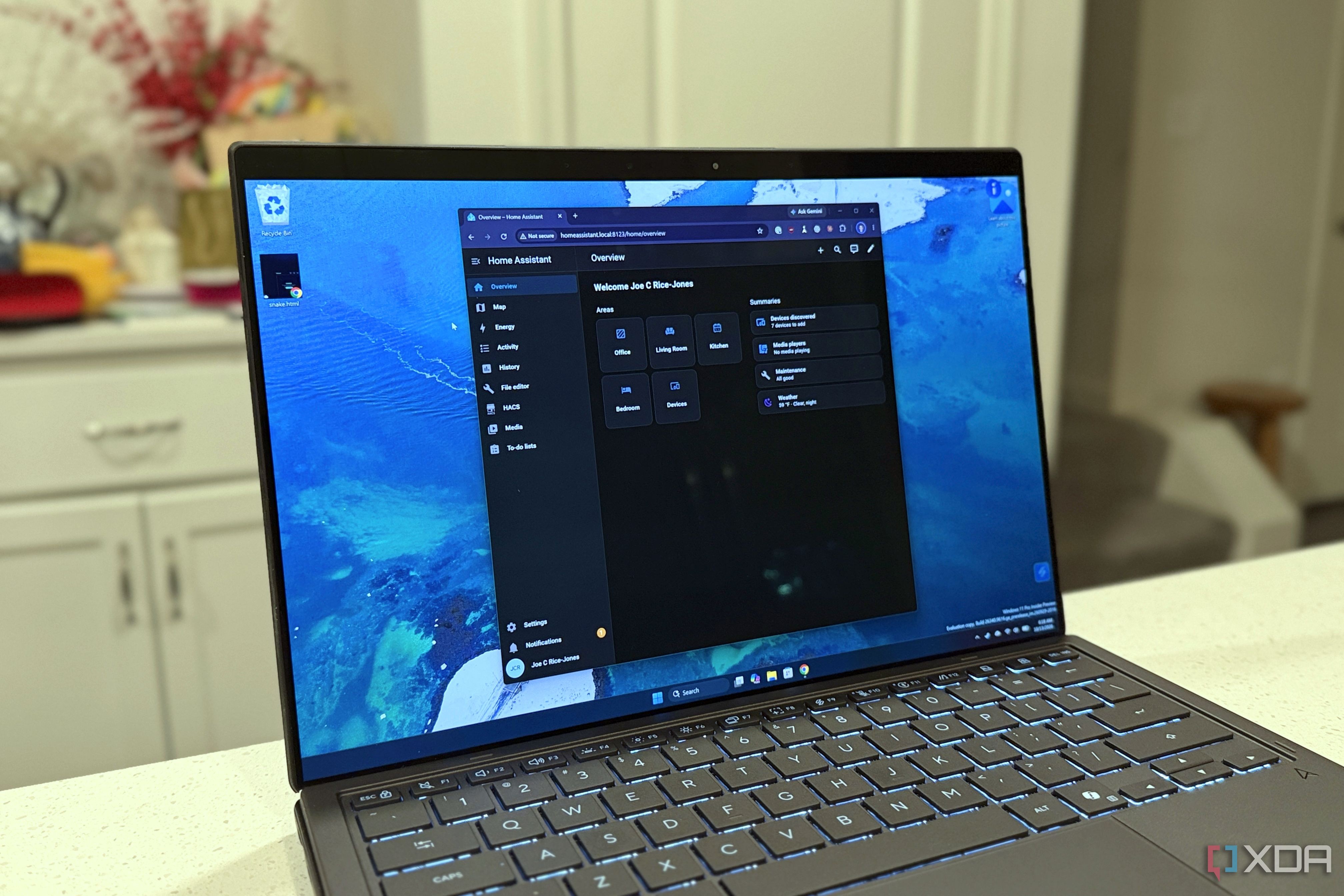
Integrating artificial intelligence with smart home platforms has become remarkably straightforward. Following recent updates, Home Assistant users can now connect their setup to the Claude language model using a simple one-button configuration powered by the Model Context Protocol (MCP).
- Setup has been reduced to a single button press and pasting the MCP URL into the AI client.
- The AI can only access entities and devices that the user explicitly exposes in the settings.
- Claude can read sensors, control smart plugs, and draft YAML automation code.
- Security toggles allow requiring administrator accounts and enabling LLM APIs.
Setup process and connection details
Previously, connecting Home Assistant to large language models required unofficial servers or complex manual configurations. Now, the official MCP server can be enabled instantly via the settings interface. One important detail to keep in mind is that because Claude connects via a cloud instance, local URLs will not work; users must provide an external IP or Nabu Casa remote access URL.
Additionally, the gear menu includes two crucial security settings that should be enabled. One requires an administrator account for MCP usage, while the other exposes LLM APIs for broader control. Users who set up the server early on should check these options, as they might be disabled by default.
Read alsoClaude in Pharma: Anthropic Reports Results on 35,000 AntibodiesCapabilities and safety limitations
During testing, connecting the MCP to Claude provided access to a wide array of tools, ranging from read-only data to active device controls. The AI successfully reported air quality metrics, printer toner levels, and controlled Matter smart plugs. By default, any write or delete operations require explicit user approval before executing.
To maintain robust safety, the server restricts access to sensitive areas. Claude cannot read system logs, history pages, or settings menus, and it cannot automatically write or add automations directly to the system. Instead, it generates readable YAML code based on visible sensors, allowing users to manually paste it into Home Assistant.
Why this matters for smart home users
The new one-click MCP server strikes an ideal balance between AI convenience and smart home safety. By restricting unilateral control over critical system automations while enabling natural language sensor queries, Home Assistant offers a secure and flexible way to interact with your home infrastructure.
Source: XDA