Claude Code and CLI-Anything: Controlling non-AI apps from the terminal
Discover how the CLI-Anything open-source toolkit lets Claude Code and other AI agents control everyday apps that lack native AI support.
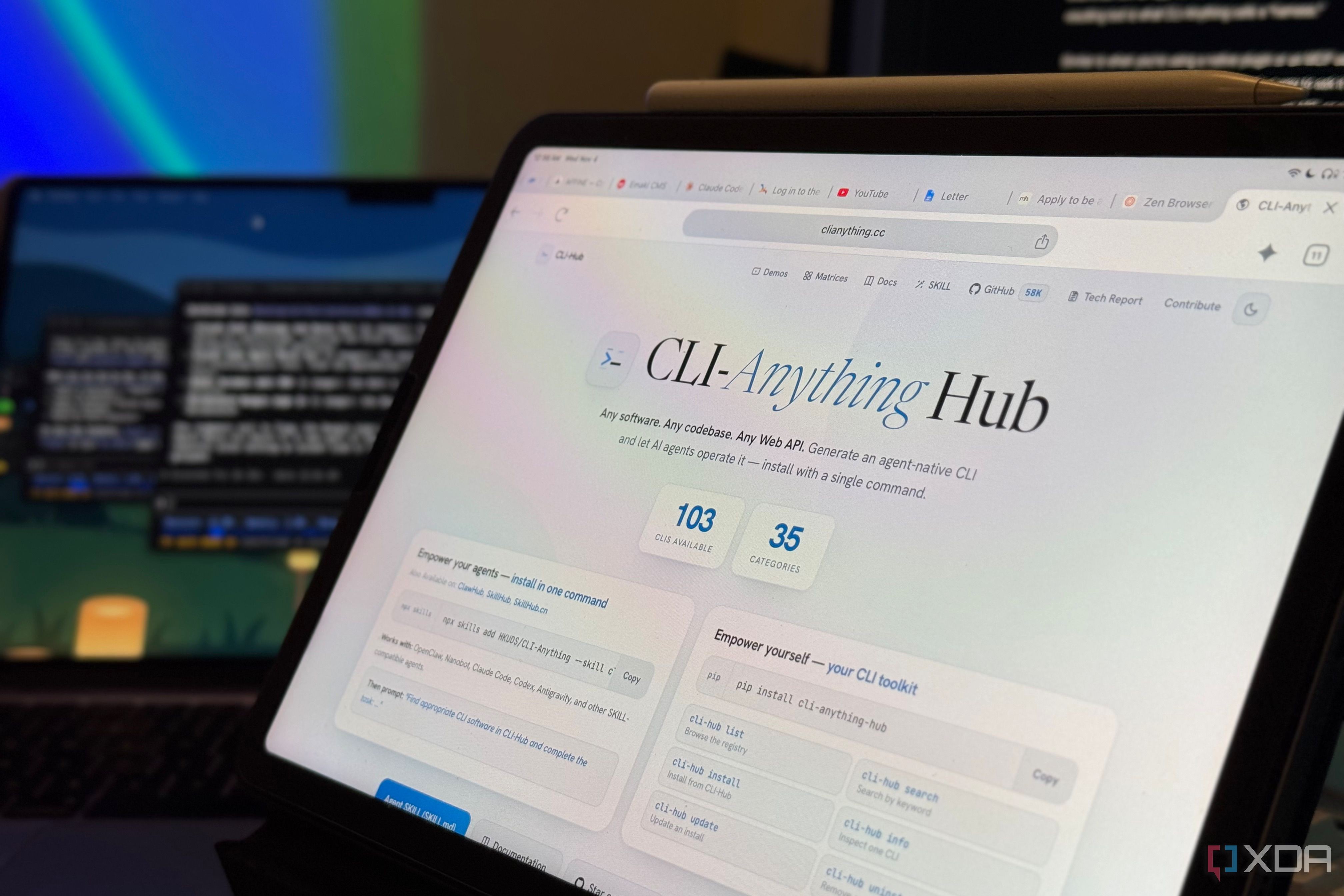
Artificial intelligence is increasingly taking over repetitive tasks like clicking around and switching apps, letting us focus on actual work. However, many desktop apps were not built with AI integration in mind. A new open-source toolkit called CLI-Anything changes this by enabling AI agents to build and use command-line interfaces for almost any existing application.
- CLI-Anything is an open-source toolkit to build command-line tools for existing apps.
- Compatible with Claude Code, GitHub Copilot CLI, and several other coding agents.
- Supports using pre-built integrations or letting AI build custom harnesses.
- Enables direct terminal control over apps like Spotify, Apple Notes, and NotebookLM.
Understanding CLI-Anything and Harness Architecture
CLI-Anything works by giving an AI coding agent the methodology to examine how an app can be controlled and build command-line tools around those capabilities. The resulting tool, called a harness, acts as a bridge between the AI and the target application.
When accessed through the harness, the underlying app still does the actual work, while the harness allows Claude to execute specific actions and read results back via APIs, source code, or scripting interfaces. Installing the plugin inside Claude Code requires simple marketplace and install commands.
Read alsoNeed for Speed Underground 2 browser port launched with Claude CodePractical Experiments with NotebookLM, Spotify, and Notes
During testing, the author tried out both pre-built integrations like NotebookLM and custom-built harnesses for Apple Music, Apple Notes, and Spotify. For NotebookLM, Claude successfully accessed notebooks, listed sources, and answered technical questions without forcing the user to switch from the terminal to a browser window.
When testing app creation for media and notes, Claude utilized macOS scripting interfaces to build functional controls. Simple prompts allowed it to resume music playback on Spotify, create bulleted note lists in Apple Notes, search through previous entries, and even send messages via the Messages app.
A Whole New Workflow for Developers and Users
Bridging everyday desktop applications with terminal-based AI agents opens up powerful new workflows. Instead of breaking focus to open browsers, search for documents, or manage music, users can handle multiple tasks fluidly from a single command-line interface.
This capability reduces distractions, streamlines productivity, and demonstrates how AI agents can extend their reach far beyond traditional coding tasks into everyday operating system interactions.
Source: XDA