Claude Code cleaned 30 GB of junk from a 4-year-old Windows laptop
An XDA author tested Claude Code and Sonnet 5.5 to debloat a Windows 11 laptop, successfully finding 30 GB of hidden junk in three minutes.
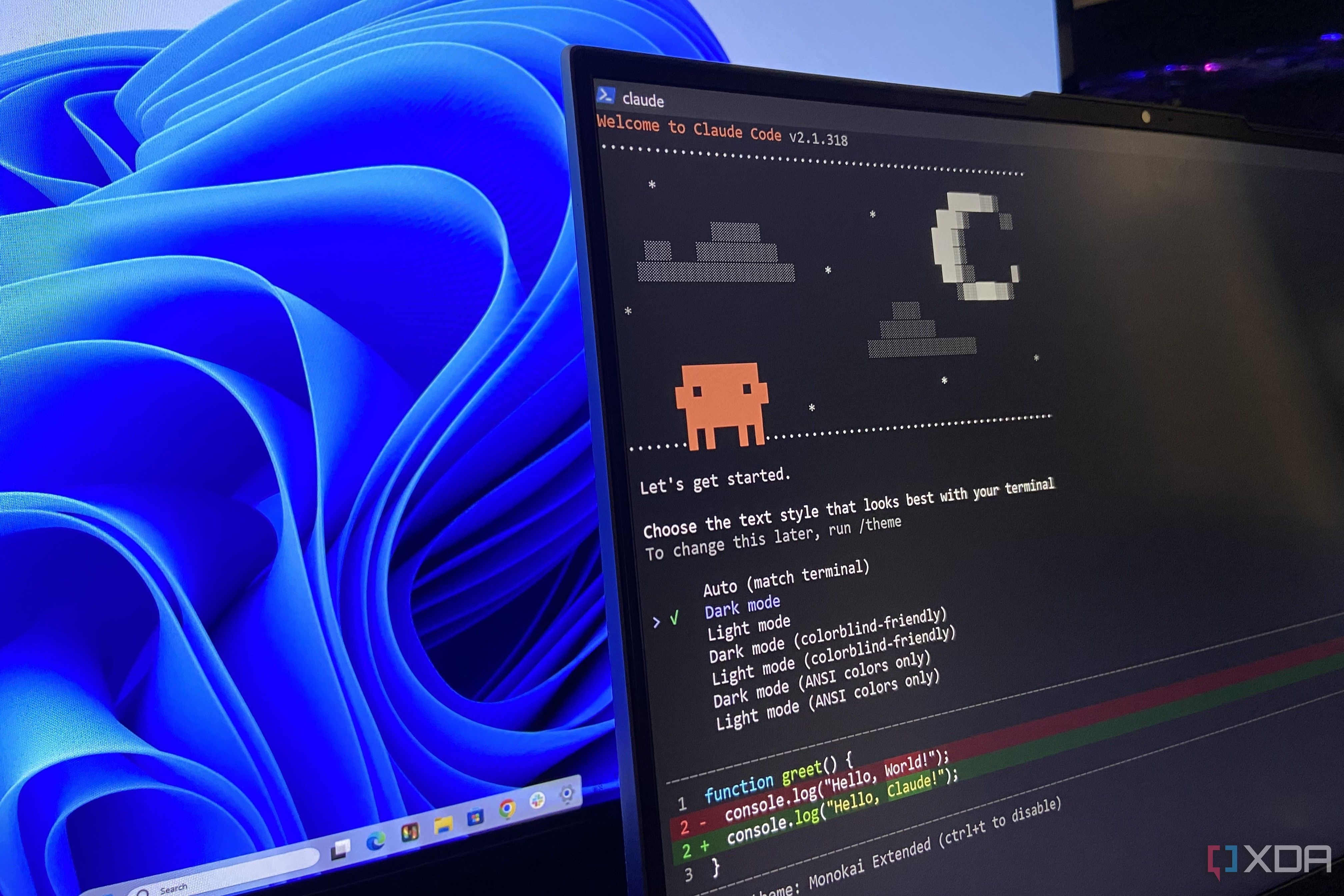
A tech enthusiast and XDA author decided to test an AI-driven approach to system maintenance by having Claude Code and the Sonnet 5.5 model debloat his four-year-old Lenovo Legion 5 Pro running Windows 11. Over years of testing and daily use, the SSD had accumulated a massive amount of leftover installers, forgotten caches, and redundant files. Instead of relying on generic third-party tools, the experiment leveraged AI intelligence to pinpoint unwanted data safely.
- The author used Claude Code powered by Sonnet 5.5 to audit and clean junk files from a Windows laptop.
- WizTree disk analyzer was used beforehand to scan the drive, revealing 213 GB of used space out of capacity.
- The AI identified 30 GB of unnecessary files, caches, and bloatware within just over three minutes without risking critical data.
Disk Analysis and Preparation Before AI Audit
Before involving Claude, the author inspected the drive using WizTree, a utility that reads the NTFS Master File Table directly. The scan revealed that the C:\Users folder alone consumed over 110 GB, while the Recycle Bin held 20 GB of overlooked deleted files. Additionally, an untouched C:\Temp folder dating back to 2022 and a 3 GB factory driver directory were discovered.
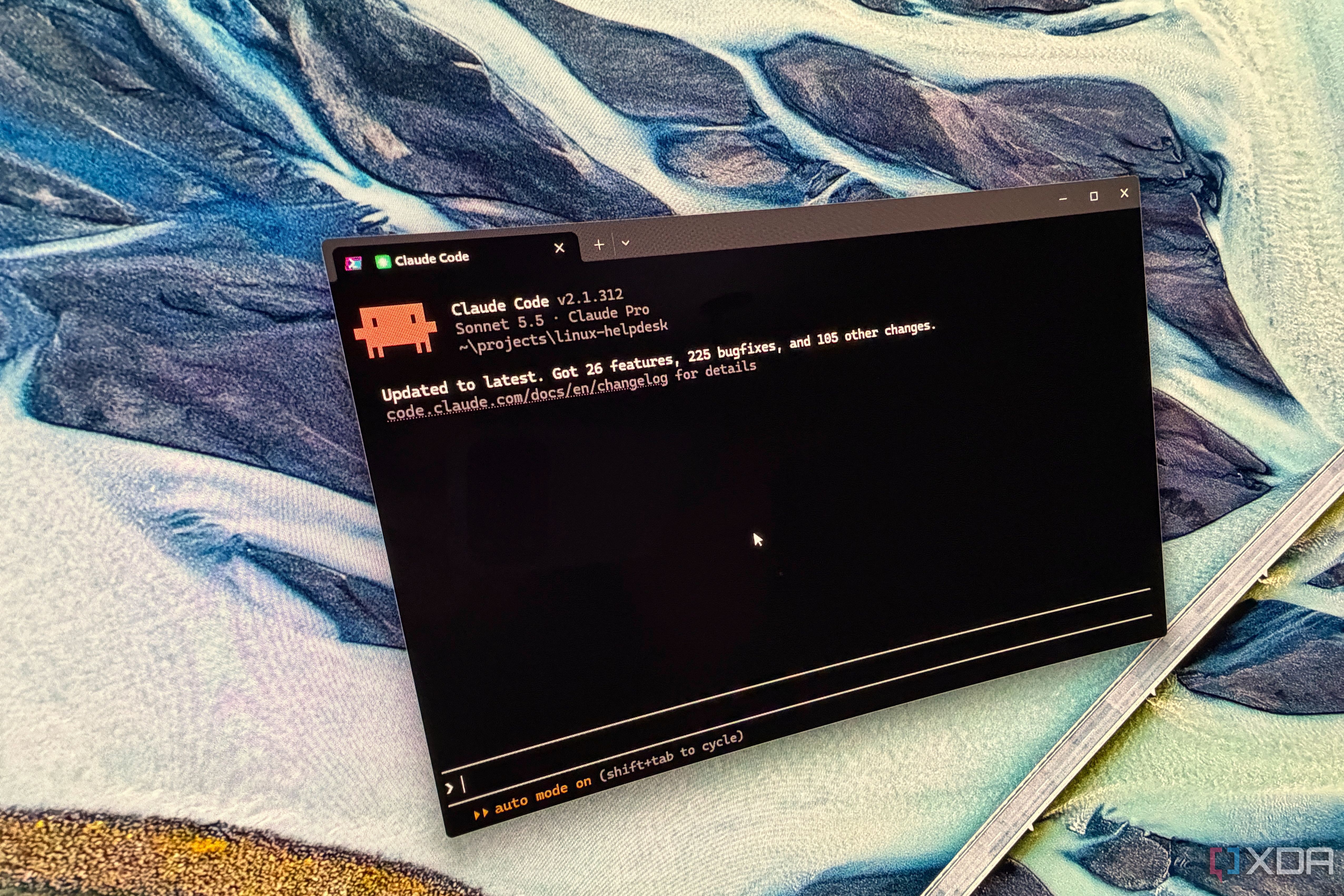
To ensure safety, a system restore point was created, and a complete list of installed applications was exported. Furthermore, the permission mode in Claude Code was switched from automatic to manual to require explicit user approval before the deletion of any single file.
Read alsoTVPort Brings Nintendo Switch Games to Apple TV Using AIThe Prompt and Safety Guardrails for the AI
The prompt delivered to Sonnet 5.5 included strict exclusions to protect essential files. Folders like OneDrive, System Volume Information, Recovery, Dev Drive, along with local LLM repositories and game directories, were explicitly exempted from the audit. These guardrails prevented any accidental removal of crucial work materials or backups.
Running at medium effort, Sonnet 5.5 took approximately three minutes and twenty-three seconds to generate a categorized list of junk files, old installers, and startup items ranked by safety. The findings included 8 GB of caches, 14 GB of legacy installers, and 8 GB of stock apps.
What the AI Discovered on the Storage Drive
Among the oldest findings was a factory driver dump from Lenovo dating back to 2021, alongside preinstalled software like McAfee and Microsoft stock apps such as Clipchamp and Disney+ that had never been opened. The AI also flagged a forgotten ReasonLabs antivirus installation and a 4.5 GB PanFone recovery folder from old iPhone troubleshooting sessions.
Another notable discovery was a 4.5 GB NVIDIA shader cache left over from years prior since the laptop was no longer used for gaming. The advanced reasoning capabilities of a frontier model allowed it to recognize these obsolete components far more accurately than standard automated debloating software.
Practical Implications and Takeaways
This experiment demonstrates that frontier AI models like Sonnet 5.5 can effectively replace traditional debloating utilities by leveraging training data and contextual awareness. Instead of hunting through endless directories, users can delegate system audits to AI while maintaining strict manual controls for safety.
For power users and developers, adopting this tailored approach saves significant time during routine maintenance. However, defining strict exclusions remains a mandatory step to ensure that valuable development files, models, and personal backups remain untouched.
Source: XDA