Google Gemini replaces Gems with Skills: how to import Claude skills
Google is retiring Gems in Gemini and replacing them with Skills. Learn about the new feature and how to migrate your custom prompts from Claude.
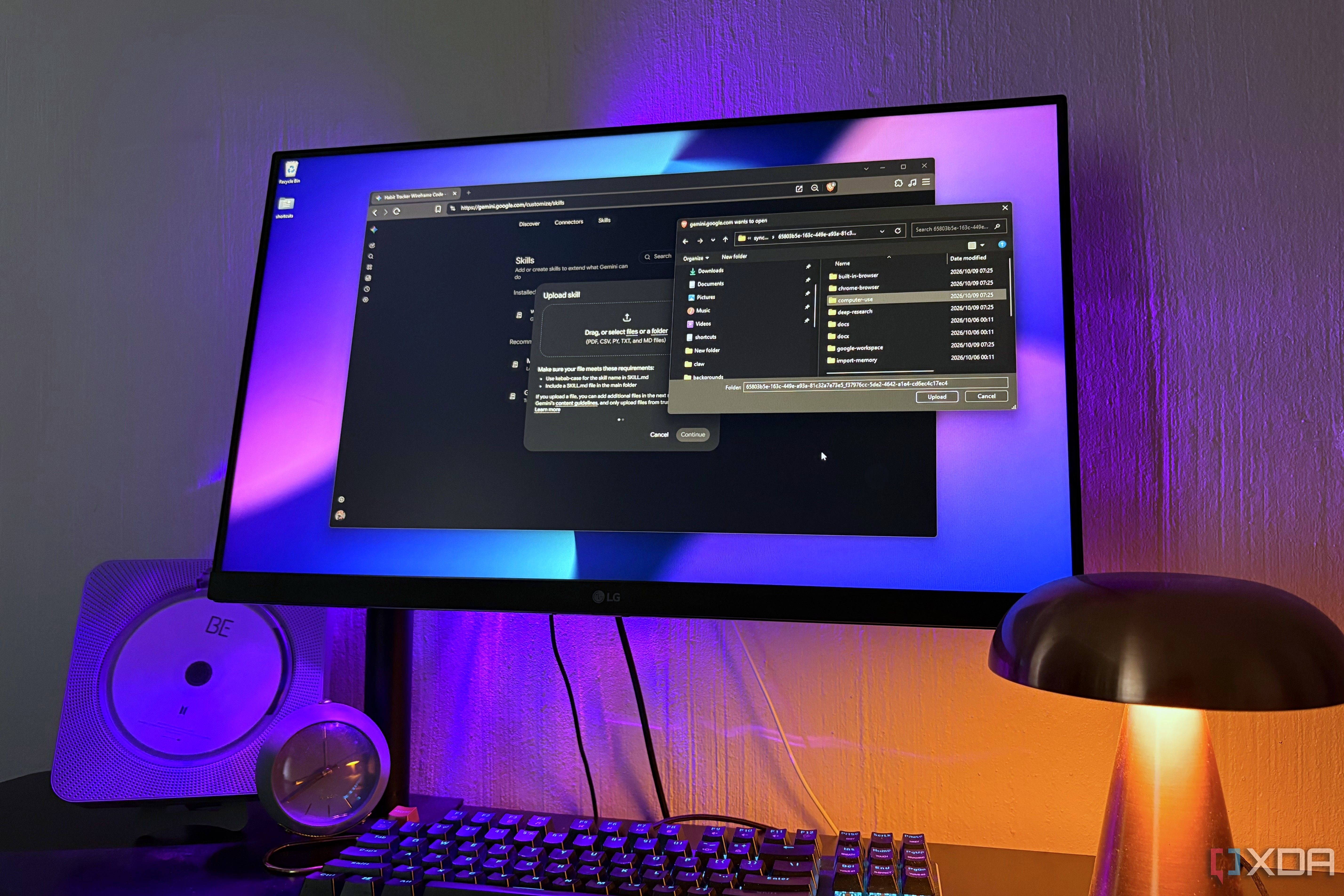
Google is officially retiring its custom AI assistants known as Gems in Gemini, replacing them with a new streamlined feature called Skills. While the transition began on September 30, existing Gems will enter a read-only state on November 17 and disappear entirely by December 17, though enterprise and educational accounts have until 2027.
- Google announced the phase-out of Gems in favor of Skills, promising automatic migration for existing setups.
- The new Skills feature is readily available in Gemini under the Customize > Skills menu.
- Users can manually input custom instructions or upload entire folders and ZIP files containing SKILL.md documents.
- Gemini can now automatically detect and apply the correct skill based on normal conversation prompts without manual tagging.
The transition from Gems to Skills
Introduced in August 2024, Gems allowed users to write custom instructions and attach files for specific tasks. However, because each Gem lived inside its own isolated chat session, users had to abandon their ongoing conversations to access them, limiting their overall adoption. This friction likely prompted Google to sunset the feature in favor of a more integrated approach.
The replacement format, Skills, mirrors the instruction file system used by platforms like Claude. Google stated it will automatically convert current Gems into skills, though oversized files exceeding the 100MB limit will be dropped starting with the largest ones. Triggering a skill requires either typing the @ symbol or letting Gemini automatically pick the right one during the chat.
Read alsoGoogle Photos integrates Gemini Task: new features and performance reviewImporting and adapting skills from Claude
Bringing existing workflows over from other AI tools like Claude Code is straightforward. Users can copy names, descriptions, and instructions into manual form fields or upload compressed skill folders. Skill names must use lowercase letters connected by hyphens, matching established conventions.
However, direct migration requires careful consideration because desktop file-management scripts native to other tools won't function inside Gemini's chat environment. Users should rewrite or adapt instructions for browser-based research before uploading, and subsequent tweaks can be handled simply by describing changes in plain language using the edit feature.
Practical implications and current limitations
Despite the convenience of prompt-based auto-detection powered by skill descriptions, some limitations remain. Prominent features like Deep Research and Guided Learning do not currently support Skills, meaning intensive study sessions will still take place without these custom modules.
Ultimately, shifting toward a standardized instruction format makes juggling multiple AI providers much easier. Skills offer a familiar, flexible structure that lets developers and power users seamlessly port their existing setups into Google's ecosystem without starting from scratch.
Source: XDA