Google is silently linking phone numbers across accounts without consent
Google automatically links phone numbers across Android accounts. Learn about privacy risks, security threats, and how to turn off the feature.
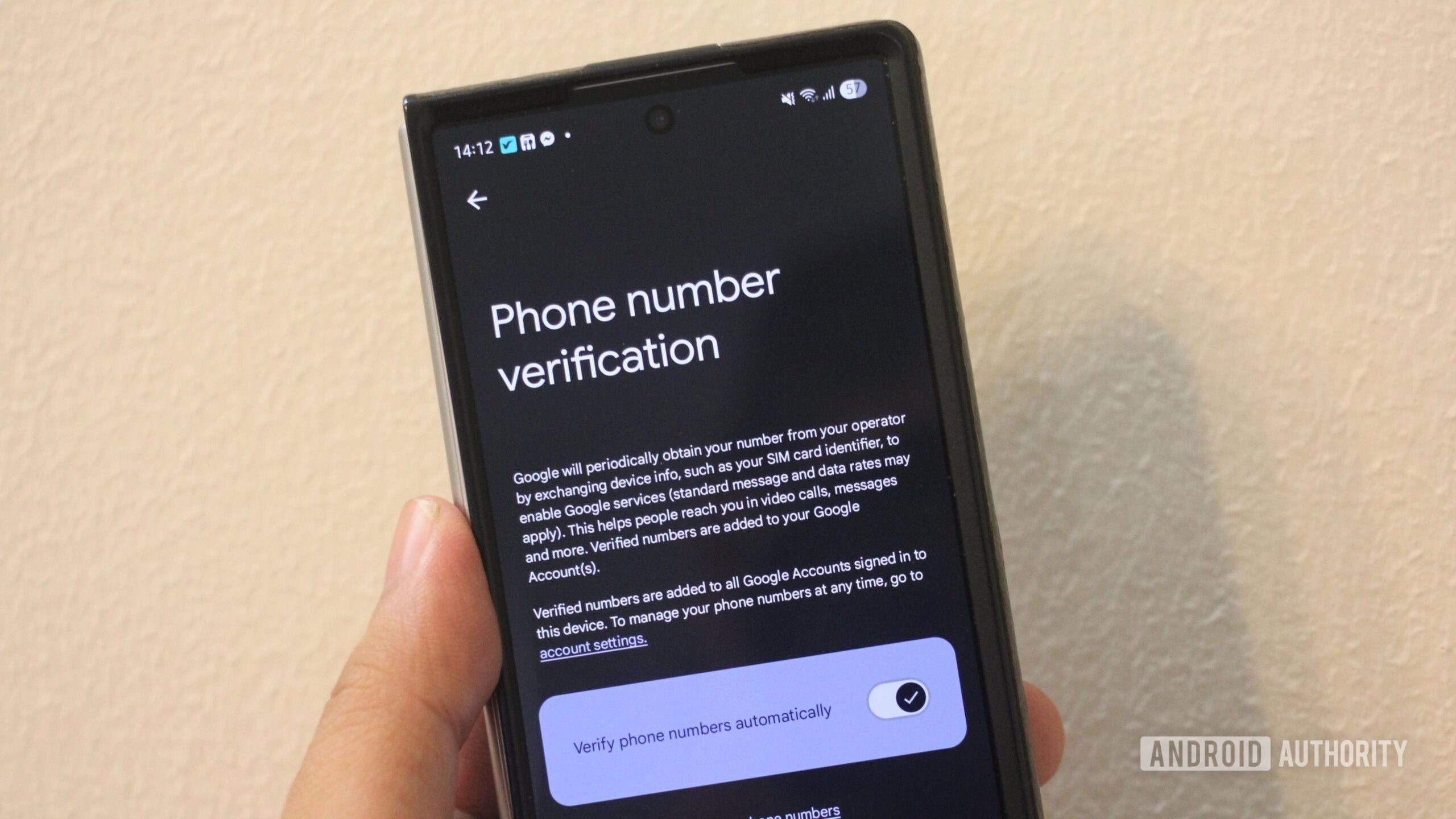
Google has begun automatically attaching phone numbers to all accounts signed in on an Android device without notifying users beforehand. This feature, enabled by default since the September 2025 Google Play services update, has recently sparked widespread privacy discussions.
- Phone number linking has been active by default since the September 2025 update.
- The system connects separate work and personal digital identities to a single person.
- Linked numbers can become a single point of failure during SIM-swapping attacks.
- Users can disable the feature and audit their accounts through system settings.
Why automatic phone number verification raises privacy concerns
The core issue is that Google verifies and links phone numbers without obtaining prior user consent. Many individuals deliberately maintain separate accounts for different purposes—such as work, personal use, and sensitive services—to keep their digital footprints isolated from one another.
Such cross-account linking connects these distinct identities to a single real-world person. In worst-case scenarios, a phone number can turn into a single point of failure if attackers gain access to SMS messages through SIM-swapping, potentially compromising multiple accounts simultaneously.
Read alsoGoogle introduces Android Family Hub for family management toolsHow to disable automatic verification and audit your accounts
To turn off the feature, open Settings, tap Google or Google services, switch to the All services tab, navigate to Phone number verification under privacy and security, and toggle off the setting. Note that some users report the toggle periodically resetting.
To perform a complete audit, go to Manage your Google Account, select Personal info, and remove unrecognized or unused phone numbers. Additionally, switching from SMS verification to Google Authenticator or passkeys provides robust protection against interception.
What this means for users and digital security
While this change is an intentional feature designed to ease account recovery rather than a security flaw, users rightfully expect transparency and control over their data sharing. Advanced users can further isolate accounts by setting up multiple device users or using Secure Folder on Samsung devices to maintain strict separation.
Source: Android Authority