How iOS warns you about data leaks and compromised passwords
Apple Passwords alerts you if your saved credentials appear in data leaks or are weak. Learn how iOS checks passwords and what actions to take.
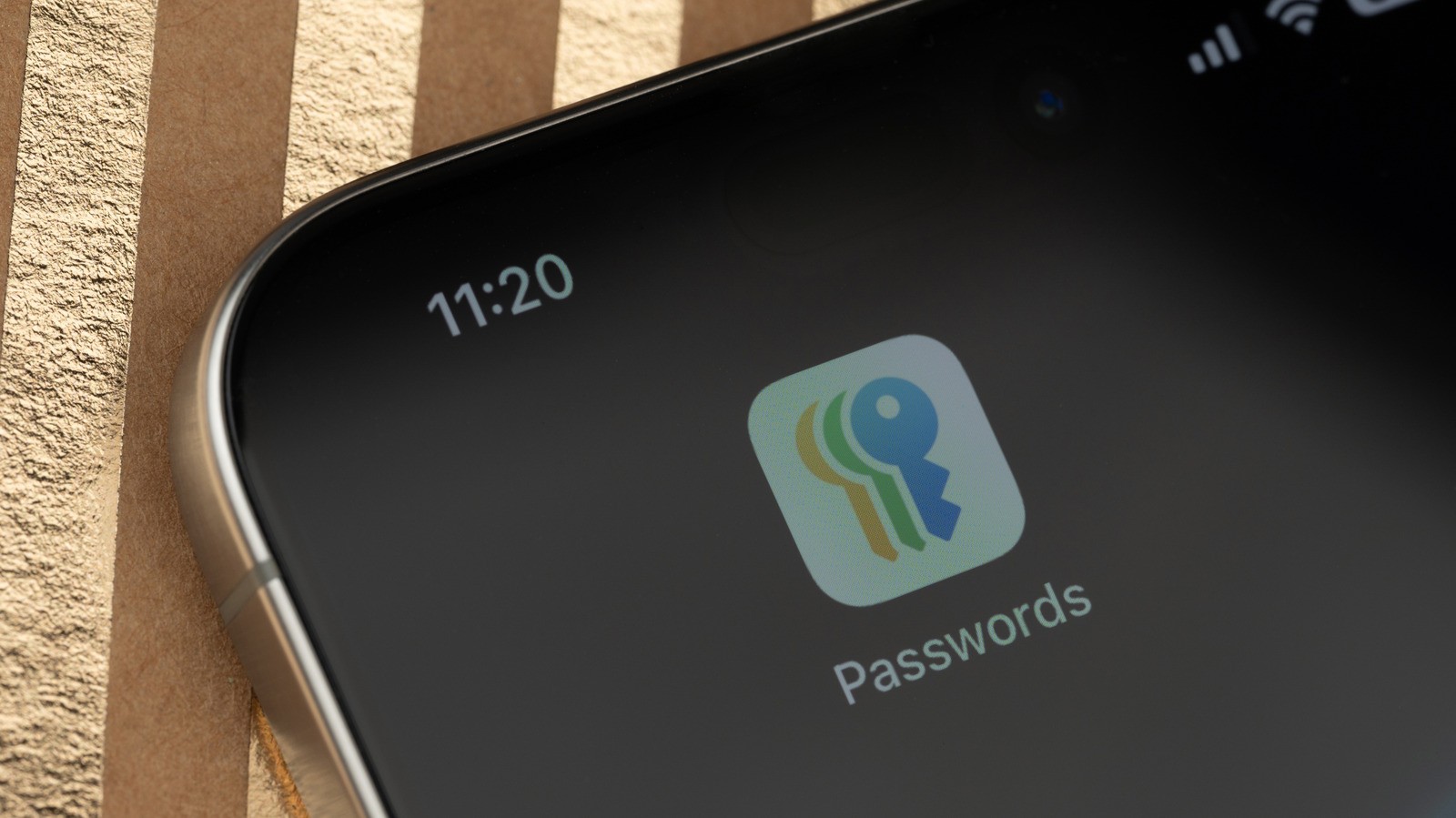
Apple includes robust security monitoring tools in iOS to warn users when stored credentials appear in data breaches or are considered weak. The feature helps account owners take timely action before malicious actors can exploit compromised data.
- iOS compares stored credentials against data breach lists using privacy-preserving cryptographic checks.
- The Passwords app in iOS 18 provides a dedicated dashboard for security alerts.
- The system also flags reused or weak passwords across different accounts.
- Updating a password requires manual changes on both the target website and the password manager.
How Apple Passwords security checks work
The Passwords app serves as a secure repository for logins and passkeys synced via iCloud Keychain with end-to-end encryption. To identify compromised logins, your iPhone checks credentials against a local list of common leaks and uses privacy-preserving cryptographic queries with Apple servers without exposing the actual password.
An Apple security warning does not necessarily mean your device was hacked or your account was directly accessed. Instead, iOS flags matching credentials from known breaches or highlights reused and weak passwords that pose a risk if a single service suffers a security incident.
Read alsoiPhone keyboard hides controversial political phrases from usersHow to review and update passwords in iOS 18
Apple introduced a dedicated Passwords app in iOS 18, removing the need to navigate deep through system settings. Users can open the app, authenticate using Face ID, Touch ID, or a passcode, and tap Security to view flagged accounts.
Selecting an impacted account reveals whether the password is leaked, reused, or weak. Tapping Change Password directs the user to the website to update the credential. Users must remember that updating the entry in the Apple app does not automatically change the password on the actual service provider's website.
Importance for users and security best practices
Similar monitoring features are offered by alternatives like Google Password Manager and 1Password. Having a native tool built directly into the Apple ecosystem makes essential cybersecurity practices accessible to everyday smartphone users.
For users in emerging tech regions, where password reuse across email, social media, and financial accounts remains common, these alerts are vital. Enabling monitoring settings, adopting passkeys, and utilizing two-factor authentication provide critical layers of defense against account takeovers.