How to extend Android Auto features without rooting your phone
Expand your Android Auto dashboard with widgets, screen mirroring, and custom apps without rooting your device. Learn the best workarounds.
·2 min read
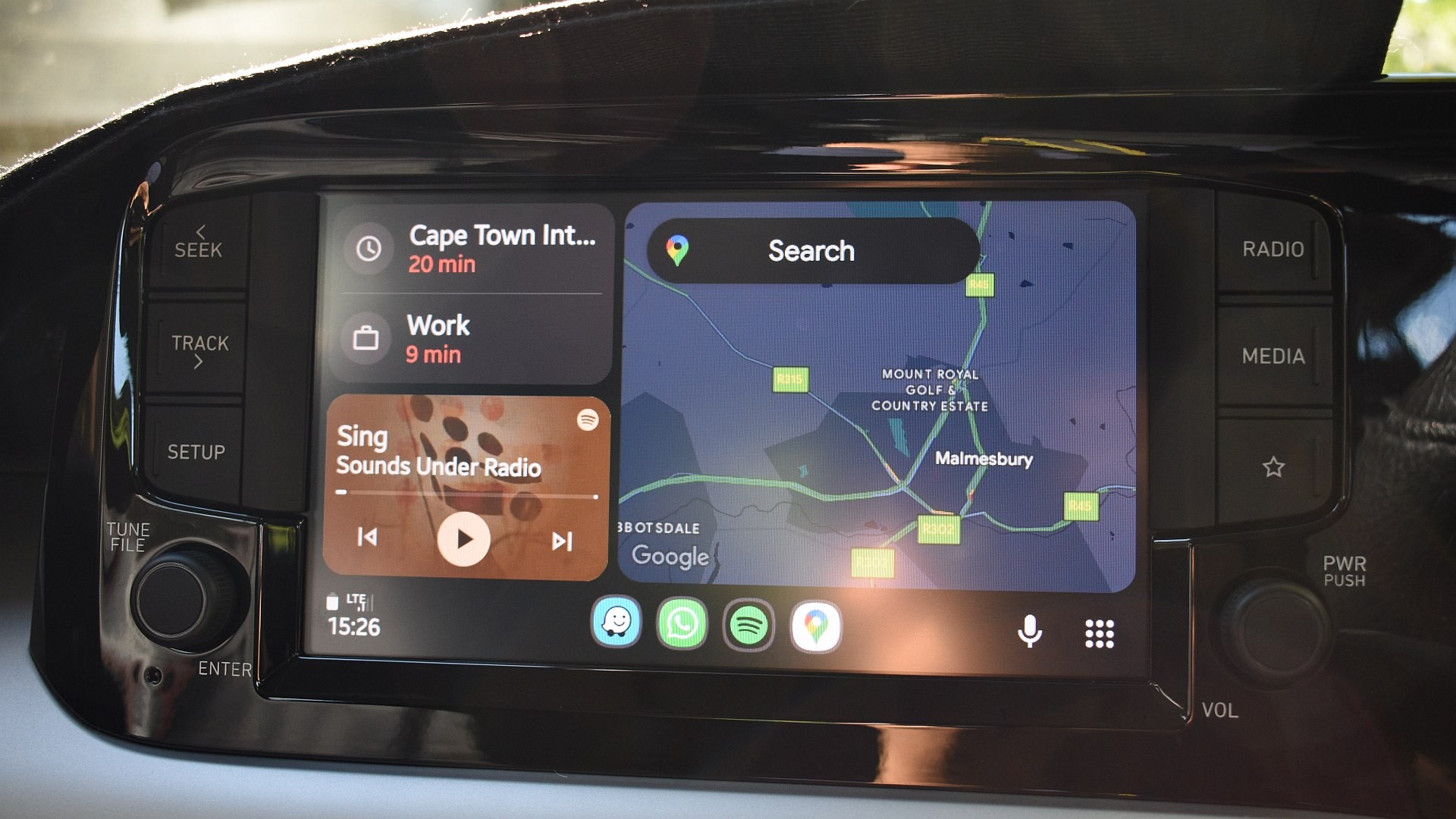
Android Auto is known for its restrictive interface, limiting users to Google-approved navigation and media apps. However, advanced users can bypass these limitations by sideloading companion apps, effectively transforming the car display into a more versatile dashboard without compromising system security through rooting.
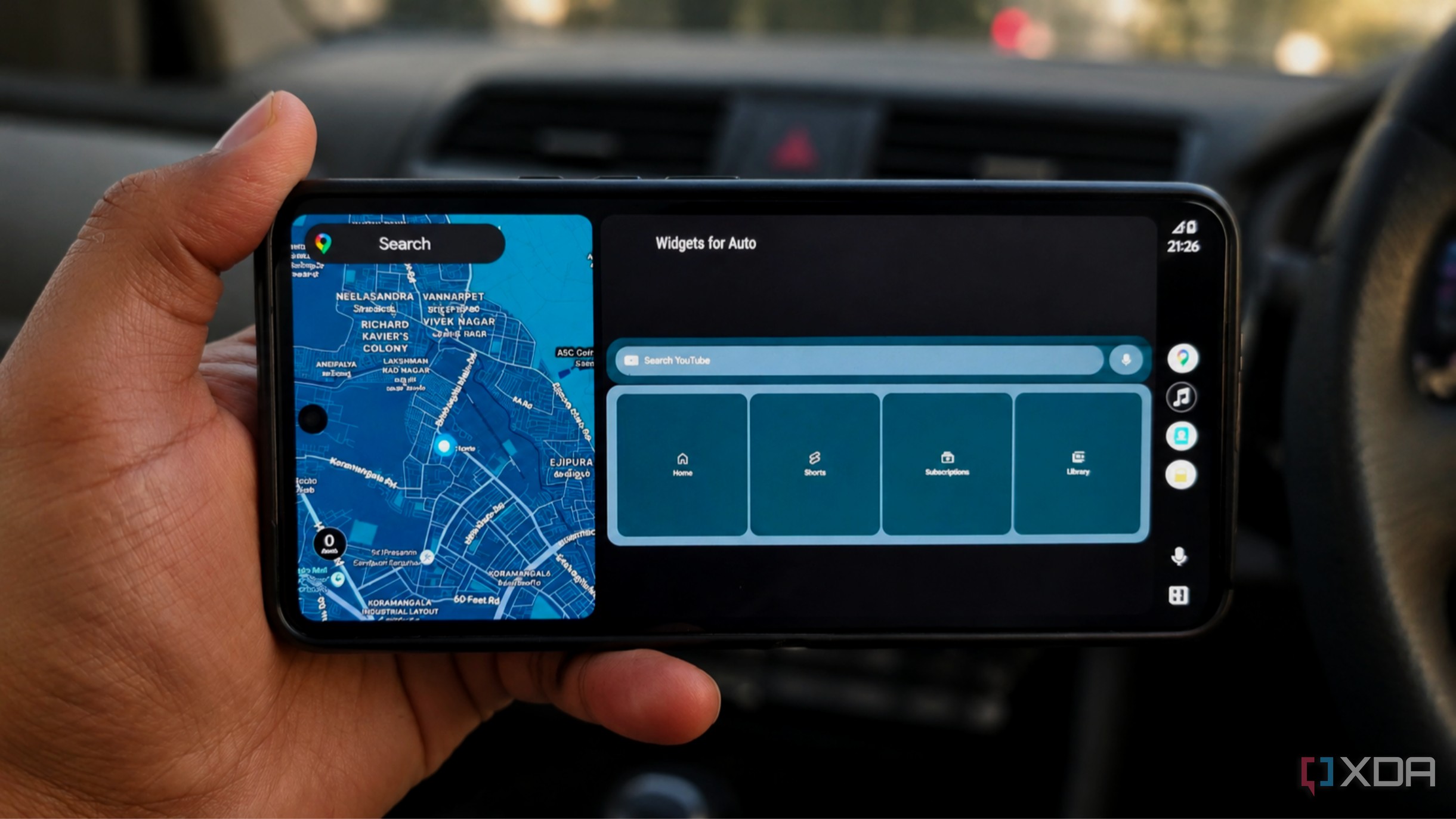
- Use Widgets for Auto to display Android widgets directly on your dashboard.
- Enable screen mirroring via Fermata Mirror for full interface projection.
- Patch apps using AA Anything for seamless integration into the system.
- Browse the web effectively using the dedicated AA Browser for Android Auto.
Bringing Widgets to the Dashboard Widgets for Auto bridges the gap between phone notifications and the car display. By using KingInstaller, users can add weather summaries or calendar agendas to the dashboard. The key is to select widgets with large text and minimal density to maintain readability while driving or parked.
Mirroring and Patching for Custom Apps For apps lacking native Android Auto support, Fermata Mirror offers a robust way to mirror the phone's interface onto the head unit. Alternatively, AA Anything allows users to patch specific apps, like VLC, enabling them to appear as native Android Auto icons. This is perfect for accessing local media or utility apps that Google hasn't explicitly allowed on the platform.
Browsing the Web in Your Car AA Browser provides a full-featured web experience, including bookmarks, tabs, and mobile-to-desktop view switching. It is an excellent tool for quick lookups, such as checking restaurant menus or hotel details while parked. While it lacks ad-blocking, its custom interface scales well for car displays.
Why This Matters These companion apps provide functionality that Google has been slow to implement natively. For power users, these workarounds turn a limited infotainment system into a powerful tool, providing a glimpse of what the future of car-phone connectivity should look like without the need for risky modifications.
Source: XDA