Android Auto Gemini voice command bug: 'Who do you want to call'
Android Auto users are reporting a frustrating bug where Gemini fails to recognize contact names during voice-commanded calls and texts.
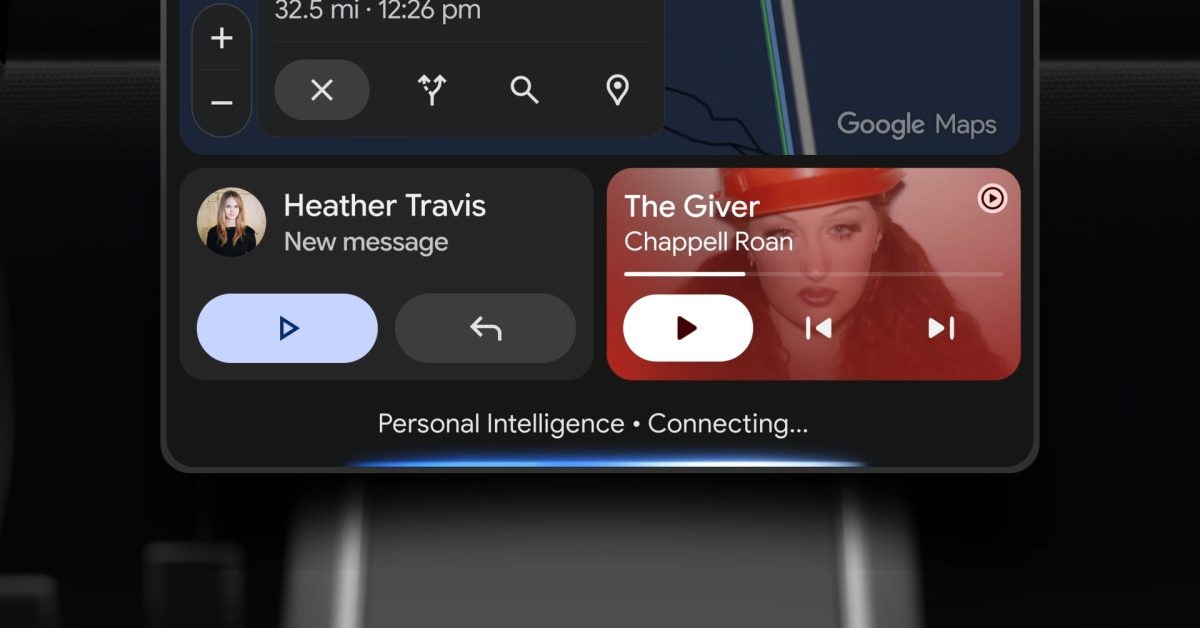
The integration of Gemini into Android Auto has brought significant updates, but it is currently marred by a frustrating technical glitch. Users are finding that the AI assistant frequently fails to recognize names, trapping them in a repetitive loop when attempting to make calls or send text messages via voice commands.
- Gemini enters a loop, repeatedly asking "who do you want to call?" despite clear inputs.
- Voice commands for texts and calls are failing across various hardware configurations.
- The issue is widespread and not isolated to specific Android Auto builds.
- Initial reports date back to early October 2026, with frequency increasing recently.
The Root of the Bug
On Google support forums, users are detailing a scenario where the AI assistant cannot process contact names correctly. Even after multiple attempts to speak the name, Gemini restarts the prompt, rendering voice-assisted communication during driving ineffective. This failure forces drivers to look at their screens, undermining the safety benefits of hands-free technology.
Scope and Expected Fixes
Read alsoAndroid Auto issues: Calls failing on Galaxy and Pixel after Gemini updateThis issue is not limited to specific phone models, suggesting it is a server-side or core application bug within the Gemini integration for Android Auto. While some users have also noted minor issues with auto-answering incoming calls, the voice recognition loop is the primary concern. Given Google's rapid update cycle for both Android Auto and Gemini, a fix is expected to be rolled out via a software update soon.
Impact on Productivity
For professional drivers and commuters, hands-free operation is essential for safety and efficiency. This glitch serves as a reminder of the fragility of AI-driven voice interfaces in automotive environments. Until a fix is deployed, users are advised to verify contacts manually or rely on steering wheel controls where possible.
Source: 9to5Google