How to replace Grammarly Pro with a local LLM on your PC
Learn how to ditch Grammarly Pro, run a local LLM on your GPU, and keep your drafts private without paying monthly subscription fees.
The constant rise of premium subscriptions has made software costs a heavy burden for many users. Grammarly Pro charges around thirty dollars every month while opting your drafts into its product training models by default.
- Replacing Grammarly Pro with a local LLM running on local GPU hardware;
- Using the open-source Writing Tools utility for seamless system-wide integration;
- Processing all writing tasks locally via llama-server without sending data to external servers.
Many users are unaware that standard and paid individual tiers enroll them automatically in Product Improvement and Training programs. This means random excerpts of personal and corporate drafts can be sampled to train AI models. Even privacy-conscious users who opt out still require an active internet connection, forcing text to reach third-party servers.
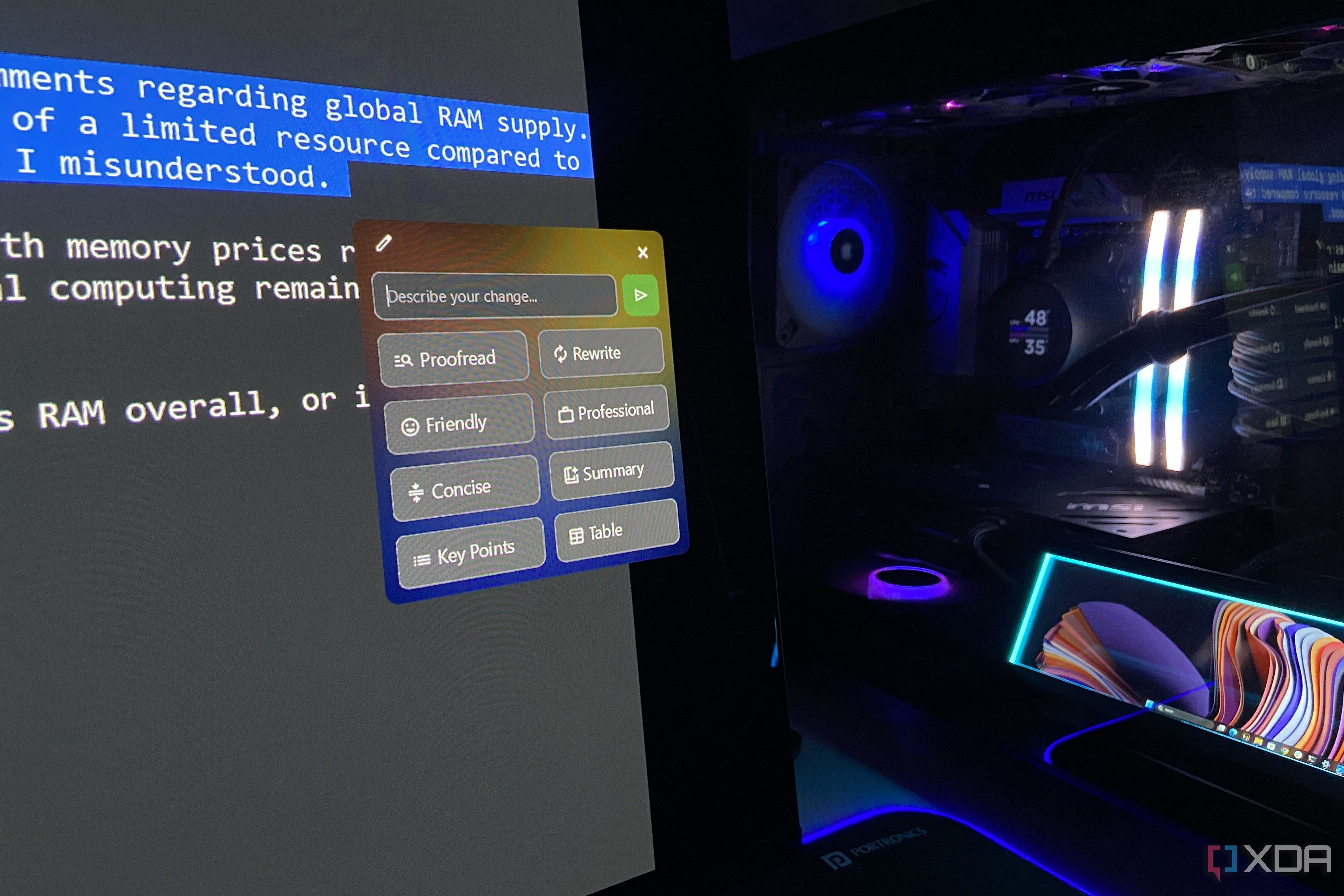
A major drawback of local models has always been accessibility and usability compared to cloud tools. While Grammarly follows you into almost every application, local models are typically trapped inside chat windows requiring tedious copy-pasting. An open-source application called Writing Tools successfully bridges this usability gap by routing selected text directly to local instances.
The setup allows users to map shortcuts like Ctrl+Space to proofread errors, change tones, or shorten drafts instantly. By connecting the tool to an OpenAI-compatible endpoint pointing to a local llama-server, Ollama, or LM Studio instance on your GPU, requests execute entirely locally without ever leaving your machine.
Moving to an open-source local text assistant eliminates recurring subscription costs while guaranteeing complete data privacy. It offers developers and privacy advocates a reliable, hands-off alternative for everyday proofreading tasks directly on personal hardware.
Source: XDA