
How to turn an old router into a travel router for hotel Wi-Fi
Tired of hotel Wi-Fi restrictions? Learn how to repurpose an old router into a portable travel gateway to bypass captive portals and device limits.
·2 min read
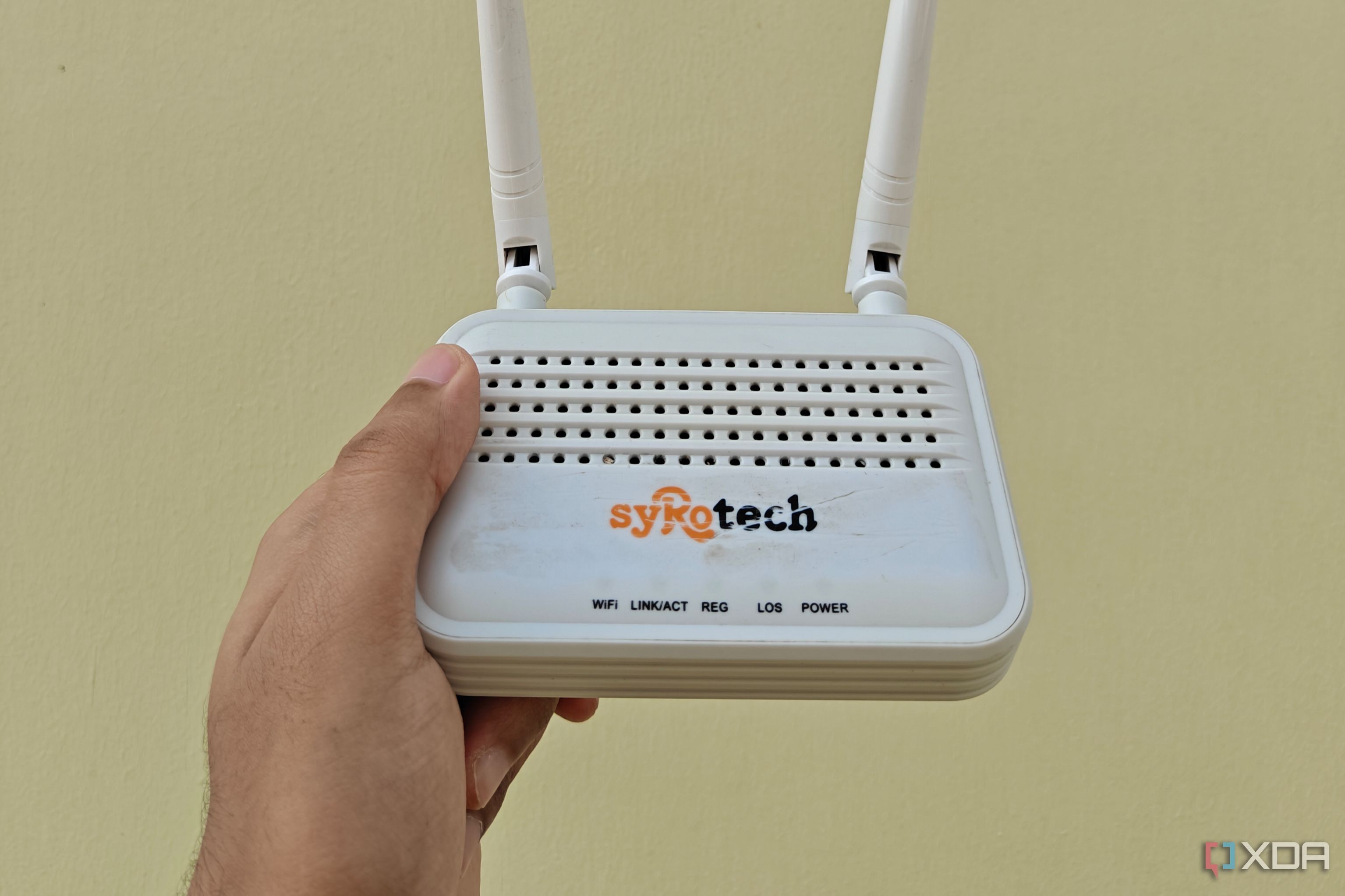
Traveling with multiple devices often leads to frustrations with public hospitality networks, such as captive portal logins, per-device limits, and Layer 2 client isolation. By repurposing an old router, you can create a private travel gateway that consolidates all your gadgets under one secure connection, effectively bringing your home network environment with you.
- Utilize Wireless ISP (WISP) mode to turn your router into a wireless client for the hotel's network.
- Create a private NAT-based local subnet to isolate your devices from the public network.
- Bypass device authentication limits and prevent network-level client isolation.
- Secure your traffic by running a persistent VPN tunnel through the router.
Configuring WISP for seamless connectivity The core of this setup is WISP mode, which allows your router to use its wireless radio as an upstream internet source instead of a physical cable. If your router's stock firmware lacks this, flashing OpenWRT provides the granular control needed for routing and radio management. Once configured, your router acts as a single client to the hotel's infrastructure. This setup bypasses the administrative friction of re-authenticating every device. You only need to log in to the hotel's captive portal once via the router, and the travel router then handles the authentication session for all connected devices. For networks restricting access by MAC address, some routers even support MAC cloning to mimic your laptop.
Security and local network control Hotel Wi-Fi is notorious for security risks like packet sniffing and ARP spoofing. By running your own travel router, you can encapsulate all outgoing traffic through a WireGuard or OpenVPN tunnel back to a trusted server, neutralizing public network threats. Additionally, because you are within your own private subnet, you circumvent the hotel's Layer 2 isolation, allowing your devices to communicate freely for file transfers and remote access. This method essentially turns the hotel's shared, untrusted access point into your private secure segment, giving you full control over how your devices interact within that space.
Why this matters for professionals For digital nomads and IT professionals, this approach eliminates the need to wrestle with hotel network restrictions repeatedly. By centralizing authentication and enforcing your own security policies through a hardware gateway, you ensure a consistent and secure workspace regardless of the hotel's infrastructure limitations.
Source: XDA