How to unlock hidden Samsung camera features with Camera Assistant
Learn how to access the hidden Camera Assistant menu on Samsung Galaxy phones and unlock advanced camera features and controls.
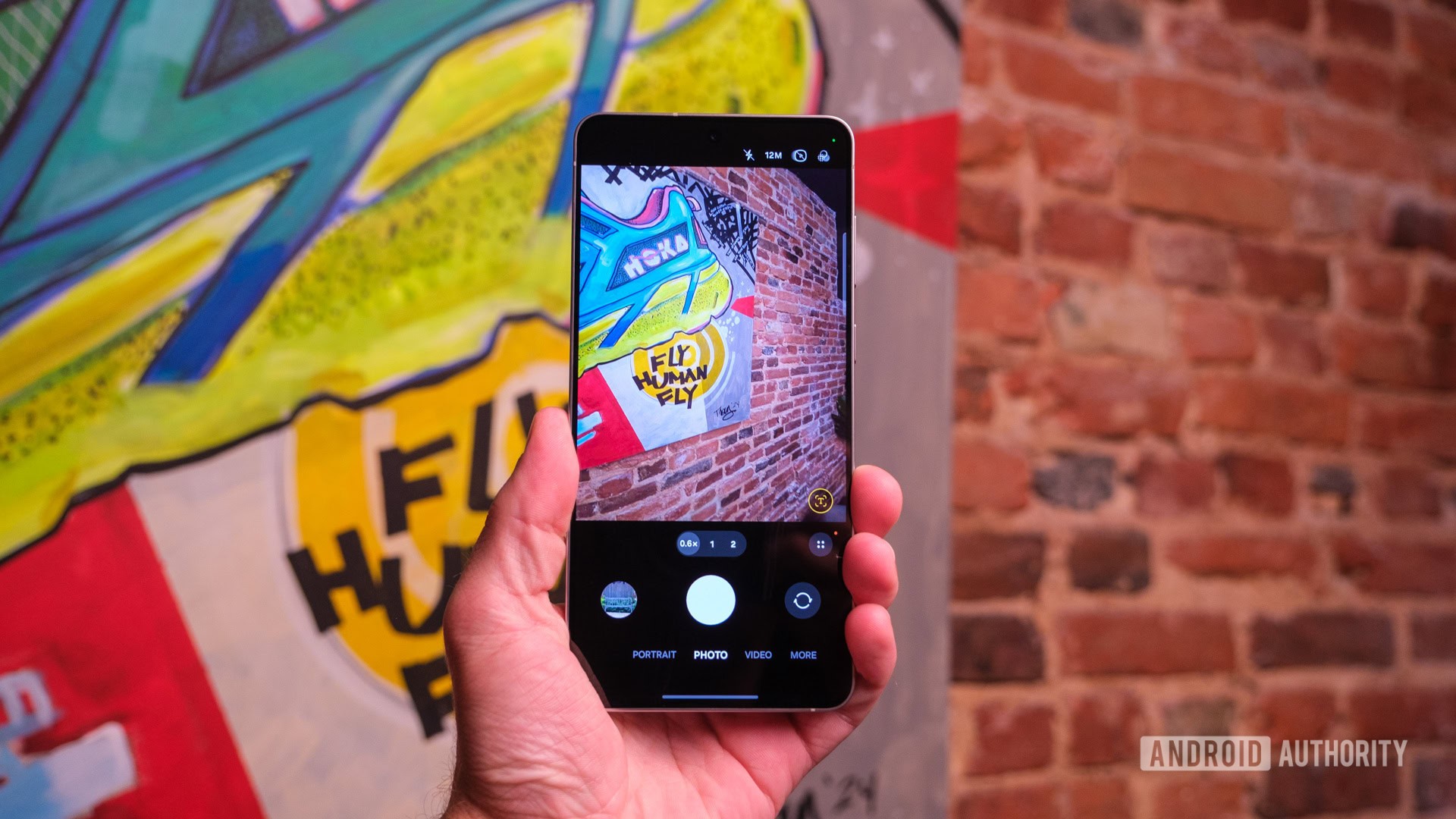
Samsung's default camera app offers standard controls, but a whole second settings menu packed with advanced features is hidden by default. You can unlock these powerful options using the Good Lock module called Camera Assistant.
- How to get and use Camera Assistant on Samsung:
- Download the Good Lock app from the Galaxy Store if you haven't already.
- Find and download the Camera Assistant module within the app.
- Open your default Camera Settings and tap the new Camera Assistant option to start tweaking.
What is Camera Assistant and why it is hidden
The standard camera app on Galaxy phones lets you manage photo formats, location tags, and shooting modes. However, the Camera Assistant module offers an advanced layer of control that lets you manage automatic lens switching, HDR behavior, capture speed, and viewfinder elements.
Designed as a powerful Good Lock module, Camera Assistant gives power users deeper control over their mobile photography experience. It is hidden by default to keep the main interface simple for average users, but enthusiast photographers can easily unlock it.
Read alsoSamsung Galaxy S25 FE receives a new software update in South KoreaKey features to improve your mobile photography
One of the standout features is Quick tap shutter, which eliminates the tiny default half-second delay between tapping the shutter and capturing the photo. Alternatively, you can prioritize focus over speed if detail is more important.
The module also unlocks timer multi-photo options, allows you to configure shutter swipes to record GIFs directly, and gives you the ability to stop auto HDR to prevent over-processed, unnatural-looking photos.
Advanced modes and interface customization
You can disable automatic lens switching to maintain manual control over which physical sensor your phone uses when zooming. Additional modes like Dual Recording, which uses the front and rear cameras simultaneously, can also be unlocked.
Furthermore, you can customize the top shortcut bar inside the viewfinder and enable a feature that automatically dims your phone's screen during long video recording sessions to save battery life.
What this means for Samsung Galaxy users
For owners of compatible mid-range and flagship Galaxy devices, Camera Assistant provides near-professional levels of customization without requiring third-party camera applications.
Although the hidden nature of the module means you are unlikely to stumble upon it by accident, the ability to easily reset all toggles makes experimenting completely safe. It is an essential toolkit to get the absolute most out of your phone's hardware.
Source: Android Authority