One UI 9 Network Guard vs AdGuard: Testing Samsung's Ad Blocker
We tested Samsung's new Network Guard tool in One UI 9 and compared it against AdGuard's Private DNS on Galaxy devices.
·2 min read
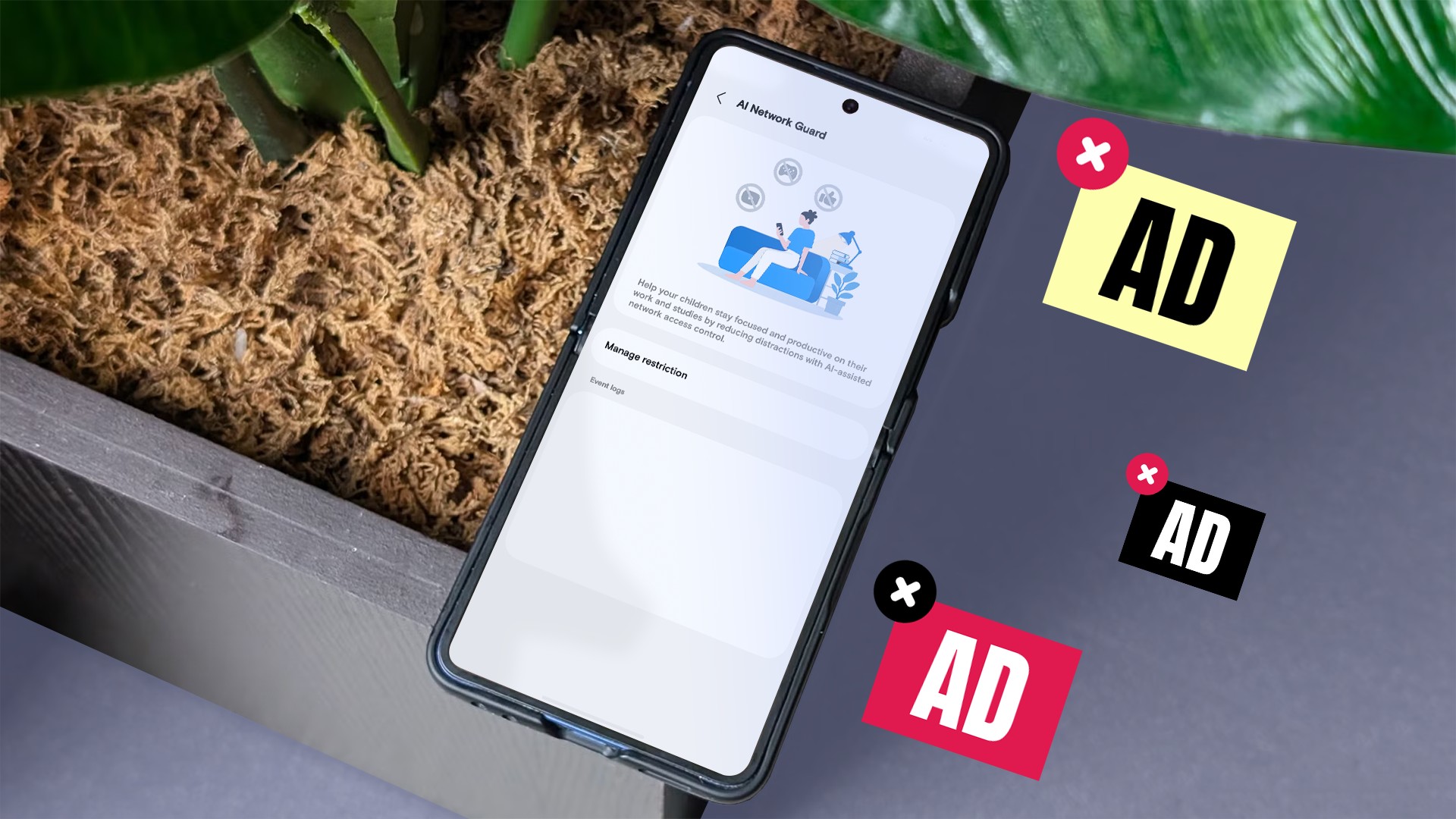
Samsung has introduced a new tool to combat annoying ads in One UI 9 called Network Guard. Hidden deep within Wi-Fi settings, it operates differently from traditional ad blockers found on mobile platforms.
We put it up against AdGuard, a popular and free method of blocking ads using Android's Private DNS settings, testing both across three free apps and one ad-heavy website to see which approach works best.
- Network Guard does not target ads directly; instead, it cuts off selected apps from the internet entirely across Wi-Fi and mobile data.
- AdGuard's Private DNS filters network traffic to block ad domains across apps and browsers, but still lets heavy ads through.
- Testing showed that Network Guard completely removes ads in offline apps, but breaks applications that require constant connectivity.
How Network Guard Works in One UI 9 The new tool is housed within a hidden menu called Connectivity Labs, accessible by tapping Intelligent Wi-Fi settings multiple times. Users can manually select apps to restrict from accessing the network, effectively stopping banners and video loads. During tests, offline apps like Sudoku and QR scanners worked fine with zero ads displayed, even blocking full-screen interruptions. However, network-dependent apps like AccuWeather failed to load entirely, displaying a connection error message. ## Comparison with AdGuard Private DNS Setting up AdGuard through Android's native Private DNS settings is much simpler and requires no third-party app installation. Because it leaves internet connectivity intact, apps like weather utilities and browsers function without any issues. However, AdGuard has a major flaw: while it removes small display banners, it fails to block the most obstructive full-screen ads that interrupt user workflows every minute. Furthermore, some websites can easily detect the blocker and prompt users to disable it. ## Productivity and Practical Use Samsung built Network Guard primarily as a productivity and distraction-reduction tool rather than a dedicated ad blocker. It allows users to restrict games, browsers, and social apps, creating downtime schedules. While the app categorization can sometimes be flawed—such as banking software mistakenly grouped under browsers—Samsung's blunt approach proves highly useful for utilities plagued by aggressive video advertisements.
What This Means for Users Choosing between these tools depends heavily on your daily workflow. If you need online connectivity across all apps and do not mind minor banner ads, AdGuard remains the easier and safer choice. If intrusive full-screen video interruptions in offline games drive you crazy, enabling Network Guard will solve the issue, provided you manage your internet-dependent app exceptions correctly.
Source: Android Police