iOS 27 HDMI output issue causes external display video playback bugs
iOS 27 users are reporting a frustrating HDMI output bug where external video playback stops when the iPhone screen locks.
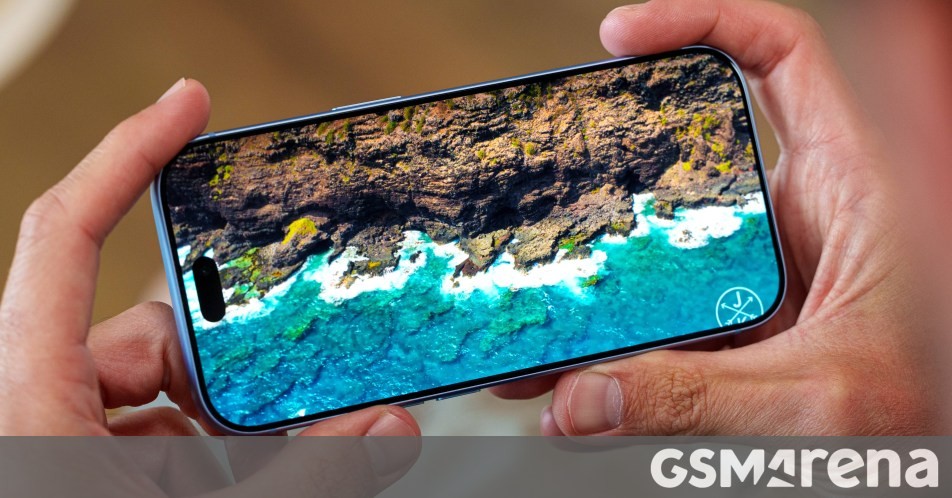
New software rollouts rarely go without a hitch, and iOS 27 is no exception. Alongside storage allocation quirks tied to Apple Intelligence, a major grievance has emerged regarding HDMI output functionality. Users connecting their iPhones to external displays are finding that video streams suddenly halt upon device locking.
- Numerous Reddit users report that external video playback over HDMI stops when the iPhone is locked.
- Popular apps like YouTube and Netflix are affected, whereas VLC continues to work normally during tests.
- Apple introduced a new rule in iOS 27 requiring apps to explicitly register external display video sessions.
- The issue persists through iOS 27.2, pushing the responsibility onto developers to update their apps.
The HDMI Output Problem on iOS 27
According to multiple reports from users, connecting an iPhone to an external display and locking the phone screen now interrupts video playback. Previously, users could turn off their phone's display to save battery while continuing to watch content on a TV or monitor, but this capability is broken in the latest software.
Office tests confirmed that the bug is inconsistent across applications. While YouTube and Netflix immediately drop the video stream upon screen lock, the VLC media player functions smoothly without interruption. This discrepancy pointed researchers toward a deeper system-level change rather than a simple random glitch.
Read alsoiPhone 2027: Apple to drop the Action Button in upcoming smartphone modelsUnderlying Changes in iOS 27 Permissions
A closer look reveals that Apple implemented a new framework rule with iOS 27. Applications must now explicitly request and register external display video sessions, whereas previous iOS versions granted these permissions automatically.
This shift explains why apps like VLC handle the transition better while streaming apps struggle. Because the problem was not patched in the recent iOS 27.2 update, third-party developers are now forced to push updates to comply with the new iOS 27 display rules.
Workarounds and User Impact
The only available workaround currently is to keep the iPhone screen unlocked and awake while streaming content to an external monitor. Users can lower the display brightness to preserve battery life, though accidental touches remain a challenge, especially when using AR glasses like XREAL Air 2.
First reported alongside the September iOS release, the issue remains unresolved in current iterations. Whether Apple adjusts permission handling in future updates like iOS 27.3 or leaves the fix entirely in the hands of app developers remains to be seen.
Source: GSMArena.com - Latest articles