Local AI models: 4 jobs I handle locally instead of using the cloud
Discover how running open-source AI models on your own hardware protects privacy and replaces cloud services for everyday tasks.
Growing concerns about data privacy have made users rethink sharing every bit of information with cloud AI service providers. Modern frontier models process text, images, documents, and video, gaining unprecedented access to sensitive user data stored on remote servers.
- The core issue: cloud-connected AI tools and extensions gather massive amounts of personal data.
- The solution: running powerful open-weight models locally on personal hardware.
- The main benefits: absolute privacy and freedom from monthly subscription fees.
Grammar checkers and confidential emails
Many grammar-checking services quietly train their models on user inputs via browser extensions. Because emails often contain confidential figures, names, and conversations, sending them to cloud servers poses significant risks. According to strict security standards, such monitoring software can act similarly to keyloggers.
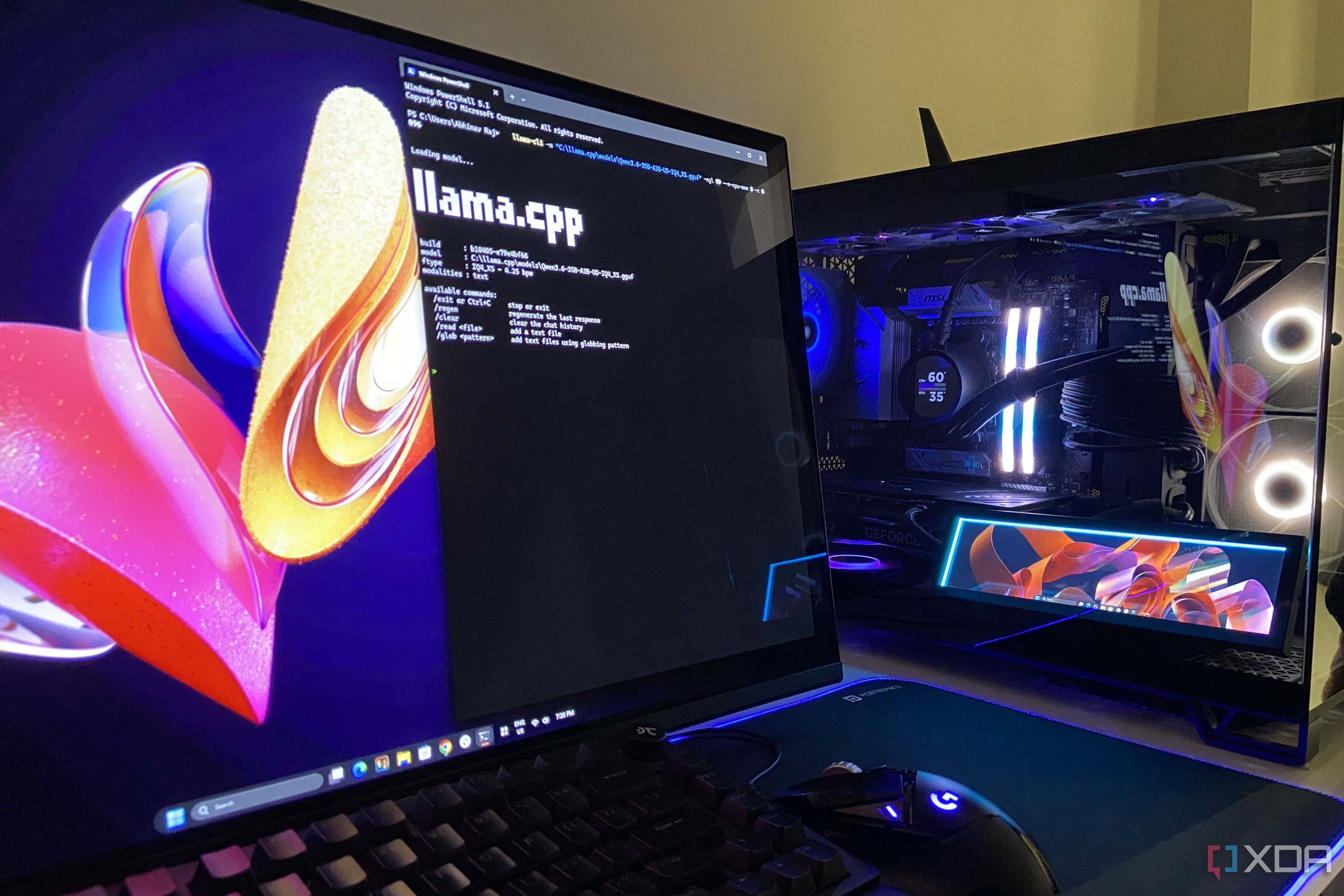
To avoid cloud exposure, text can be proofread using an open-source tool called Writing Tools routed to the Qwen3.6-35B-A3B model running locally on an RTX 4070 Ti Super GPU. This ensures confidential emails remain entirely private.
Read alsoHow to replace Grammarly Pro with a local LLM on your PCPC maintenance agents and screenshot analysis
While AI agents for PC maintenance are increasingly popular, sending personal computing data to third-party services creates privacy vulnerabilities. Running Nemotron 3.5 Bolt through Hermes Agent locally on a personal GPU allows automated system updates without leaving the home network.
Screenshots frequently contain sensitive details like email addresses or Wi-Fi network names. Inspecting raw screenshots with a cloud model means uploading private info, whereas utilizing a local vision-capable model via llama.cpp provides a secure alternative.
Bank statements and financial reconciliation
Bank statements are among the most revealing documents a person owns, containing balances, account numbers, and transaction histories. Uploading such sensitive data to cloud servers is unsafe. A local LLM running on a personal GPU can effortlessly parse and reconcile transactions without privacy risks.
What this means for users and businesses
Implementing local AI models safeguards sensitive personal data while boosting productivity without relying on expensive cloud subscriptions. For finance, legal, and professional workflows, executing models locally on dedicated hardware proves to be a secure and financially responsible choice.
Source: XDA