Samsung Galaxy AI tested: One UI 9 tools review and usefulness
We tested every Samsung Galaxy AI tool on One UI 9 to see which features actually save time and which ones are just gimmicks.
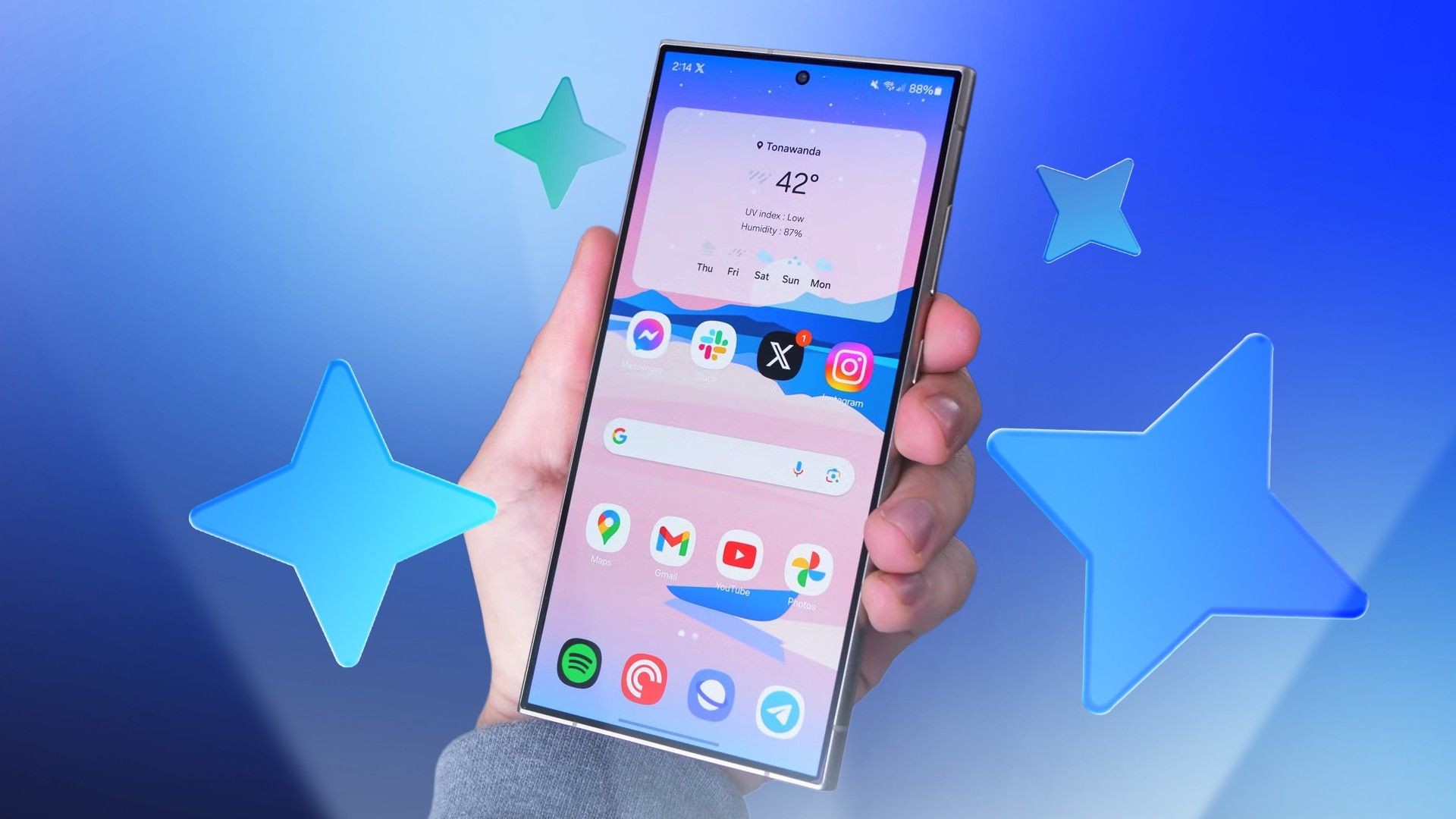
Samsung has integrated an ever-growing list of artificial intelligence tools across its core apps like Notes, Voice Recorder, Gallery, Browser, and Keyboard. Keeping track of them is difficult, so most users stick to just a few familiar features. Testing every Galaxy AI tool on an S24 Ultra running One UI 9 helps determine which features deserve a spot in your daily routine.
- Samsung Notes summaries and auto-formatting save valuable time;
- Voice Recorder transcription still produces noticeable errors;
- Generative Edit and Circle to Search perform exceptionally well;
- Minor features like Now Brief and Call Brief offer limited utility.
Productivity and Text Tools in Samsung Notes
Samsung Notes auto-formatting includes meeting notes and structured lists. The Meeting notes feature successfully organizes messy text into participants, topics, and decisions, while the Summarize tool condenses long notes without omitting crucial numbers or details. However, features like Drawing assist, while fun to try, lack practical long-term use cases for most users.
Keyboard and browser AI integrations also enhance everyday tasks. Samsung Keyboard's grammar and spelling tool corrects mistakes, though it tends to make sentences overly formal. Now Nudge analyzes your screen in real time to offer quick calendar shortcuts from typed text. Meanwhile, the Samsung Browser AI button accurately summarizes lengthy articles and translates entire web pages seamlessly.
Read alsoSamsung reports record profits as memory chip prices soarGallery and Multimedia AI Capabilities
Samsung Gallery's Generative Edit offers powerful object removal, moving, and creation tools. The AI eraser removes unwanted elements cleanly without leaving smudges, and the Create feature successfully alters images based on text prompts. Instant slow-mo lets users slow down videos on the spot by holding down on the screen, providing a smooth and engaging viewing experience.
The Voice Recorder app features transcription and summarization tools, though transcription can occasionally mishear words even in quiet environments. Despite minor transcription flaws, the action chips that let you add events to your calendar with a single tap are remarkably useful. Interpreter also functions reliably for face-to-face cross-lingual conversations.
What This Means for Smartphone Users
Comprehensive testing reveals that Samsung's Galaxy AI suite contains a mix of genuinely useful utilities and minor gimmicks. Tools like Circle to Search, Samsung Notes summaries, Gallery's AI eraser, and Instant slow-mo prove their worth in daily use. Meanwhile, narrowly focused features like Call Brief and Now Brief require further expansion from Samsung to become truly indispensable.
Source: Android Police