Why you should never put your PlayStation 5 on a carpeted floor
Discover why placing your PlayStation 5 on a carpet is a bad idea, how it affects console cooling, and where to safely store it.
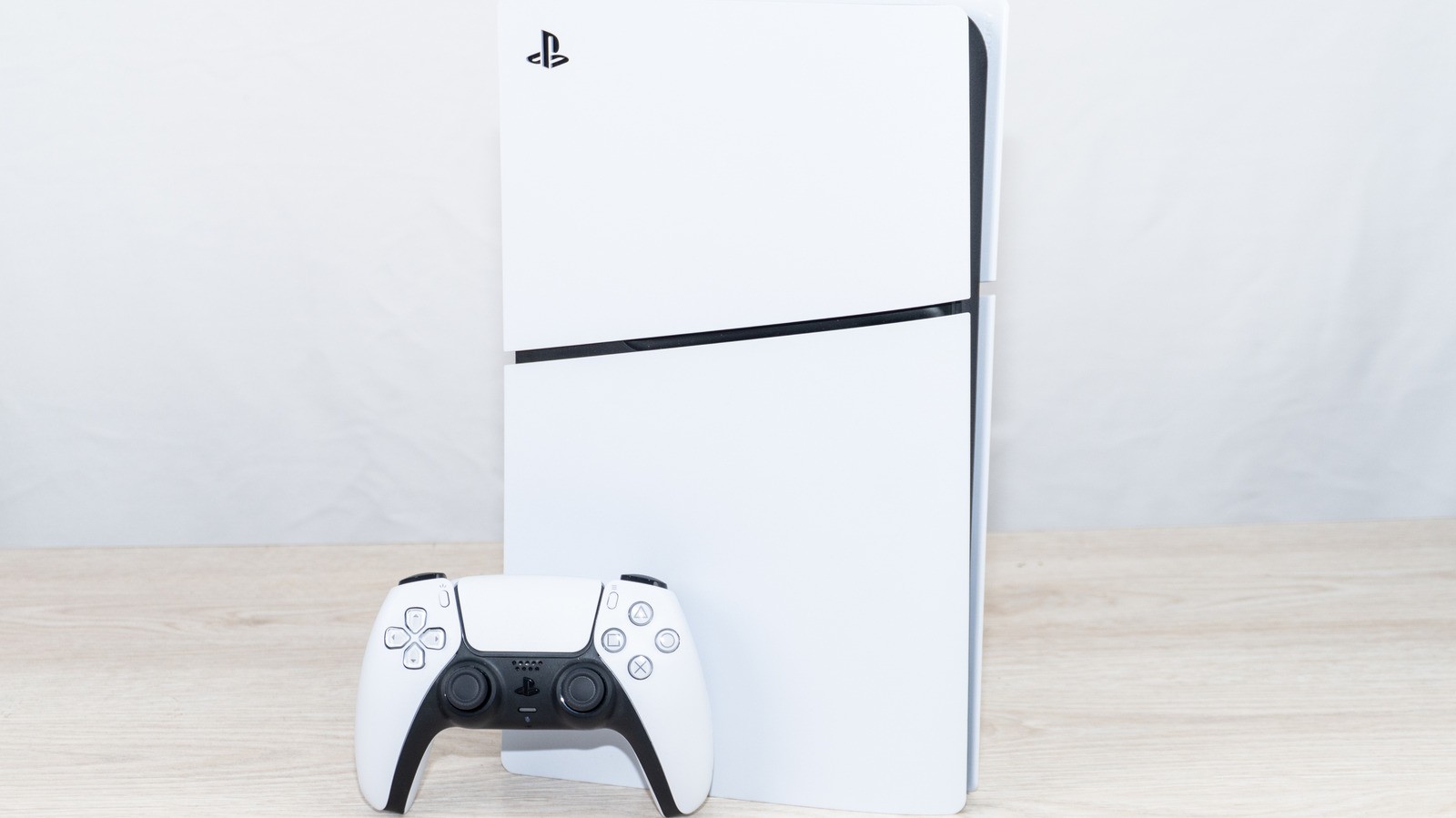
The PlayStation 5 needs proper placement and ventilation to stay cool during long gaming sessions. Many users make the mistake of placing their console directly on a carpeted floor, which can lead to severe airflow restriction and dust accumulation.
- Carpets act as super magnets for dust, dead skin flakes, spores, and microscopic bacteria.
- PS5 vent ports sit only inches away from the carpet, sucking all that debris directly into the system.
- Placing any console on the floor drastically increases the risk of it getting kicked or stepped on.
- A small table or an open TV stand with at least 4 inches of clearance on each side is the optimal setup.
The hidden dangers of carpets
Sony's documentation advises avoiding long-fiber carpets, but experts suggest keeping all versions of the console—including the original, Slim, and PS5 Pro—off carpets entirely. Even with regular vacuuming, carpets harbor countless microscopic particles that become airborne or get pulled straight into the cooling system. When your console operates, its internal fans continuously draw in air from the immediate surroundings.
Furthermore, putting a gaming console on the floor practically begs for accidental physical damage. Stepping on a small hidden object on a carpet can cause you to trip and fall onto the system. While placing a Slim or Pro horizontally on a short-pile carpet might seem safer, those ventilation ports remain dangerously close to a constant collection of dust and allergens.
Read alsoPlayStation 5: analysts reveal the most profitable games of the generationThe ideal placement for a PlayStation 5
A small table or an open TV stand is a much better accommodation for a PS5, provided the console has plenty of surrounding breathing room. Sony recommends maintaining a minimum of 4 inches of clearance around each side of the device. Cramming it into a tight bookshelf cubby restricts airflow and will eventually cause thermal issues.
If space is limited, finding a small stand is far better than returning the console to the floor. The location matters greatly for preventing long-term damage to internal components. Simple maintenance, such as periodically vacuuming the vents with a low-power handheld device while the console is unplugged, ensures optimal performance over time.
Signs of overheating and failure warnings
While fan noise can fluctuate depending on the game you are playing, loud fans combined with poor placement can spell trouble. Crashing in the middle of a game, overly loud fans that never quiet down, or on-screen overheating warnings are clear signs of distress. Fortunately, the PS5 features built-in fail-safes that automatically shut the system down to protect internal components.
If your system has been sitting on a carpet and exhibiting these warning signs, it is time to relocate it and perform a routine cleaning. Proper placement, adequate ventilation, and basic mindfulness will keep your console running smoothly for years to come.