YouTube redesign moves subscriptions: how to get the old tab back
YouTube's major home screen redesign removes the familiar subscriptions tab and introduces AI feeds. Here is a working workaround to get the old layout.
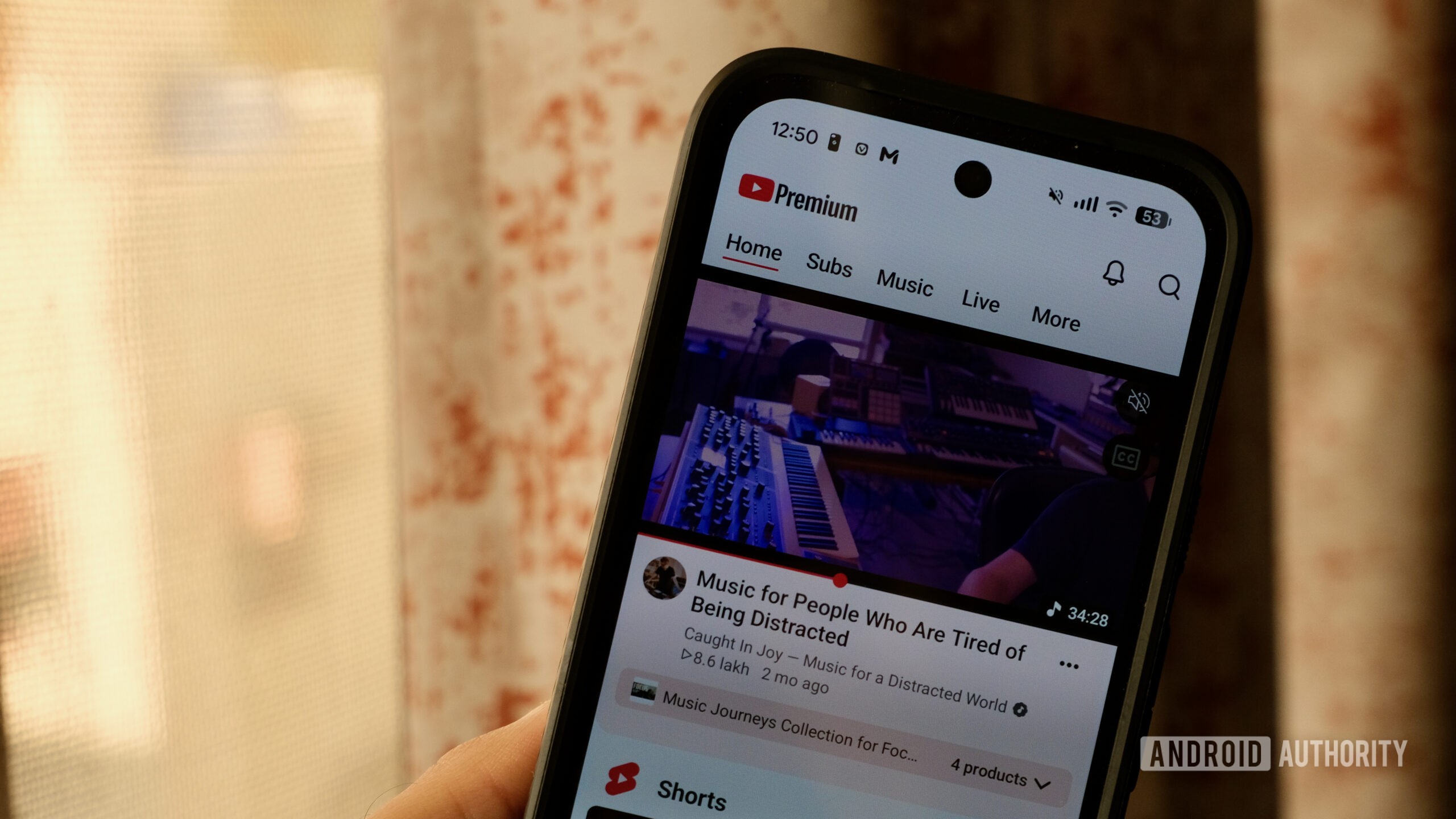
YouTube has rolled out a major home screen redesign that reorganizes navigation and introduces custom AI-driven feeds, sparking a wave of frustration among longtime users. The update rearranges familiar UI elements, forcing viewers to adapt to a completely new layout.
- YouTube redesigned its home page, replacing the bottom subscriptions tab with a Plus button.
- The new Subscriptions section has been moved to the top of the home screen, lacking previous filtering tools.
- Android users can use app shortcuts to bypass the new interface and directly access the old subscriptions page.
What changed in the new YouTube interface
The recent redesign disrupts user muscle memory by shifting core navigation elements. The traditional bottom bar where the Subscriptions tab used to live is now occupied by a creation button. Finding your favorite creators now requires navigating to the top of the home feed.
Furthermore, the updated Subs view is objectively stripped down, notably missing the top filters section such as the 'Today' view. Without these quick filters, users are forced to sift through default layouts mixed with recommended videos and Shorts, making it harder to catch up on long-form content.
Read alsoEvolve: a new Android gaming benchmark and GPU analyzerCustom feeds and artificial intelligence
As part of the update, YouTube is pushing Custom Feeds, which replace the old topic tabs at the top. These prompt-based suggestion feeds use AI to curate videos based on custom topics entered by the user, refreshing as needed over time.
Free users can create up to three custom feeds at a time, while YouTube Premium subscribers get up to eight slots. While the feature offers an interesting way to explore topics like car reviews or specific lectures, it does not replace a chronological subscription feed controlled by the user.
A workaround to restore the old Subscriptions tab
Fortunately, Android users can utilize app shortcuts to quickly access the legacy Subscriptions page. By tapping and holding the YouTube app icon on the home screen, users can open the actions menu and tap directly on the Subscriptions shortcut.
This action opens the old Subscriptions page complete with the filtering options at the top. Alternatively, users can turn to third-party tools like NewPipe to manage local subscription lists, though these solutions lack cross-device synchronization with TVs or desktop computers.
What this means for viewers
The shift in YouTube's home screen indicates a broader trend away from traditional long-form video discovery toward carousels, polls, live streams, and an endless stream of Shorts. Even paying YouTube Premium subscribers are encountering heavier promotion of these alternative formats.
For tech enthusiasts and everyday viewers alike, navigating these interface changes requires patience and occasional workarounds. Until YouTube addresses user feedback regarding the missing tabs and filters, utilizing system shortcuts remains the best way to maintain a familiar viewing experience.
Source: Android Authority