Beginner's guide to local AI at home with Unsloth, Qwen, and Inkling
Learn how to set up your own free private ChatGPT alternative at home using Unsloth Desktop, Qwen, and Inkling models without subscriptions.
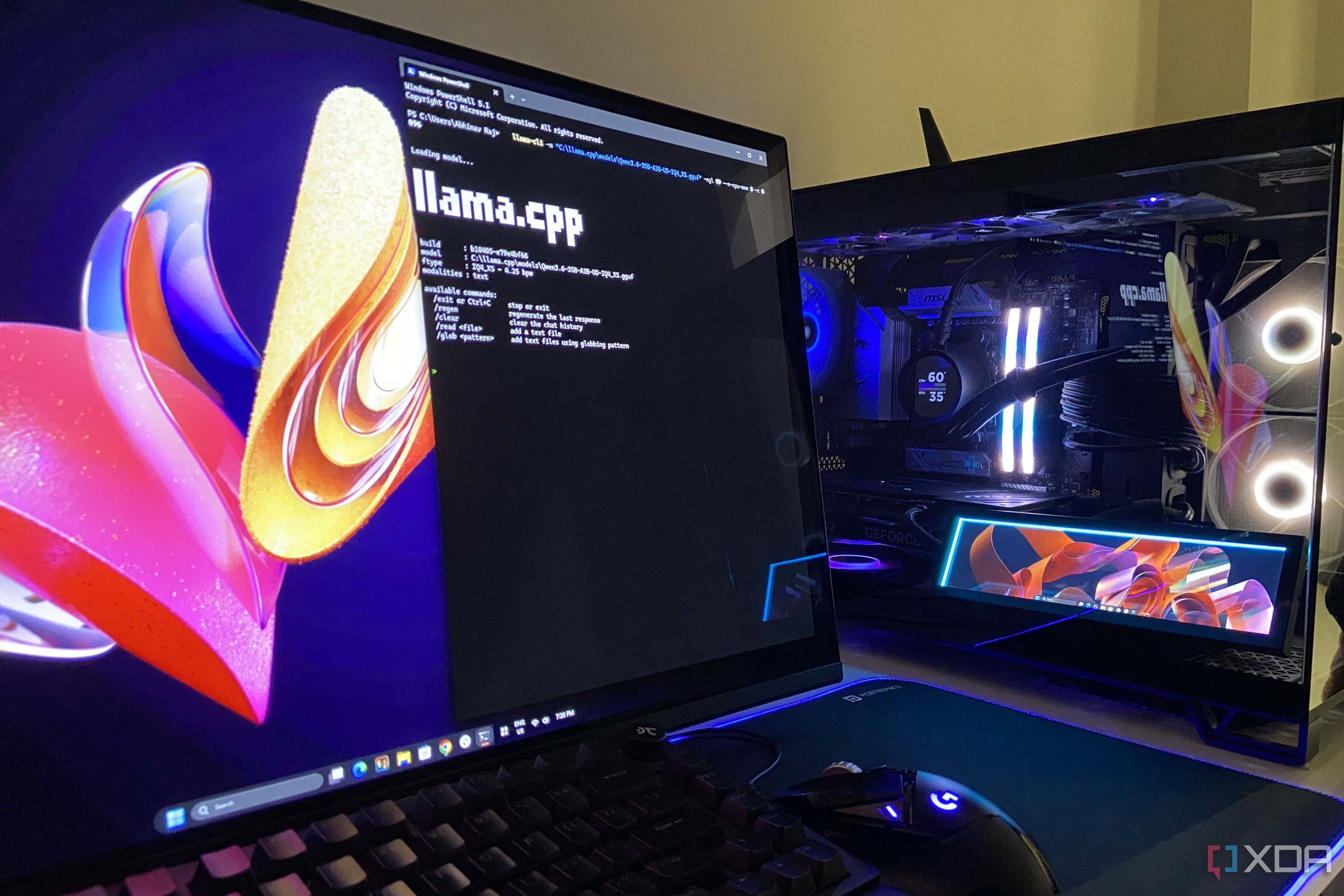
Cloud-based AI providers are facing growing criticism due to rising costs, privacy concerns, and strict usage limits. Setting up a local AI model at home offers a private, subscription-free alternative that the entire household can use for research, coding, and daily tasks.
Key requirements for the setup: - Unsloth Desktop: A free, user-friendly app that serves AI models through a chat interface without terminal commands. - Open-weight models: Qwen and Inkling models optimized for consumer hardware via quantization. - Hardware: A Windows PC with a dedicated GPU (such as an RTX 5090) or an Apple Mac with unified memory.
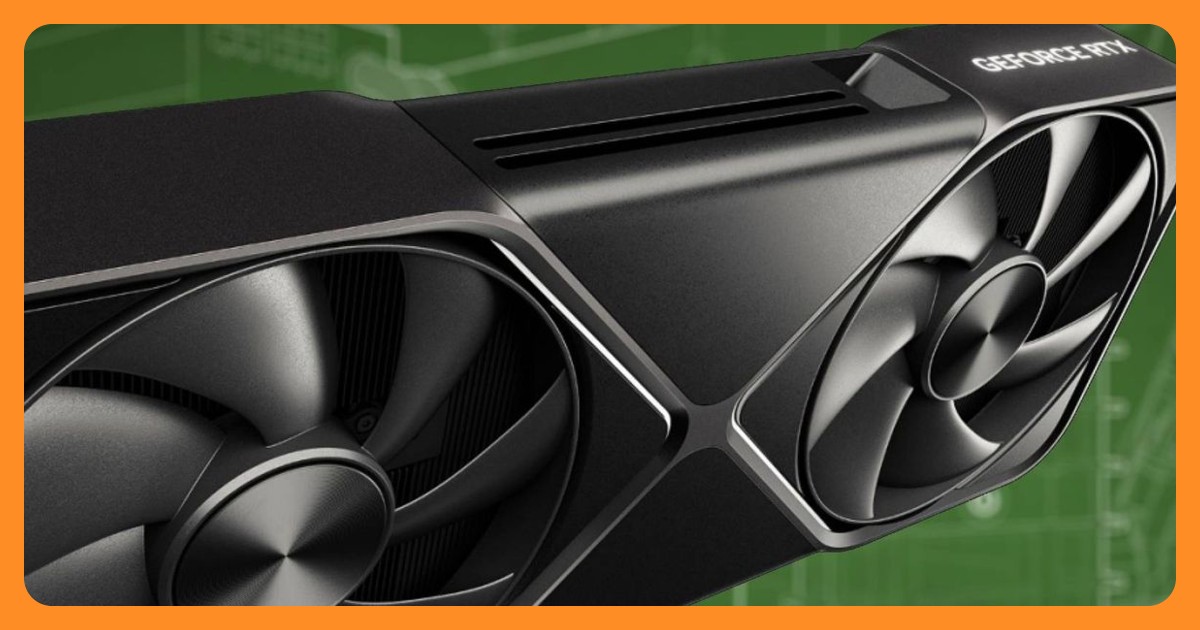
Hardware requirements and VRAM management The most critical component for running local AI is your graphics card's VRAM. The author uses an RTX 5090 with 32GB of VRAM to run a quantized Qwen model while maintaining a large context window. For systems with less VRAM, quantization shrinks model weights to fit smaller hardware. Additionally, Mixture of Experts (MoE) models offload parts of their parameters to system RAM, allowing users to run larger models efficiently on mid-range graphics cards.
Step-by-step setup with Unsloth Desktop The installation process takes about 10 to 15 minutes and avoids complex terminal setups or Python environments. By installing Unsloth Desktop, users get a clean graphical interface to download and manage models. You can select recommended models like Qwen from a dropdown menu, adjust context sizes, and enable local network (LAN) access so other devices in your home can interact with the personal AI assistant seamlessly.
Exploring Inkling 2 and alternative models The local AI ecosystem continues to expand with powerful new releases. Inkling 2 Mini, launched by Thinking Machines Lab, features 26.4 billion parameters, vision support, and a massive 1-million-token context window. Integrated smoothly into Unsloth Desktop, Inkling models run efficiently on standard high-end GPUs. Mac users can also leverage Apple Silicon alternatives by utilizing custom MLX-optimized model variants.
What this means for developers and businesses Deploying local AI infrastructure provides complete data privacy and eliminates recurring cloud subscription costs. For developers and tech enthusiasts, running models locally ensures absolute control over sensitive workflows and protects against sudden cloud service restrictions.
Source: Hacker News: Front Page