Google Antigravity 2.0: why context gets cut and how Gemini found a fix
In Google Antigravity 2.0, automatic chat compaction leads to the loss of key instructions. A developer built a token monitoring fix with Gemini.
During intensive work sessions in the fresh version of Google Antigravity 2.0, users frequently encounter a system notice stating that the conversation has grown too large and history before this point may be missing.
- Autonomous agent development environments suffer from compaction amnesia where the server unexpectedly truncates the beginning of chats containing specifications and constraints.
- The desktop version of Antigravity 2.0 lacks a built-in dashboard to monitor the size of the active context window.
- To solve this visibility issue, a native macOS application named ContextRing was developed under the direct guidance of Gemini.
The Context Amnesia Problem in Agent Environments
In a regular chatbot, a truncated beginning means a forgotten greeting. However, in an autonomous development agent environment, the beginning of the chat contains the most valuable data: initial project specifications, architectural constraints, rules on what must not be touched, and background process histories. When the backend quietly trims the memory tail, the model continues working but starts inventing discarded solutions or breaking invariants.
To combat this, developers rely on strict session hygiene protocols and comprehensive multi-level memory systems. Yet any well-planned methodology falls apart if the model suddenly triggers an auto-compaction warning. The beginning of the discussion is wiped out, part of the agreements evaporates, and a proper audit becomes impossible.
Read alsoGoogle Antigravity adds Knowledge Work interface for non-coding tasksComparison with Other Environments and Antigravity Blind Spots
Context indicators in modern coding environments have become as essential as a speedometer in a car. Solutions like Cursor, OpenAI Codex, Claude Code, Cline, Roo Code, and Windsurf keep context usage metrics, token shares, or progress bars constantly visible right above the input field.
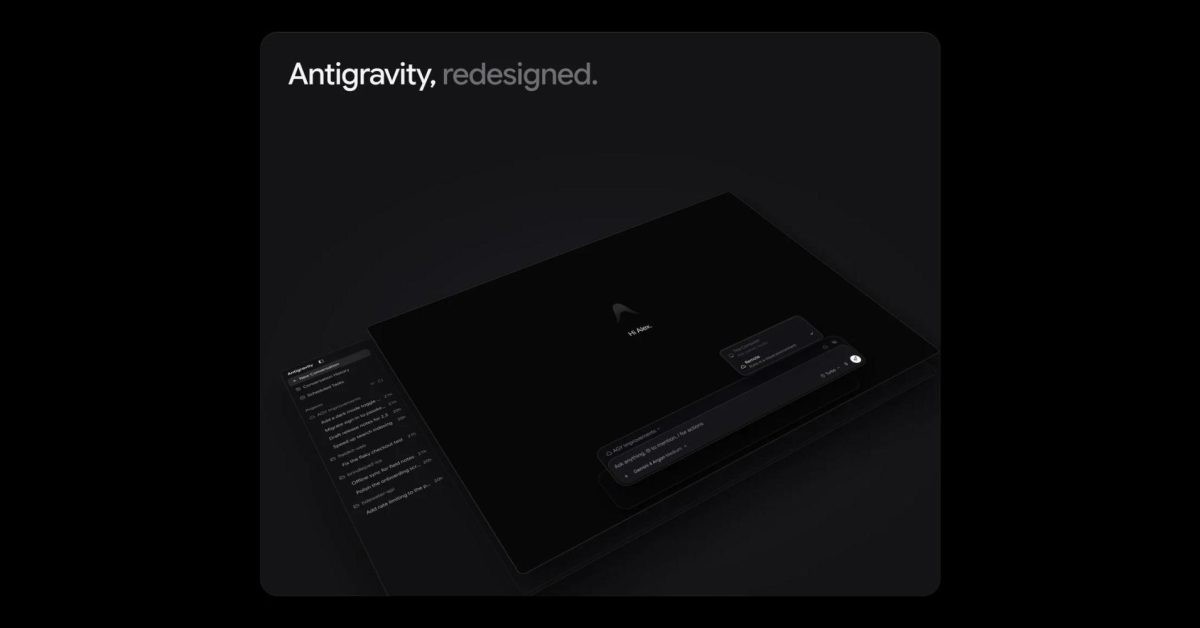
Ironically, the console-based Antigravity CLI features a built-in /context command that visually maps out system instructions, messages, and checkpoints. Yet the flagship desktop application Antigravity 2.0 leaves the interface around the input box completely blank, providing no warnings before auto-compaction hits around 200k to 275k tokens.
Data Storage Architecture and the Creation of ContextRing
The lack of interface indicators is likely due to the complex architecture under the hood of Antigravity 2.0. The platform heavily relies on aggressive prompt caching, and in Orchestrator mode, multiple models with different system prompts and context lengths operate simultaneously within the same chat.
At the same time, Antigravity precisely logs all token metrics and saves detailed logs locally to disk inside JSON lines files. These open local data sources made it possible to bypass interface limitations and build custom monitoring utilities.
What This Means for Developers
The absence of clear context indicators in major development environments highlights the gap between console capabilities and desktop user interfaces. For engineers utilizing autonomous agents for complex tasks, losing context poses a direct architectural risk. The emergence of localized tools like ContextRing demonstrates that the developer community is ready to bridge transparency gaps independently.
Source: Все публикации подряд на Хабре