Google Maps on Android Auto vs CarPlay: Key Differences
A detailed comparison of Google Maps on Android Auto and Apple CarPlay shows why Google's app performs better on its own platform.
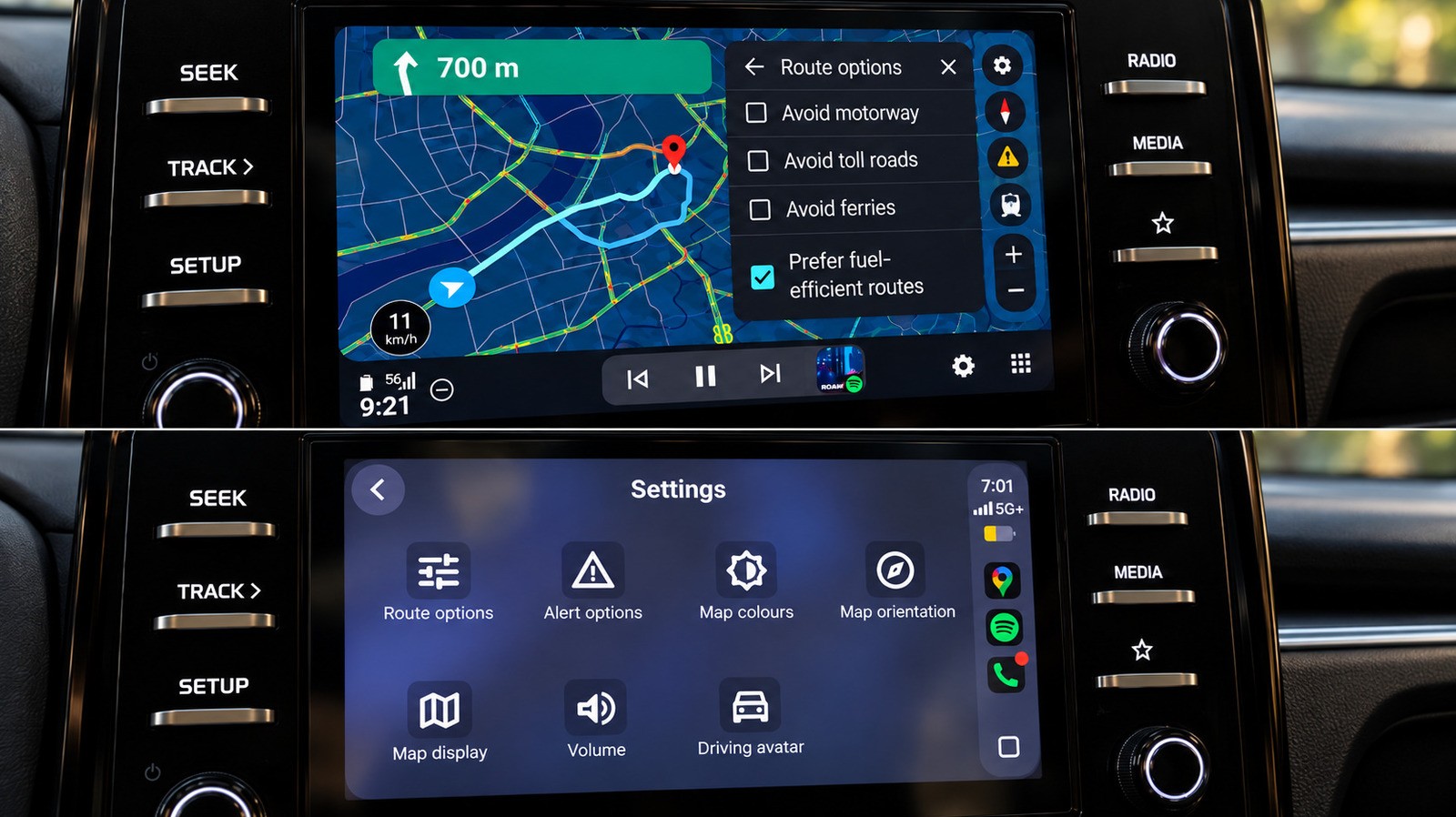
Google Maps is available on both Android Auto and Apple CarPlay, but the user experience differs even when running the exact same app in the same car. Real-world testing across identical navigation tasks reveals that Google's mapping software feels noticeably more native and fluid on Android's platform.
- Core features like speedometers, lane guidance, and incident reporting work well on both platforms.
- Android Auto holds a clear advantage in route modification speed and hands-free assistant invocation.
- CarPlay lags behind in map gesture controls and displaying route options concurrently.
- EV owners get a major battery-aware routing advantage exclusively on Android Auto.
Gemini AI Integration and Voice Control
The most apparent divergence is how the Gemini assistant is accessed. On Android Auto, users can invoke Gemini hands-free without touching the display. While a Gemini button eventually appeared on CarPlay during testing, hands-free summoning was unavailable at the time. Furthermore, conversational searches and follow-up route adjustments processed noticeably quicker on Android Auto.
Searching Along Routes and Map Interactivity
Read alsoFord Fathom vs Slate: Different tech features in affordable EVsWhen looking for places along a route, Android Auto displays multiple choices simultaneously along with ratings and extra travel time. CarPlay forces users to scroll through results one by one using previous and next controls, making comparisons tedious. Additionally, Android Auto supports smooth pinch-to-zoom map gestures, whereas CarPlay requires entering a separate control mode.
Initial Screen Shortcuts and EV Support
Android Auto instantly displays a Home shortcut with live ETA and recent search suggestions upon opening, making the initial screen much more informative than CarPlay's bare-bones layout. The sixth major benefit applies to electric vehicle owners: Google Maps on Android Auto can estimate battery consumption and integrate charging stops directly into route calculations across supported US EV models, a feature currently missing on CarPlay.
What This Means for Drivers
While both systems handle basic turn-by-turn navigation reliably, the subtle software discrepancies add up during everyday driving. Deeper AI integration, superior interface responsiveness, and dedicated electric vehicle routing make Android Auto a more cohesive environment for Google Maps users.