iOS 27 Update: How to reclaim 15GB of storage taken by Apple Intelligence
The iOS 27 update occupies up to 15GB of storage for Apple Intelligence. Learn how to reclaim this space on your iPhone with a simple workaround.
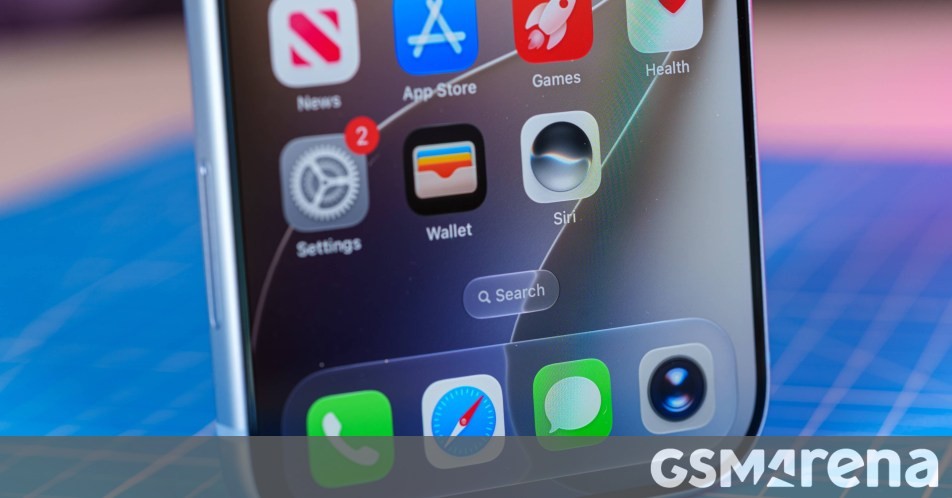
With the arrival of iOS 27, Apple was hoping to make up a lot of ground in the AI space, but the new and improved Apple Intelligence comes with a huge caveat. Users who have already updated their iPhones to iOS 27 report that Apple Intelligence took around 15GB of internal storage.
- The exact storage allocation varies between 9GB and 16GB depending on the phone model.
- The issue affects users even in regions where Apple Intelligence is unavailable, such as European Union countries.
- Base iPhone models with 128GB of storage see about 30% of their space occupied by the system and AI.
The Storage Allocation Issue in iOS 27
The exact amount of storage allocation varies from phone to phone, with some users seeing 16GB of their storage become inaccessible after the update, while others report as low as 9GB. Perhaps the more frustrating part is that Apple Intelligence takes up your storage even when you cannot use it in your region, like EU iPhone owners. Here, Apple Intelligence isn't available, but users still found a good chunk of their storage missing after updating.
Older iPhones running on lower storage capacities, like 128GB variants, have it even worse. Some units are seeing about 30% of their storage occupied by iOS and AI, in addition to the standard reserved storage for future updates. Disabling Apple Intelligence or Siri altogether does not restore the space, and changing your Apple Account region is discouraged due to subscription conflicts.
Read alsoiOS 27.2 Update: 14 New Features for Your iPhoneHow to Reclaim Storage Space on Your iPhone
Fortunately, community members on Reddit have already come up with reliable workarounds. Technically, AI and Siri only function when the device and assistant languages are set to US or UK English. However, if you still want to make use of Siri in English, try selecting Canadian, Irish, South African, or New Zealand English for your Siri settings.
That clever maneuver does not eliminate the storage issue altogether, but it reduces Apple Intelligence data down to far more palatable levels of around 100MB. Tests conducted by tech experts confirmed that switching Siri to South African English and performing a device reboot successfully resolves the local storage bloat.
What This Means for Users and Developers
Such hidden storage constraints create genuine inconveniences for everyday smartphone users, particularly those with entry-level storage configurations. In a market where 128GB remains a common standard, losing 15GB to unrequested AI background components diminishes the overall user experience. While language workarounds offer a temporary fix, consumers globally await an official patch from Apple to better manage on-device artificial intelligence resources.
Source: GSMArena.com - Latest articles