Local LLM vs Claude: 4 Features to Supercharge Small Models
How to make small local AI models on an 8GB GPU genuinely practical with global hotkeys, web search, persistent memory, and dedicated workspaces.
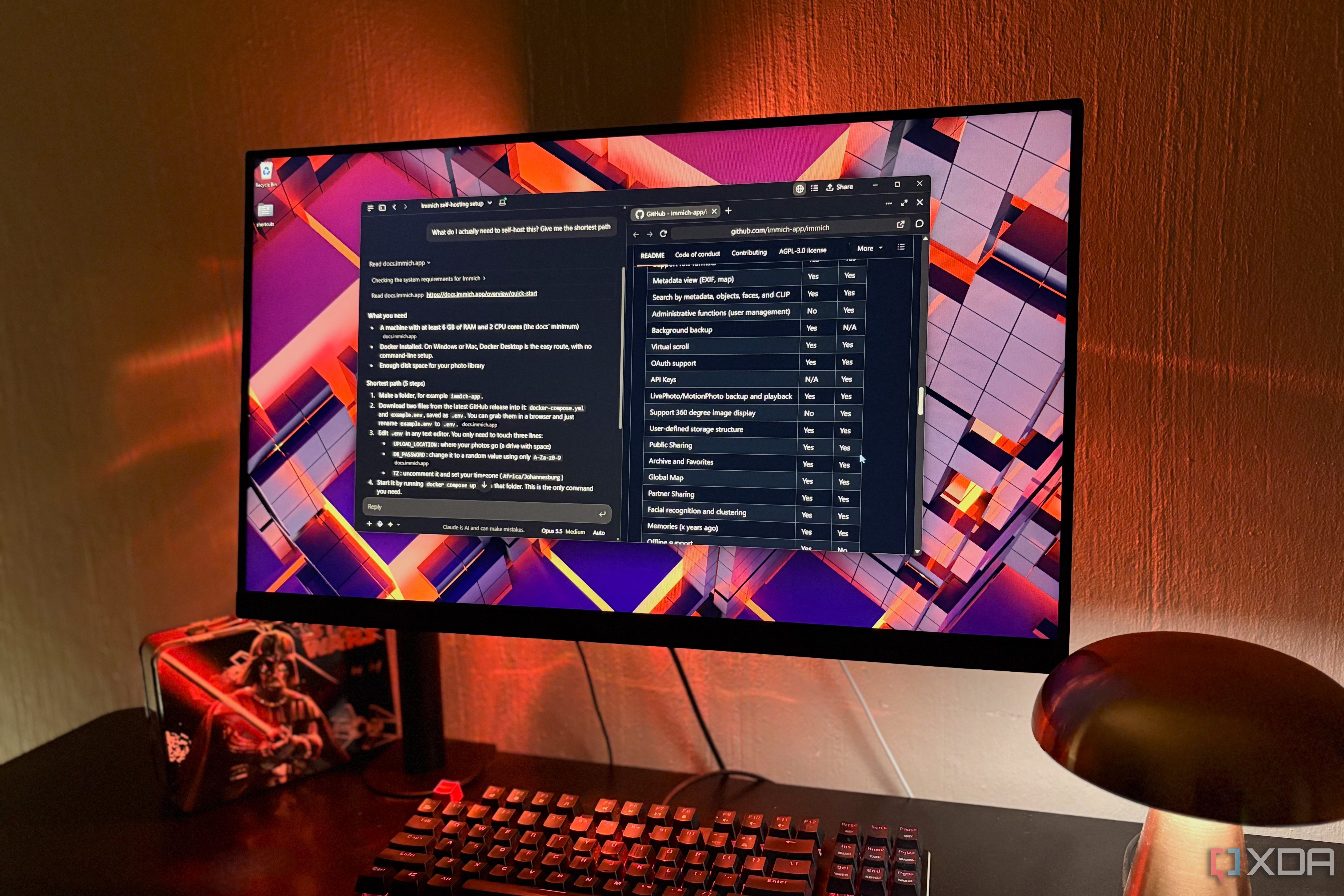
Every new release of frontier models like Claude widens the apparent benchmark gap with what can realistically fit on a consumer 8GB graphics card. Yet raw model intelligence is rarely the sole reason users open an AI assistant dozens of times a day. Much of Claude's day-to-day value comes from the application layer surrounding the model, and equipping a local setup with those same capabilities makes a modest LLM surprisingly capable.
- Global shortcuts enable quick popup entries similar to Claude Quick Entry.
- MCP and integrated web search solve training cutoff limitations.
- External memory solutions like AnythingLLM bring cross-chat persistence.
- Cherry Studio Assistants replicate the utility of Claude Projects.
Global Hotkeys: Bringing Claude Quick Entry to Desktop
One of the standout UX features in Claude’s desktop application is Quick Entry, a hotkey-driven floating input box that appears instantly over any active window. Standard local model interfaces such as LM Studio or bare llama.cpp wrappers generally omit this desktop-level integration.
Workspace tools like Cherry Studio solve this via global hotkeys. Enabling its Quick Assistants feature assigns a shortcut like Ctrl + E to spawn a minimal local AI interface over any application. Furthermore, turning on clipboard reading automatically pulls copied text into the prompt box, providing instant buttons to summarize, translate, or explain code without manual switching.
Read alsoRunning a local AI model with access to your personal documentsReal-Time Knowledge via Web Search and MCP
Local language models are constrained by parameter scale and rigid training cutoffs. Adding web search capability bridges this knowledge gap: when the model detects that a query requires recent facts, it executes an automated web search and incorporates the retrieved context into its response. This workflow relies on models that support tool calling, such as the Qwen family.
Implementing this depends on the runner. In LM Studio, users can configure Brave Search via the Model Context Protocol (MCP) by editing the mcp.json file. For a turn-key experience, Jan provides native, out-of-the-box web search toggled directly from the chat UI, while Noema offers similar mobile functionality. Crucially for privacy, only the search query is broadcast to third-party search APIs, keeping the broader conversation local.
Cross-Chat Memory: Beyond Stateless Sessions
Unlike cloud platforms that maintain conversational history and personal context, standard local runners typically treat every session as a blank slate. Manually loading Markdown notes into each prompt rapidly becomes inefficient.
Tools like AnythingLLM resolve this by introducing persistent memory agents. The software periodically parses recent conversations to extract persistent details regarding the user and their workflow, saving them as context notes injected into subsequent chats. Similar persistent memory architectures can be leveraged through Open WebUI and LibreChat.
Custom Workspaces and Claude Projects Alternatives
Claude Projects remains a benchmark for organizing specialized tasks with tailored system prompts and dedicated knowledge bases. While bare LLM runners lack project isolation, environments like Cherry Studio implement a close equivalent via specialized Assistants.
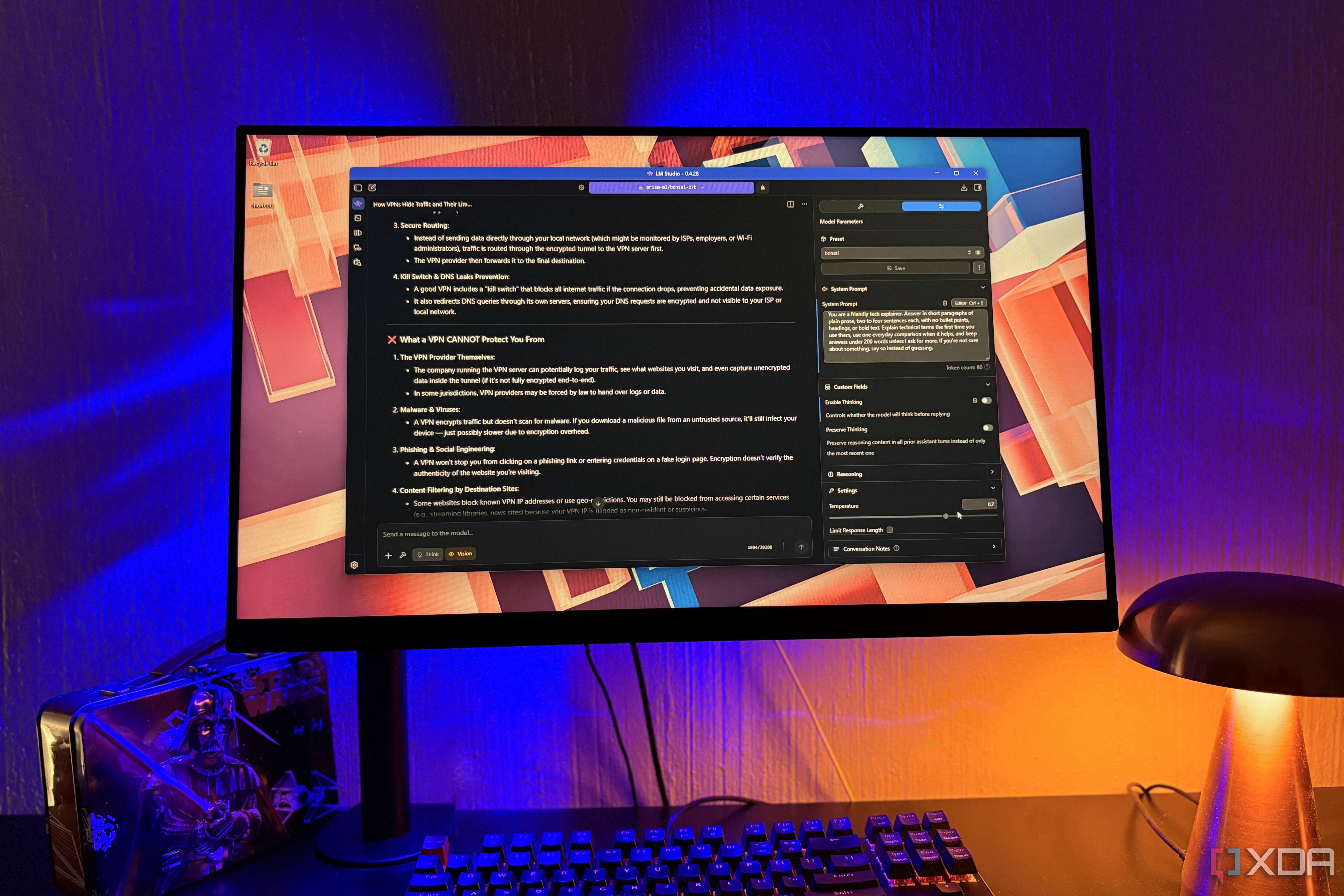
Each Assistant profile in Cherry Studio stores custom system prompts, temperature settings, and assigned models (such as Qwen 3.5 9B or Bonsai 27B). Maintaining isolated assistants for coding, copyediting, or research eliminates repetitive prompt engineering and mirrors the dedicated workspace structure found in cloud suites.
What This Means for Developers and End Users
Ultimately, benchmark scores matter far less than workflow ergonomics. A smaller 9B parameter model operating locally on an 8GB VRAM card, when bolstered by real-time search, instant hotkey access, and persistent context, delivers a daily experience that rivals proprietary cloud chatbots.
For independent developers and privacy-conscious users, this setup provides high utility without recurring subscription fees, API rate limits, or data security concerns.
Source: XDA