Tailscale Serve: How to securely access home servers without a reverse proxy
Learn how to replace complex reverse proxy setups (Caddy, Nginx) with Tailscale Serve for easy, secure HTTPS access to home services without a domain or port forwarding.
Self-hosting applications is a great way to escape high cloud prices and forced tracking. Setting up tools locally via Docker or Linux feels liberating, but complications arise the moment you want to access those tools outside your home network. Traditionally, a reverse proxy is used for this, but configuration is often frustrating.
- Say goodbye to complex DNS configurations, buying domain names, and router port forwarding.
- Tailscale Serve automatically generates trusted TLS certificates for secure HTTPS connections.
- It bypasses CGNAT issues and eliminates the need to fiddle with complex configuration files.
- All connected devices form a secure mesh network with unique private IP addresses.
Why reverse proxies complicate things for beginners When searching for ways to remotely access self-hosted tools, you will inevitably encounter reverse proxies like Caddy or Nginx. While Caddy can automate certificate renewals, a basic reverse proxy setup still demands a solid grasp of networking concepts. You must configure port-forwarding rules, handle self-signed certificates, and manually add them to every client device. The friction increases if your ISP uses CGNAT. For a casual user who simply wants to host a few containers with HTTPS support, the learning curve is steep. Reverse proxies are better suited for public web servers, but for private, user-only servers, there is a much simpler alternative.
The power of Tailscale and MagicDNS Even setting aside HTTPS support, Tailscale's core strength is creating a private mesh network where all your connected devices can seamlessly communicate. Each device receives a unique Tailscale IP address, making home servers accessible from anywhere. Built-in MagicDNS resolves your device names to their corresponding Tailscale IPs automatically. Installing the client on your home server, desktop, and phone takes just a simple command, allowing you to establish secure connections without configuring public DNS records.
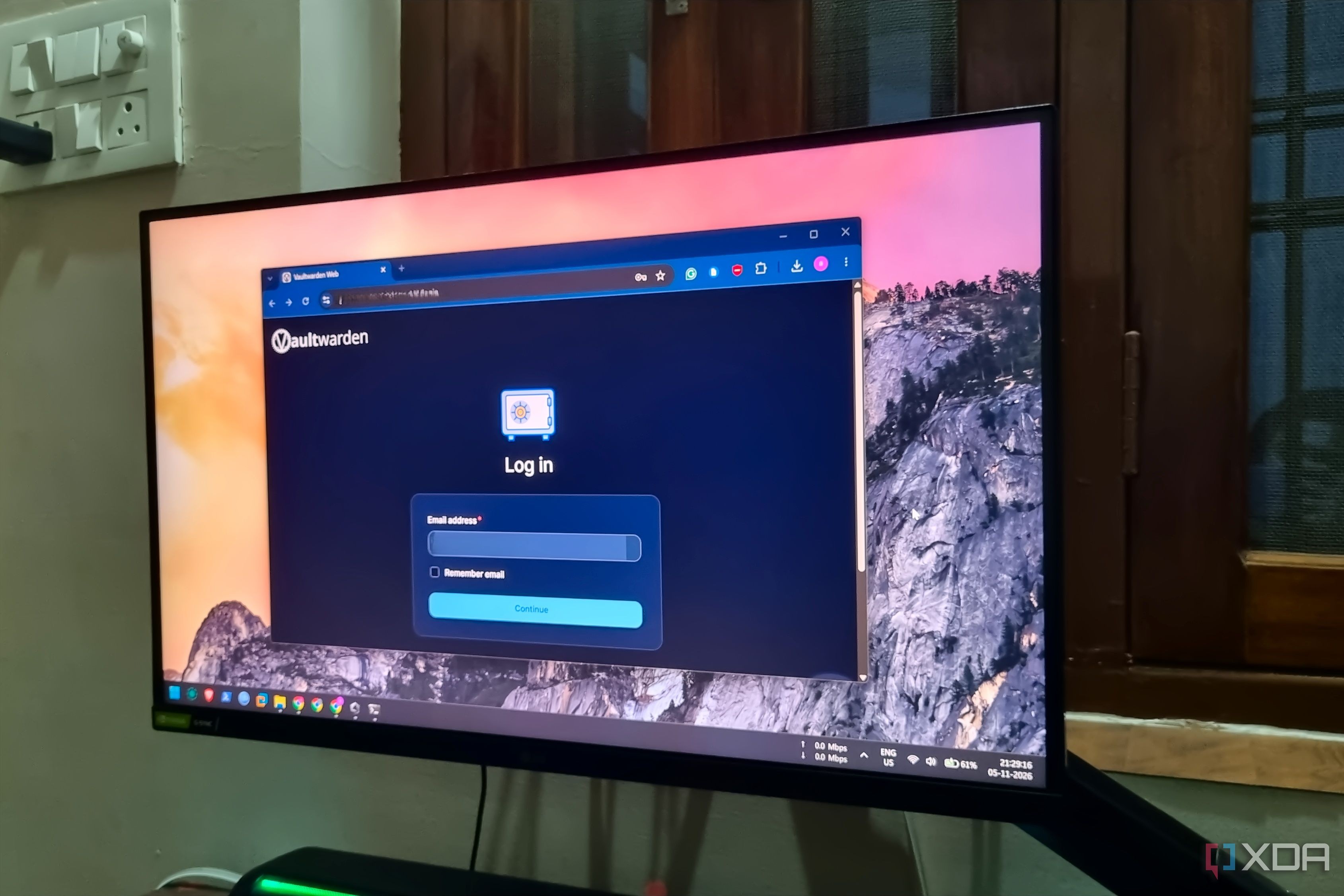
Enabling HTTPS for private services in three steps The author turned to Tailscale Serve after encountering specific issues, such as mobile apps (like Vaultwarden) refusing to work with unsecure HTTP URLs. Modern password managers and services require HTTPS for seamless autofill and security compliance.
Read alsoUPnP Security Risks: Why Your Router Ports Are ExposedEnabling secure remote access via Tailscale is remarkably straightforward. First, toggle HTTPS support in your Tailscale admin panel, allowing the service to handle certificate generation in the background. Afterward, running a single command pointing to your container's port generates a permanent, secure URL.
What this means for developers and businesses For developers, self-hosters, and IT enthusiasts, switching to Tailscale Serve represents a massive save in time and configuration headaches. You no longer need to spend money on domain names or open vulnerable firewall ports. Tailscale’s free tier imposes no restrictions on the number of connected devices while keeping essential features like MagicDNS and HTTPS fully accessible. This makes it an ideal solution for securely managing private infrastructure across different locations.
Source: XDA