UPnP Security Risks: Why Your Router Ports Are Exposed
Is your router's firewall actually protecting you? Discover how UPnP creates security holes by allowing devices to bypass your network defenses.
·2 min read
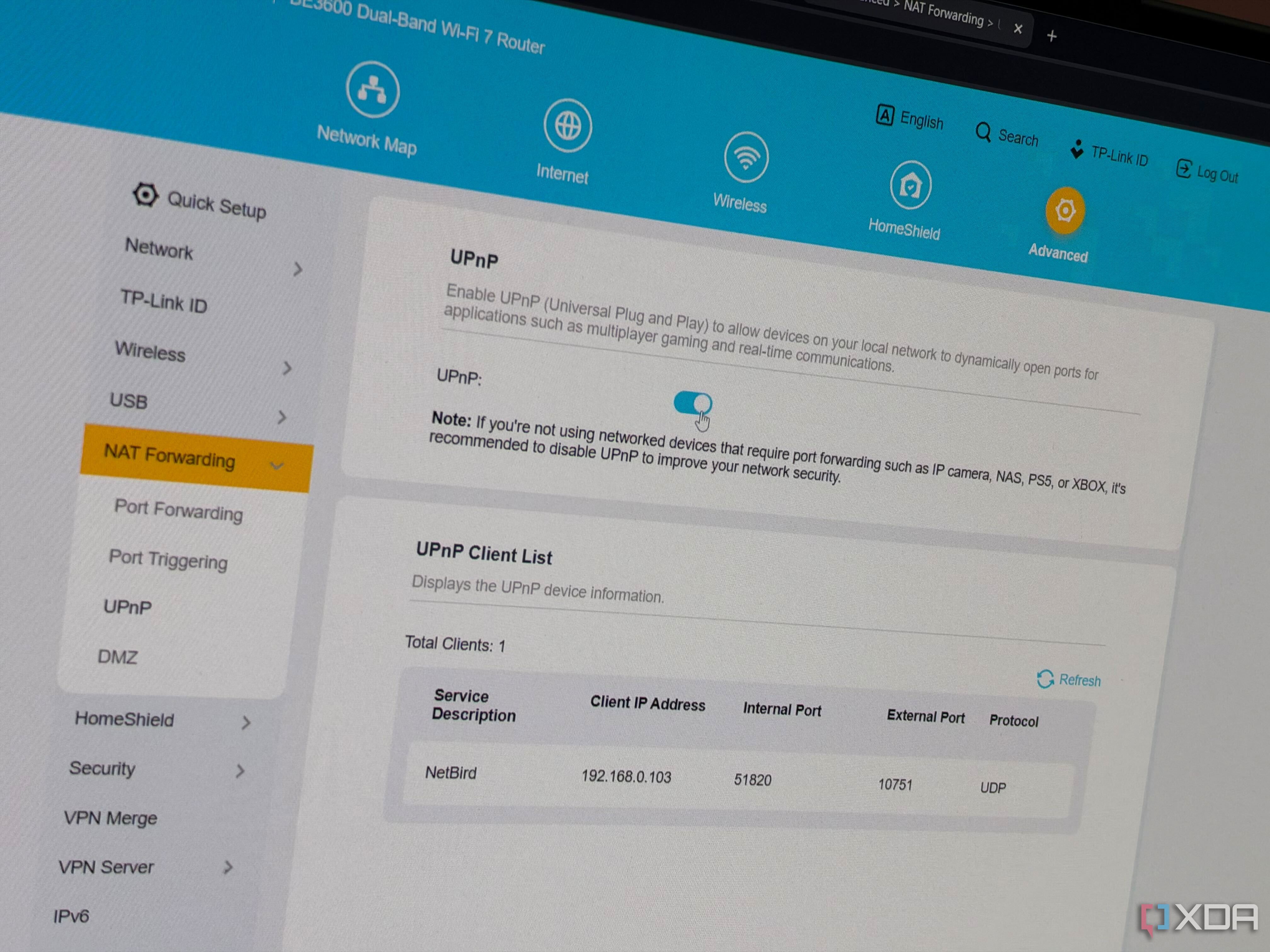
Most users trust their router's firewall to block unsolicited inbound traffic, but the Universal Plug and Play (UPnP) protocol creates a significant security loophole. It allows any device on your network to punch holes through that protection without your consent, potentially exposing your internal systems to the open internet.
- UPnP permits apps and devices to request automatic port forwarding without authentication.
- Any compromised IoT device can leverage UPnP to expose itself or other machines to the web.
- Attacks like UPnProxy have previously exploited these flaws to gain unauthorized access at scale.
- While useful for P2P and gaming, UPnP creates a massive security liability by trusting every device on the local network.
The Illusion of Firewall Security Even when a router is set to 'deny-all' inbound traffic, UPnP layers exceptions on top of that policy. Since the router does not verify the legitimacy of these requests, there is no password or prompt required. If a device on your network is compromised, the attacker can use the existing UPnP service to open any port they choose, effectively turning your router's security barrier into a sieve.
Why It Becomes a Major Vulnerability Modern software like media servers or mesh VPNs often rely on UPnP for seamless connectivity. However, this convenience comes at a cost. If you have a device with poor security firmware, it acts as a gateway for malicious actors. Furthermore, while CGNAT on IPv4 often masks these openings, the growing adoption of IPv6 removes that safety net, as UPnP can easily punch through IPv6 firewall rules.
What This Means for Users For most users, the safest course of action is to disable UPnP in the router's administration panel. While this may cause issues for some legacy gaming consoles or specific P2P applications, manual port forwarding is a significantly more secure alternative. By turning off UPnP, you regain control over which services are accessible from the outside world, drastically reducing your attack surface.
Source: XDA