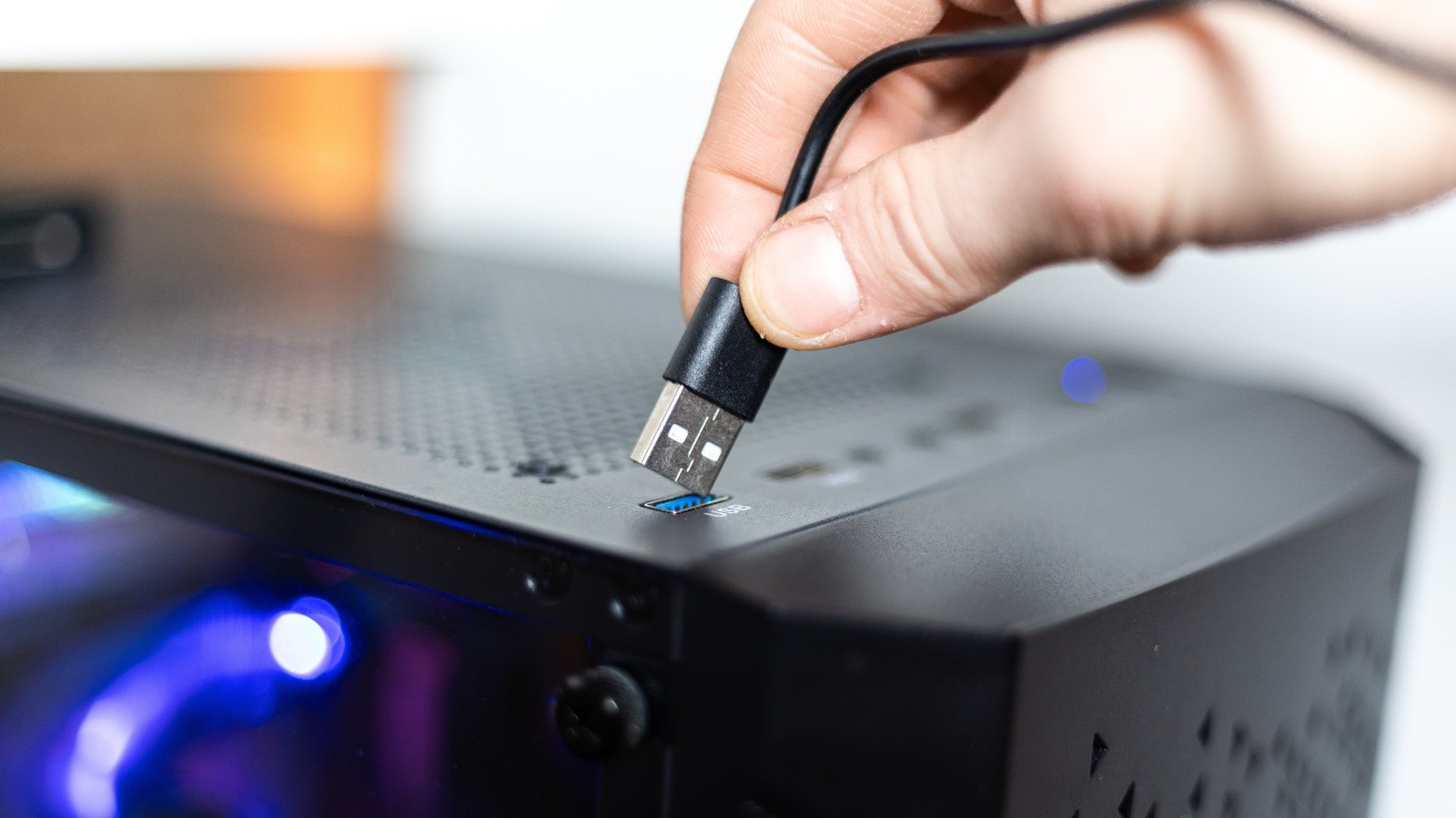
Having USB ports on the front of a desktop computer is undeniably convenient, but they often cannot compete with rear ports in performance. This is not a hardware defect, but rather a direct result of how motherboards and wiring are engineered.
- Front ports use extension cables to reach controllers, causing slight signal loss.
- Front-panel ports often share a single connector, splitting bandwidth and power.
- Mice, keyboards, and basic flash drives work fine on the front, but external SSDs need rear ports.
Motherboard engineering and connection paths
To understand this issue, we need to examine USB specifications and motherboard architecture. The USB ports on the back of a computer are typically soldered directly to the motherboard, meaning power and data travel a much shorter and cleaner path.
Front ports, conversely, are connected via extension cables to reach the internal input/output controllers. Every additional physical layer or connection in this pathway results in signal degradation, even if the loss is minimal in everyday scenarios.
Bandwidth and power sharing limitations
Most high-end motherboards feature dedicated lanes for multiple ports, allowing them to run at full speed independently. Front-panel ports, however, tell a different story as they frequently share a single header connector on the motherboard.
This means that the available data transfer speed and electric power are split among all active ports on the front case. For instance, connecting two external SSDs to the front panel simultaneously forces them to share a single data pool, reducing their maximum performance.
Limitations found in Macs and modern hardware
These engineering limitations are not exclusive to Windows PCs and can be found in Apple hardware as well. Current baseline Mac mini and Mac Studio models feature convenient front-facing USB-C ports capped at 10 Gbps, while their high-speed Thunderbolt ports reside on the back.
Whether this performance discrepancy impacts your workflow depends entirely on your peripherals. Low-power devices like mice, keyboards, and standard audio headsets draw minimal power and require very little bandwidth to function properly.
What this means for users and selecting the right ports
Understanding these hardware differences helps you optimize your desktop setup and peripheral performance. For common accessories and everyday tasks, front USB ports offer the ideal balance of accessibility and sufficient speed.
However, when connecting bandwidth-heavy or latency-sensitive peripherals such as external solid-state drives, capture cards, or virtual reality headsets, you should always utilize the motherboard's rear ports to guarantee maximum transfer speeds and stable power.
Source: Engadget - Technology News & Expert Reviews