4 open-source apps that replaced proprietary software for everyday use
Discover four free open-source applications that successfully replaced popular paid software and ecosystem services in daily workflows.
Sticking to familiar commercial software often prevents users from trying superior alternatives. The author shares a personal journey of switching to open-source solutions that not only match mainstream proprietary apps but also offer better privacy and freedom from subscription fees.
- Switching to open-source helped eliminate annoying paid subscriptions and reliance on the Google ecosystem.
- The Brave browser replaced Google Chrome thanks to built-in ad blocking and a privacy-first approach.
- The LibreOffice suite became a free alternative to Microsoft 365 for text documents and spreadsheets.
- Proton Pass and Notesnook successfully replaced Google's built-in tools for password management and note-taking.
Brave Browser as a Chrome Alternative
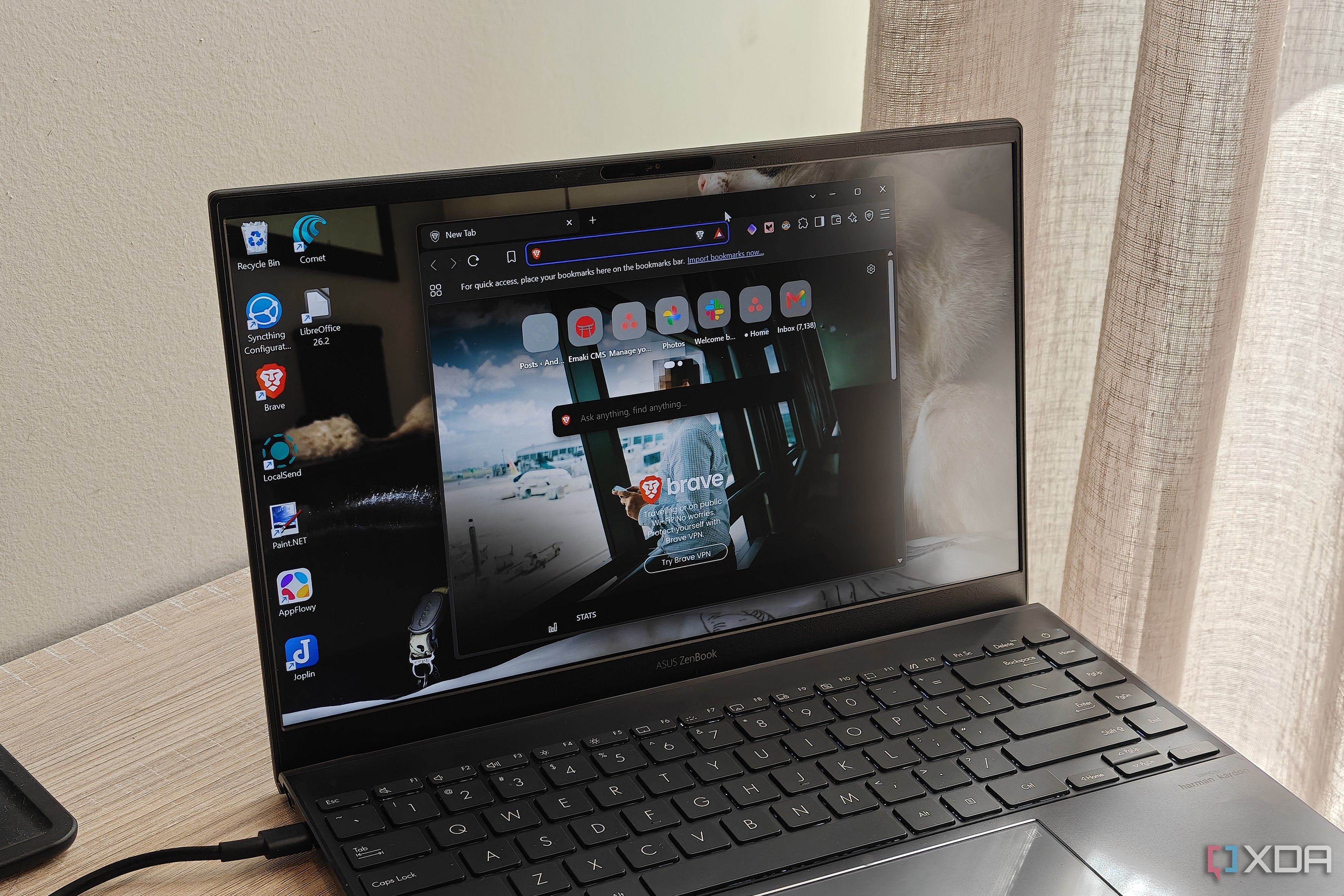
After using Google Chrome for over a decade, the author switched to Brave as the primary browser for work and general web browsing. The shift was driven by Brave's privacy-centric approach, built-in ad blocker, and the ability to force dark mode on Android websites. Because Brave is built on Chromium, the transition was seamless and familiar.
In addition to blocking ads without extensions, Brave is light on system resources, making it ideal for multitasking and gaming. Users can also keep their favorite extensions and easily switch their default search engine to Brave Search for enhanced online privacy.
Read alsoUS allowed Nvidia to sell H200 AI chips to shell companies in ChinaLibreOffice as a Microsoft 365 Alternative
When faced with renewing a paid Microsoft 365 subscription, the author decided to try LibreOffice since only Word and Excel were being utilized. LibreOffice Writer and Calc handled daily document creation, formatting, formulas, and data visualization without any unnecessary AI bloat.
Despite minor rendering issues with dark mode on documents, the suite remains one of the most complete free alternatives available. It provides robust tools for various use cases entirely free of charge and without requiring recurring subscription payments.
Proton Pass and Notesnook for Security and Notes
Proton Pass successfully replaced Google Passwords due to its seamless autofill integration on Android and cross-browser extension support. It allows users to securely store credentials, generate email aliases, and manage payment information efficiently.
For note-taking, Notesnook proved to be a versatile solution combining quick checklists, tables, and detailed documents. The app offers free cross-device cloud syncing, PIN locking, and strong privacy features, making it an indispensable daily tool.
The Benefits of Moving to Open-Source Solutions
Embracing open-source software proves that free applications can deliver exceptional power and user-centric features. These tools often provide superior privacy benefits, niche capabilities, and independence from tech giants while remaining entirely free to use.
Source: XDA