Why MagicDNS alone can't name your home services
Discover why Tailscale's MagicDNS isn't enough to name your home lab services and how to properly configure Split DNS for remote access.
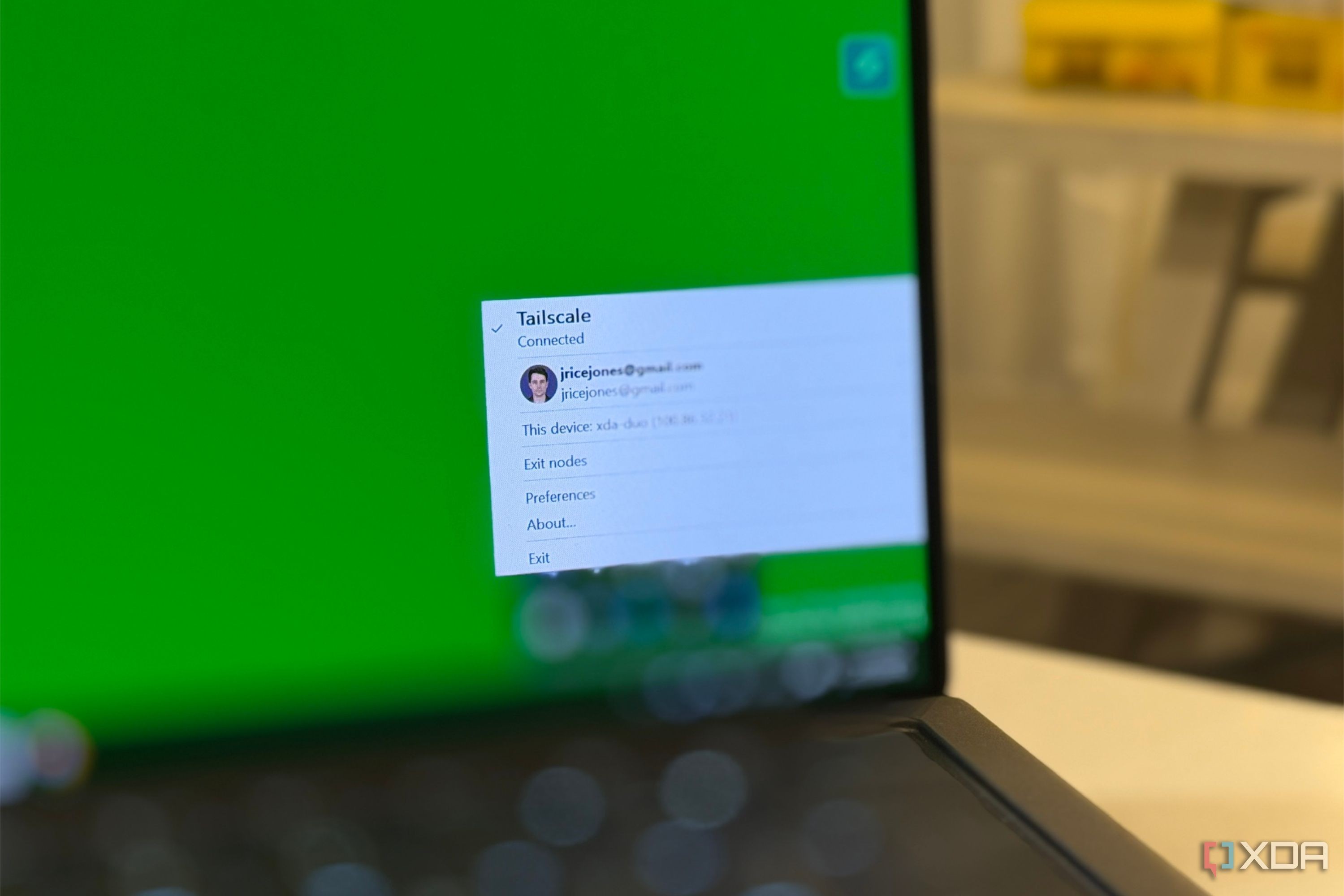
Tailscale features a helpful tool called MagicDNS that automatically registers device names across your tailnet, allowing you to connect to hosts like Proxmox instantly from anywhere. However, its scope is strictly limited to devices rather than the individual services running inside them.
- MagicDNS assigns a single fully qualified name to each node in the format machine.tailnet.ts.net
- Adding custom records, CNAME aliases, or wildcards to MagicDNS is currently not supported
- Multiple services on a single host share the same name and rely solely on port numbers
- A separate custom DNS server is still required to properly name containers and services
Subnet routers and name resolution limits
When users deploy a subnet router to bridge their home LAN into the tailnet, things appear to work because IP routing functions correctly. However, services running on NAS devices or containers are not Tailscale nodes, meaning MagicDNS remains entirely unaware of them. Their names live inside local DNS clusters like Technitium under specific zones, which Tailscale cannot access or modify.
HTTPS certificates follow a similar limitation. Running tailscale cert generates real Let's Encrypt certificates, but only for tailnet.ts.net domains. Custom domains require separate reverse proxies like Caddy and independent certificate management outside of Tailscale's default environment.
Read alsoTailscale Serve: How to securely access home servers without a reverse proxyHow stub resolvers and Split DNS work
Every Tailscale client runs a stub resolver at 100.100.100.100 (Quad100). When queries fail to match tailnet devices, they fall back to default DNS servers. This is why resolution issues often remain hidden until you leave your home network and connect to hotel Wi-Fi where local domains are unknown.
The intended fix is configuring Split DNS in the Tailscale admin console. By assigning a specific domain (like lab.example.com) to your internal nameserver VIP, queries are correctly routed through the subnet router to your home DNS infrastructure.
What this means for users and administrators
Understanding these DNS layers prevents hours of frustrating troubleshooting. While Tailscale introduced Tailscale Services in February 2026 to offer stable virtual IPs and names for up to 10 services per user, it remains tied to Tailscale's domain space rather than replacing a true DNS server. Bringing your own DNS server alongside Split DNS is still the best approach for homelab enthusiasts.
Source: XDA