Microsoft Paint Flaw: How to Protect Windows 11 from Remote Exploits
A high-severity remote code execution vulnerability CVE-2026-83844 has been found in Microsoft Paint for Windows 11, scored 8.1 on the CVSS scale.
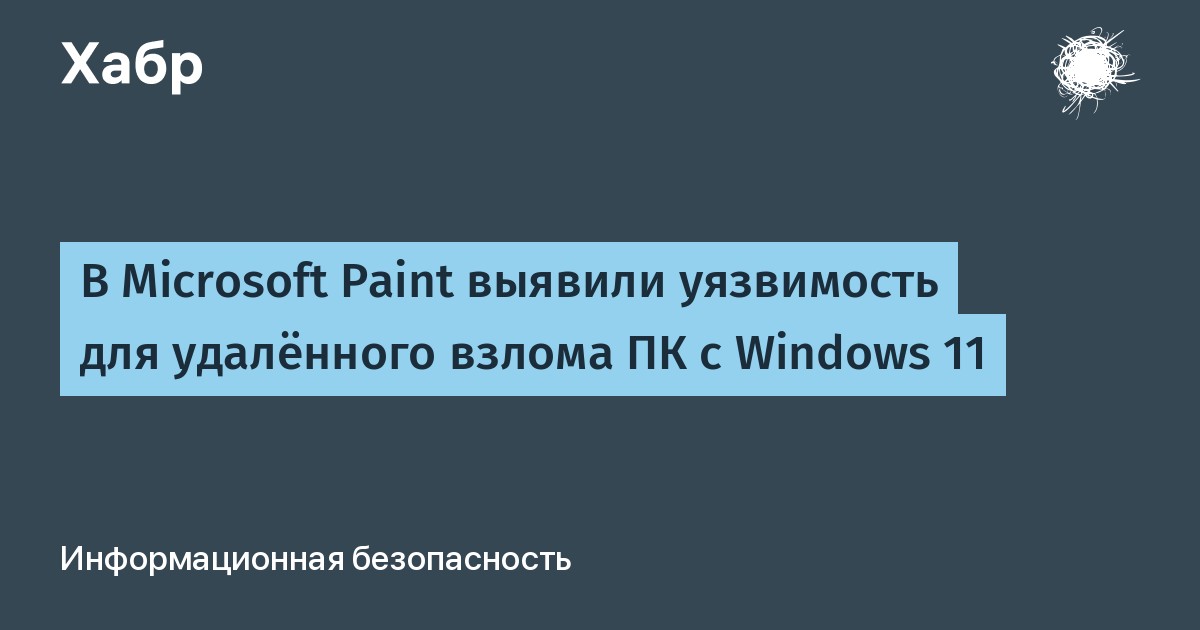
A severe remote code execution (RCE) vulnerability has been discovered in the standard Microsoft Paint application for Windows 11. The issue has been designated as CVE-2026-83844 with a CVSS score of 8.1, classifying it as a high-severity threat to users.
- The vulnerability is tracked as CVE-2026-83844 with a CVSS severity score of 8.1.
- The flaw stems from an out-of-bounds read error during the processing of specially crafted image files.
- The attack vector is network-based, and execution requires no prior privileges on the target system.
- System administrators have reported that the patched version is not yet widely available in the Microsoft Store.
Technical Details of the Vulnerability
The core issue involves an out-of-bounds read vulnerability within Windows Paint. An attacker can craft a malicious image file that, when opened by a victim, allows arbitrary code execution over the network. This exposes local systems to potential remote compromise.
Security analysts point out that according to Microsoft's classification, the attack vector is network-based and requires zero privileges to exploit. This makes the flaw particularly concerning for standard users who frequently open unverified image attachments.
Read alsoMicrosoft Paint CVE-2026-83844 Flaw Threatens Windows 11Update Rollout Issues and Version Confusion
Microsoft published security advisories stating that the vulnerability was fixed in Paint version 11.2605.91.0. However, shortly after, system administrators and users worldwide reported that the Microsoft Store still only offers the older, vulnerable version 11.2605.81.0.
Discussions on Reddit and Microsoft Q&A highlighted that running WSReset or checking for updates via PowerShell still leaves systems on the outdated app version. Conflicting reports suggest the patched build might currently be limited to specific regions like South Asia, or that a different version number contains the fix.
Mitigation Steps for Users and Administrators
Until Microsoft ensures a global rollout of the patched version through the Microsoft Store, administrators are advised to check their actual installed app versions using PowerShell: Get-AppxPackage Microsoft.Paint | Select-Object Name, Version.
Organizations should consider temporarily restricting the handling of untrusted image attachments and files. Alternatively, temporarily removing the application from endpoints can serve as a straightforward workaround to prevent potential exploitation.
Source: Все новости подряд