Microsoft prepares to turn Android devices into a second Windows 11 screen
Microsoft is developing an Extend display feature for Link to Windows, letting you use an Android phone or tablet as a secondary monitor.
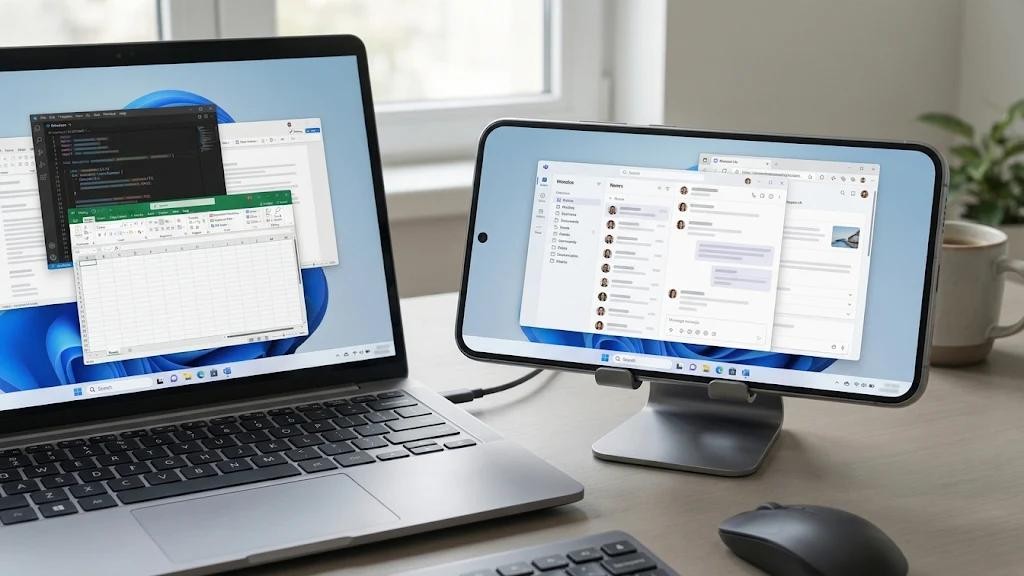
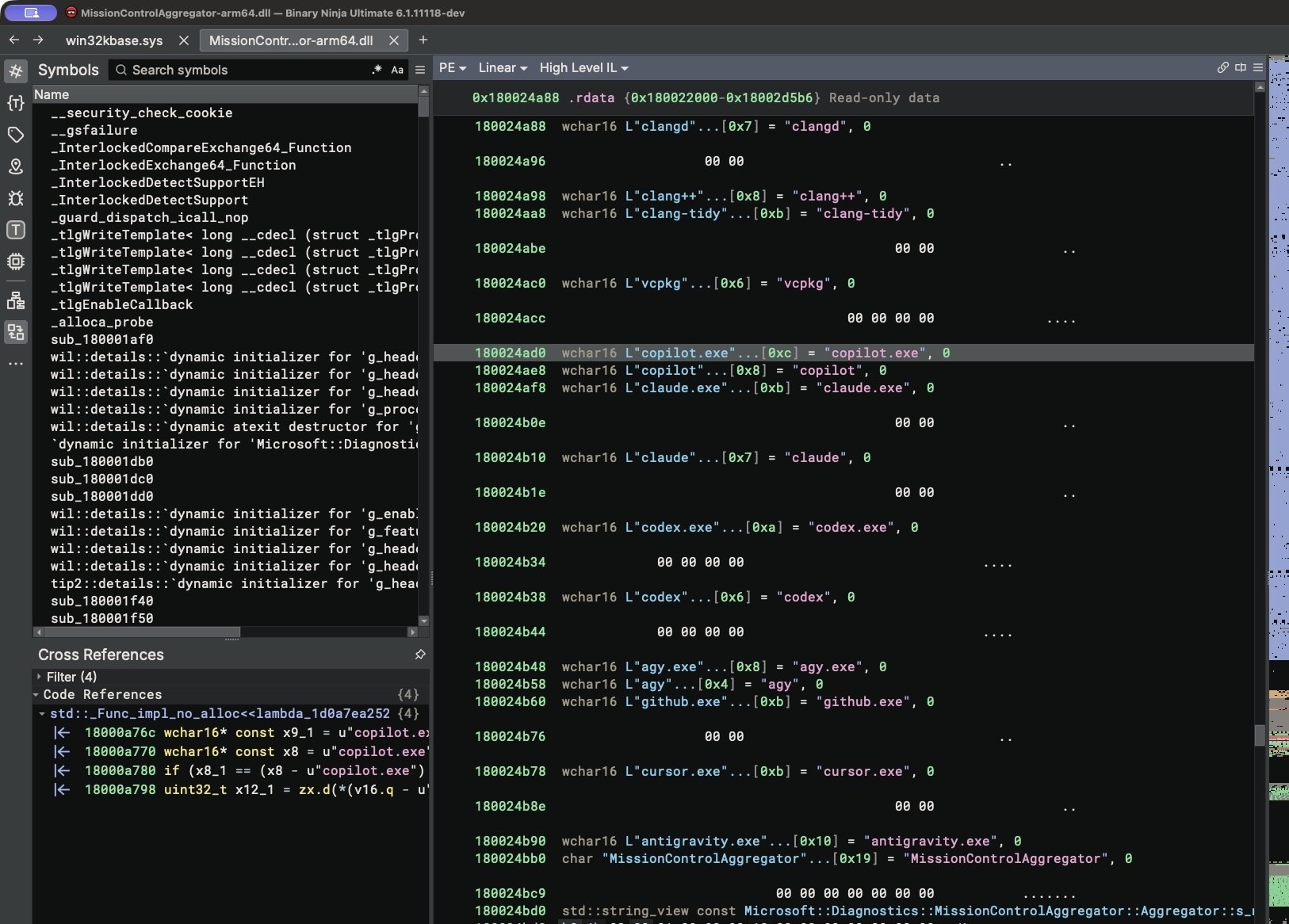
Microsoft is preparing the Extend display feature for the Link to Windows application, which will allow users to utilize an Android smartphone or tablet screen as an auxiliary display for Windows 11 computers. Mentions, icons, and a dedicated software module named Phone as Display were discovered in the code of a recent app version.
- The Extend display feature is being developed within Link to Windows to use Android devices as a secondary PC monitor.
- Code references include H.264 and HEVC Main 8-bit video codecs, along with resolution and refresh rate parameters.
- The new option differs from regular mirroring by allowing users to extend the Windows desktop onto a mobile device.
- Compatibility details and the official release date have not yet been disclosed by Microsoft corporation.
How the Extend display feature will function
The interface includes a dedicated screen extension page, display settings, a connection stop button, and the ability to end a session by double-tapping the back button on the mobile device. According to the discovered code, users will be able to initiate connections either from the smartphone via Link to Windows or directly from the desktop computer.
Technically, the feature relies on streaming video from the computer to the mobile gadget. The code mentions H.264 and HEVC Main 8-bit video codecs, alongside resolution and refresh rate settings. However, it remains unconfirmed whether connection will be supported via Wi-Fi, USB cables, or potentially through both methods.
Read alsoYour Windows 11 Arm tablet has an expiration date sooner than you thinkDifferences from screen mirroring and use cases
This upcoming capability functions differently than the existing screen mirroring mode in Phone Link. While the current mode projects phone apps and displays onto the computer, Extend display lets users transfer a portion of the Windows desktop workspace onto the Android device screen.
This feature will be particularly beneficial for tablet users. On the secondary display, individuals can conveniently keep messengers, documents, spreadsheets, or other auxiliary applications running without cluttering their main PC monitor.
Connection reliability and hardware compatibility
Developers have also integrated session termination mechanisms for computer locking, receiving device failures, or connection drops. If the first video frame fails to arrive within 60 seconds, the connection will time out automatically to prevent errors.
One of the most pressing questions remains hardware compatibility. Currently, advanced Phone Link features are restricted to specific manufacturers such as Samsung, Honor, OnePlus, Oppo, Realme, Vivo, iQOO, and Xiaomi, leaving devices like Motorola and Google Pixel unsupported. Microsoft has yet to announce device requirements and launch timelines.
Source: iXBT.com