Port forwarding at home is dead, overlay networks explained
Port forwarding for self-hosting is being replaced by secure overlay networks. Discover why this shift improves home network security.
Forwarding ports has long been a fundamental part of managing a home network and setting up servers. However, modern overlay networks are quickly replacing traditional port forwarding as the default choice for self-hosting enthusiasts.
- Port forwarding expands your network attack surface, exposing vulnerable services to automated scanners.
- ISPs increasingly rely on CGNAT, making public IPv4 addresses scarce for home connections.
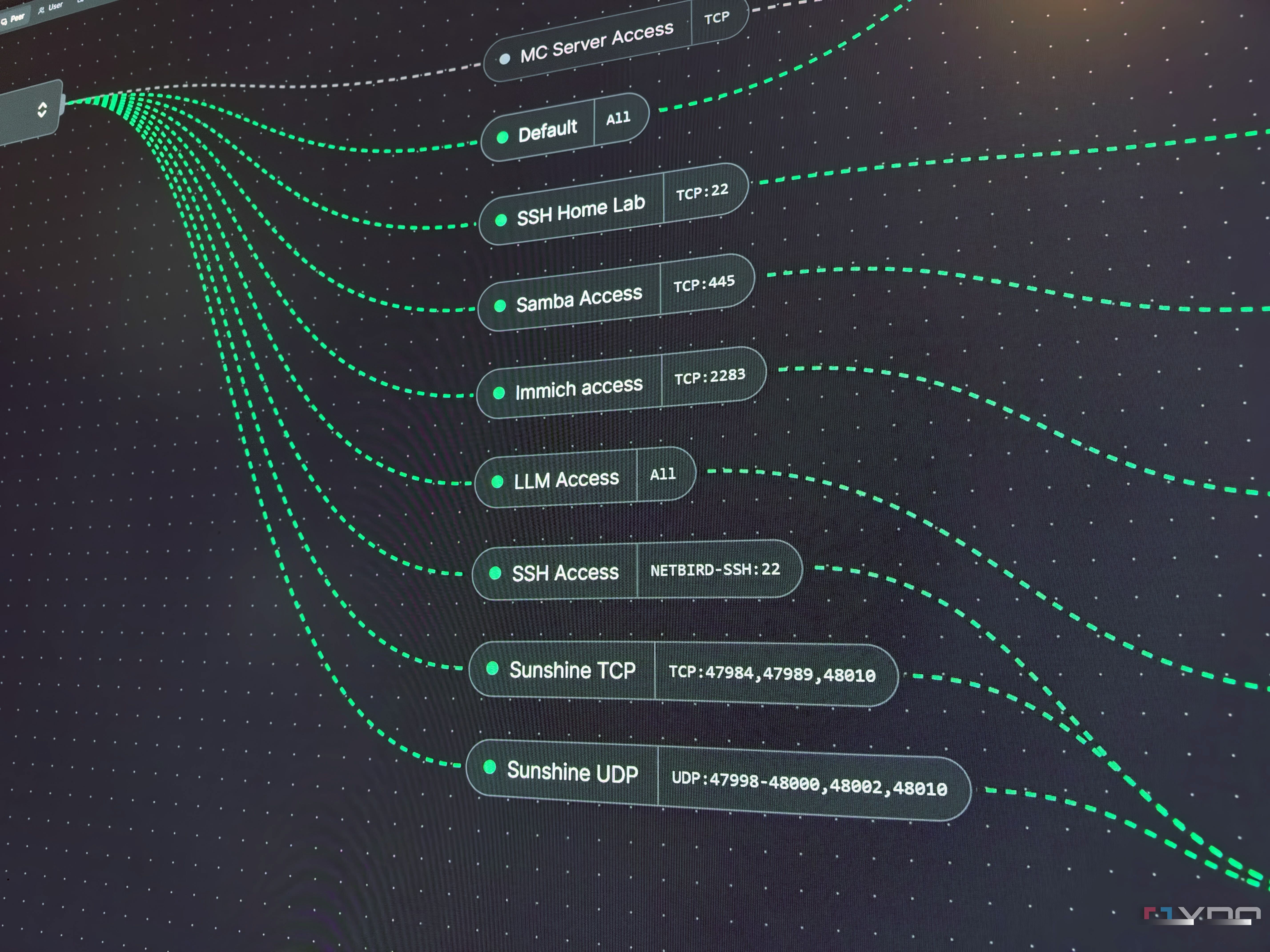
- Overlay networks like NetBird and Tailscale create secure, encrypted tunnels without modifying router settings.
The security risks of exposed ports
Opening a port acts as an instruction to your router to forward all traffic to a specific device. Automated scanners constantly probe the web, and unprotected honeypots can be compromised within minutes. Every forwarded port increases your network's vulnerability to external threats.
The challenge with CGNAT and modern ISPs
Read alsoWhy MagicDNS alone can't name your home servicesTraditional port forwarding requires router access and sometimes static IPs. As IPv4 addresses deplete, ISPs increasingly use Carrier-Grade NAT, sharing one public address across many users and breaking inbound port forwards for home routers.
Overlay networks as a modern alternative
Tools like NetBird and Tailscale offer an alternative by establishing secure connections between your devices. By installing a client, your devices discover each other and create direct encrypted tunnels, bypassing the need to open router ports.
What this means for users
Shifting away from port forwarding makes self-hosting significantly safer and more reliable. While public services like game servers may require reverse proxy features, abandoning direct port exposure protects your home lab from unauthorized access.
Source: XDA