Windows 11 gets a new toggle to finally disable Bing web search
Microsoft is rolling out a new toggle in Windows 11 that lets users completely turn off Bing web search results in the Start menu.
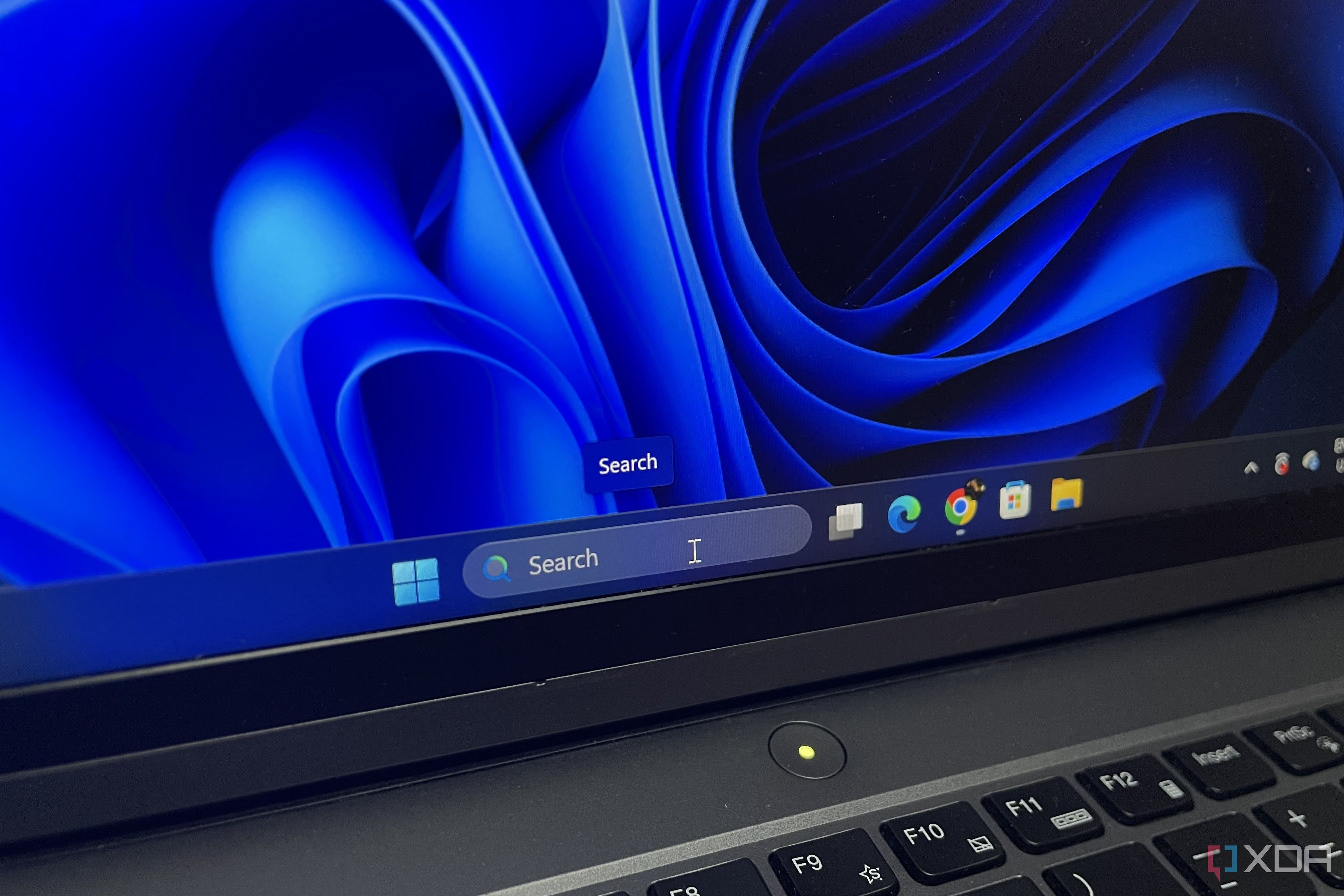
Microsoft has finally introduced a long-awaited toggle in Windows 11 that allows users to permanently disable Bing web search integration in the Start menu search panel. For over a decade, searching for a local file on your computer often resulted in queries being sent to Microsoft's servers to push web suggestions instead of focusing on your C: drive. The new update aims to fix this persistent annoyance with a simple settings switch.
- Microsoft added a dedicated toggle to turn off web searches within Windows 11 version 26H2.
- Testing with Sysinternals TCPView confirms that the toggle stops SearchHost from firing connections to Bing.
- The settings menu also includes an option to keep Microsoft Store suggestions out of search results.
For years, the biggest complaint about Windows Search was its aggressive push to route local queries to the web, complete with AI Overview cards and prompts to open Microsoft Edge. Users frequently cited this behavior as a primary reason for switching to third-party file search alternatives on the operating system. The ability to cleanly separate local indexing from online web queries marks a significant improvement in user experience.
To access and enable this feature, users must update their OS to the latest 26H2 version, which is rolling out to eligible PCs running 24H2 or 25H2. Navigating to Settings > Privacy & Security > Search reveals the new "Show suggested search results" section, housing toggles for both web searches and Microsoft Store suggestions. Turning off web searches stops unnecessary network requests while ensuring that non-existent files return a proper "No results found" message.
For businesses and everyday users, this change brings a much cleaner, faster, and more private local search experience without unexpected telemetry detours. While it took a decade for Microsoft to address this issue, the addition of a single straightforward toggle makes the native Windows search experience genuinely useful again, potentially bringing back users who previously relied on third-party search tools.
Source: XDA